


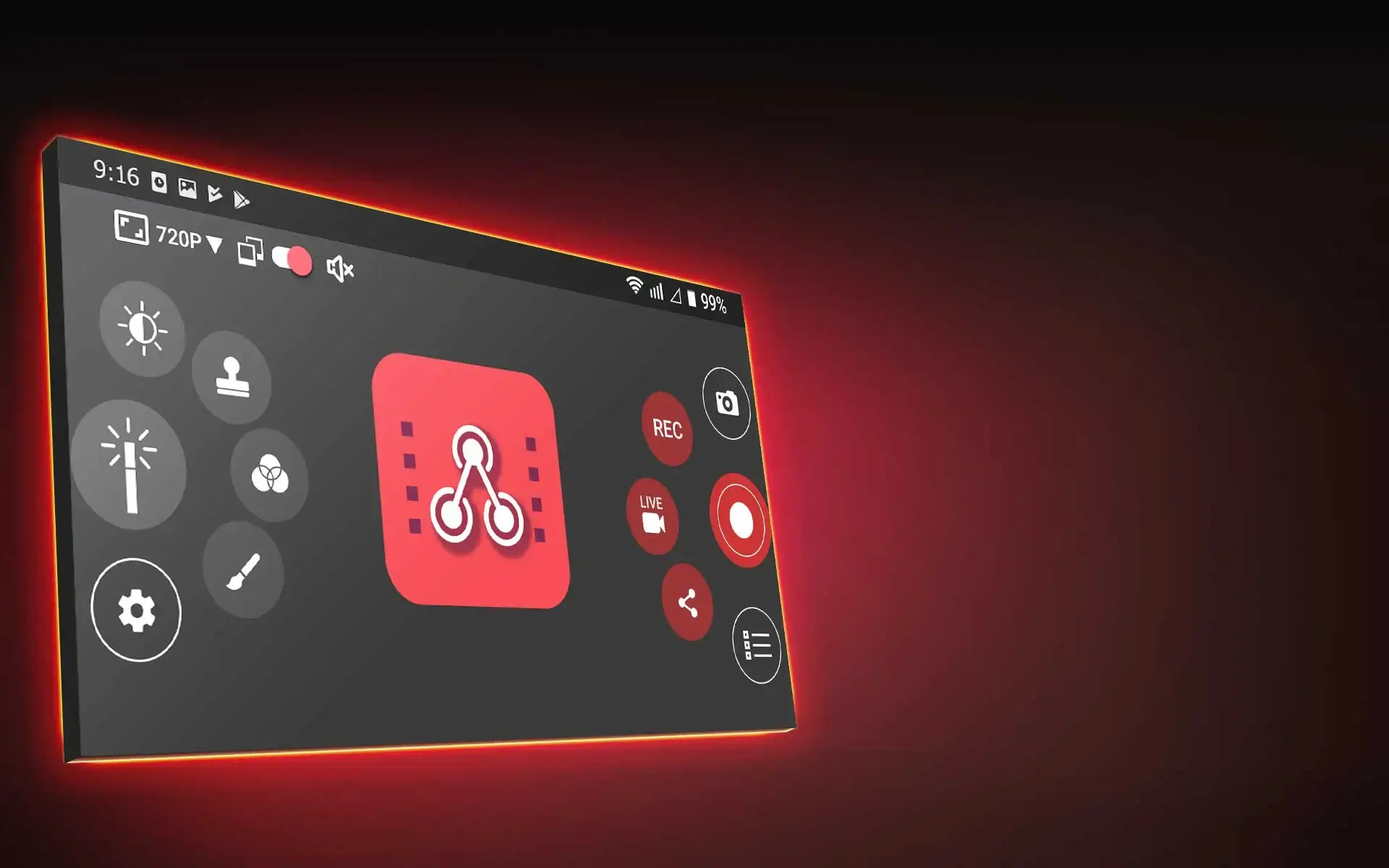
ClonerAlliance App
Capture and live stream HD videos/games on your Android device.
ClonerAlliance App
ClonerAlliance App
ClonerAlliance App is a versatile Android app developed for ClonerAlliance’s hardware products. You can capture, record or live stream any HD video or game video with Android phone, working together with video capture products and any other UVC standard compatible video devices. With the OTG or USB Type-C port of Android phone, any HDMI video source or UVC camera, such as drone’s camera, AR glasses, DLSR, web camera, camcorder, and game console, can be captured and recorded by ClonerAlliance App at 1080p. Furthermore, you can live stream HD videos and push them to Twitch, ZOOM, Skype, YouTube, etc wherever you are. No PC required any more.
Key Features

Record video from any UVC standard compatible device.

Various scenario supported. For dentist, vehicle mechanician, reporter, YouTuber, console gamer...

Make your live streaming look more remarkable than others.

Live streaming in PIP mode and green screen chroma key.
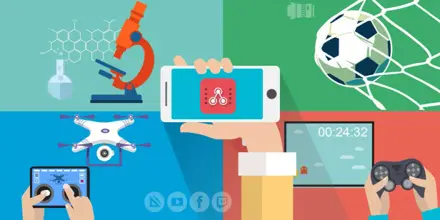
HD Video Capture and Record. Snapshot Capture
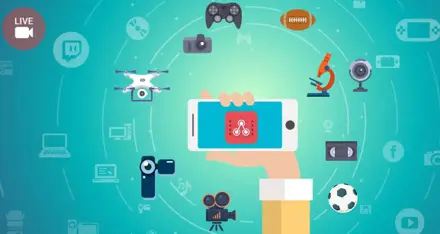
Live Streaming. Video Editor
Recommended System Requirements
- Android 5.0 or above
- OTG/USB Type-C Port
FAQ
How to connect Flint series products with ClonerAlliance app?
Please proceed as following instructions to get your Flint series products work with ClonerAlliance app. Step 1: An OTG cable or USB type A to type C adapter is required.
Learn more →How to connect UVC video device with Android phone?
Step 1: Connect the UVC video device with a video source device which working properly using an HDMI cable. Step 2: Connect an USB cable with the UVC video device. An USB (TYPE A-C/ OTG) adapter maybe required. Step 3:Connect the USB cable with Android Phone.
Learn more →What’s the meaning of the buttons in ClonerAlliance App’s main interface?
Video Caputre:. Tap to capture video from UVC video device. Tap to live streaming on social media. Tap to share short video via multiple platforms. Snapshot:. Tap to capture static picture. Settings: set up video and audio device, adjust related parameters for capture video and snapshot.
Learn more →How to record streaming video?
Set up resolution, bitrate and duration (short video capture) by tapping Settings and go in Video capture menu as following picture shows:. Video Capture. Bitrate: 100KBps-10000KBps. Duration: 3min to infinity.
Learn more →How can I live streaming with Cloner Alliance APP?
Take Twitch as example. Step1. Please connect media source device and ClonerAlliance Flint series products to your phone. Step2. Launch Cloner Alliance APP on your phone, click "ok" to authorize the connection. Step3. Tap then to select platform for live streaming. Step4.
Learn more →Service
Responsive Support
A professional technical team at your service.
2-Year Warranty
Buy with confidence, covered for two full years.
Free Shipping
Free standard delivery on orders of $60 or more, straight to your door.
- Free standard shipping worldwide on orders of $60 or more; orders under $60 ship for $7. Estimated 15-20 business days after dispatch. Express delivery is selectable at checkout: U.S. orders arrive within 2 business days, from $10; Canadian orders arrive within 7 business days for $25. Import duties and taxes, where applicable, are paid by the recipient.
- 90-day money back guarantee on physical products, counted from the day your order is delivered. Refund Policy.