


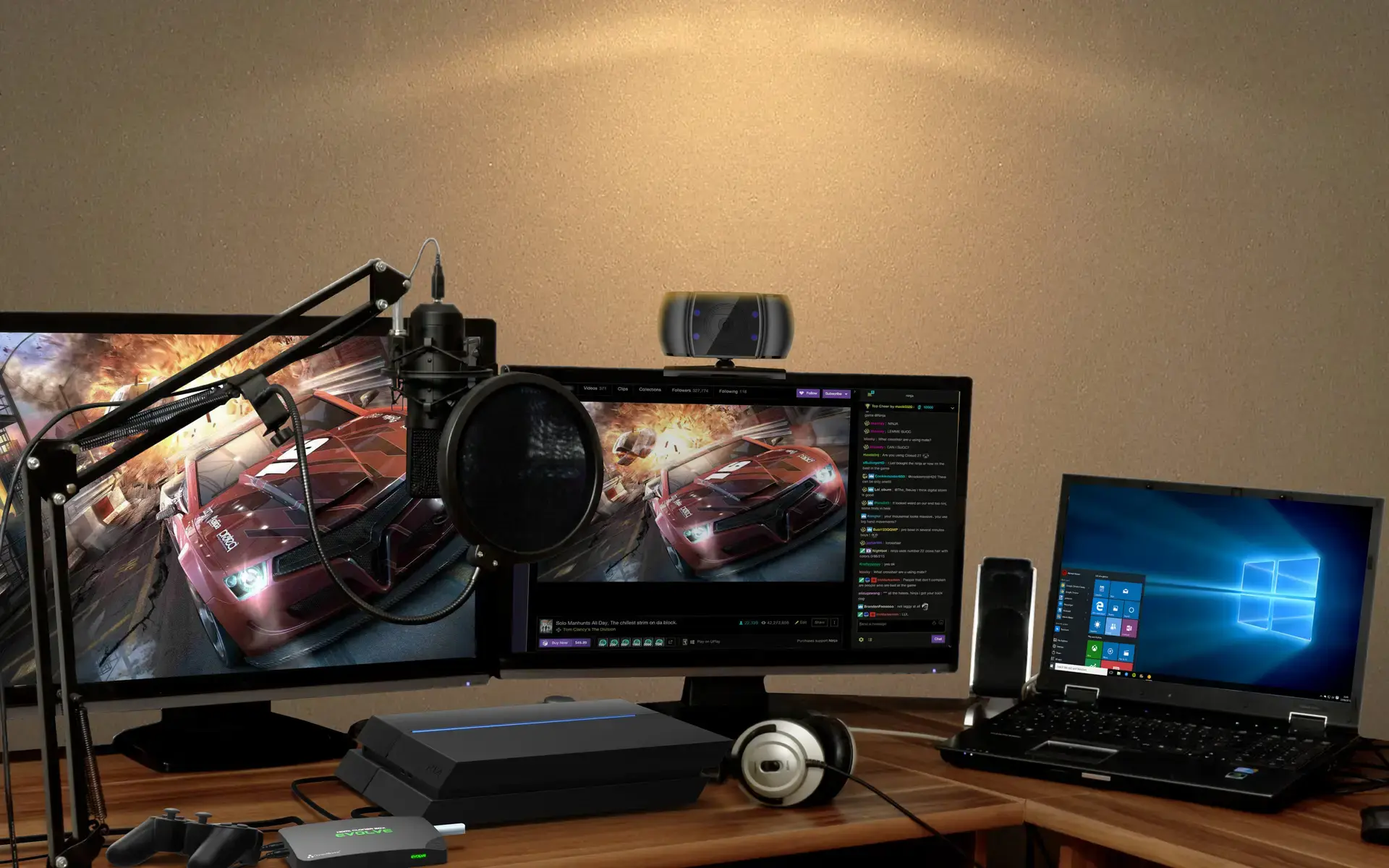
ClonerAlliance Box Evolve
Record Video To USB Flash Drive/TF Card/PC. 2 HDMI Inputs.
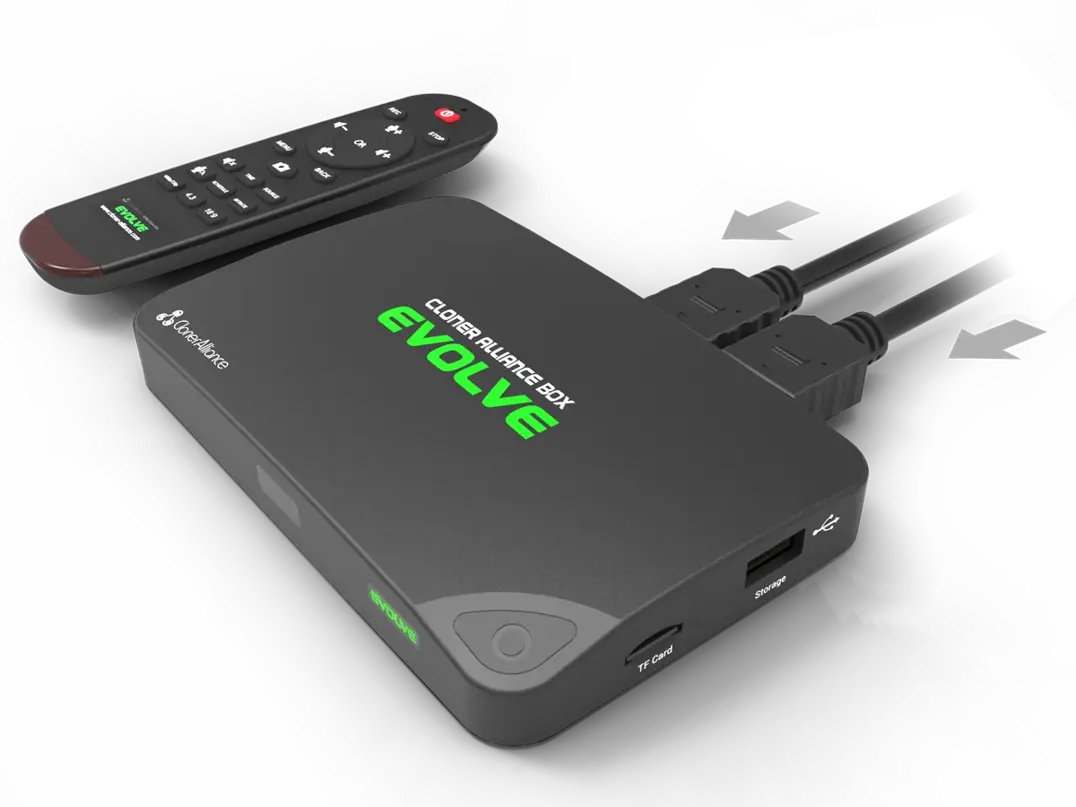
ClonerAlliance Box Evolve
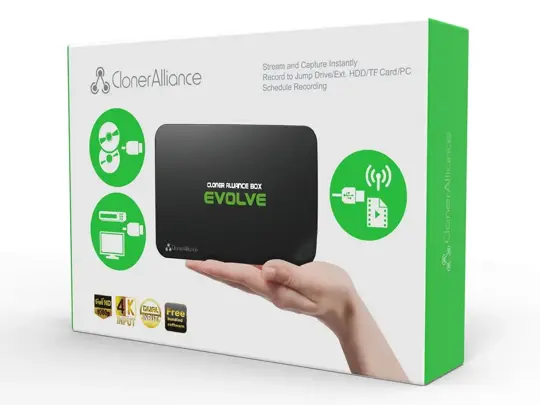
ClonerAlliance Box Evolve is a standalone video capture box to record videos from any video source to your USB flash drive/TF card/PC. Designed with 2 HDMI and 1 AV inputs, you can switch the ready input signal in real time and digitize your old videos.
ClonerAlliance Box Evolve is a standalone video capture box to record videos from any video source to your USB flash drive/TF card/PC. Designed with 2 HDMI and 1 AV inputs, you can switch the ready input signal in real time and digitize your old videos. The output video encodes in H.264, ensuring your video will be compatible with almost any device platform. With the custom remote control, stay on the couch and press one button to start recording now!
Key Features

Record HDMI videos/gameplay to your USB storage device or TF card. No need for PC!

2 HDMI video inputs, quickly switch between video sources.

Convert AV (composite) analog videos to digital videos.

Schedule recording. You'll never miss out your favorite video moments from now on.
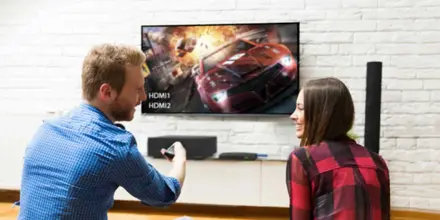
Record videos to USB storage devices/TF cards. No need for PC!
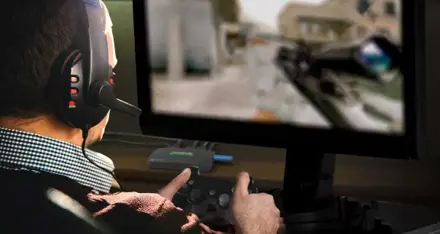
Capture/Live gaming moments to YouTube/Twitch, ZOOM, Skype/Facebook.
Specifications
| Output format | MP4 (H.264) |
|---|---|
| Video standards (input) | NTSC, PAL |
| Supported disk formats | FAT32, NTFS |
| Input | HDMI1, HDMI2, AV, MIC |
| Output | HDMI (pass-through), USB, Micro USB, TF |
| Bitrate | Max:16Mbps |
| CEC wake-up | Support |
| Maximum storage capacity | Maximum 2TB for a USB flash drive; Maximum 32GB for a TF card |
| Power supply | DC 5V, 2A |
| Weight | 3.5 oz |
| Dimensions | 5.12 x 3.35 x 0.63 inches |
Supported Resolutions
| Input | 3840x2160 (30p) 1920x1080 (50p), 1920x1080 (60p) 1920x1080 (24p), 1920x1080 (25p), 1920x1080 (30p) 1920x1080 (50i), 1920x1080 (60i), 1280x1024 (60p) 1280x720 (60p), 1280x768 (60p), 1280x800 (60p) 720x480 (60i), 720x480 (50i) 640x480 (60p), 720x480 (60p), 720x576 (50p) |
|---|---|
| Output | 1920x1080 (60p), 1280x720 (60p) |
| Recording | 1920x1080 (30p), 1280x720 (60p) |
Unboxed
- ClonerAlliance Box Evolve
- Remote Control
- HDMI Cable
- AV Adapter Cable
- Micro-USB to USB Cable
- Power Adapter
- Quick Guide
FAQ
My TV has a black screen or “Och!Something Wrong!” message when using ClonerAlliance Box Evolve.
Please confirm that all cables and devices are connected properly. If this problem keeps showing up, you may be using an unsupported video source content. Please change the video source and try again. For detail, please see https://www.cloner-alliance.com/unsupported-content.
Learn more →How to record videos to the USB flash drive or TF card with ClonerAlliance Box Evolve?
Connect the video player to IN port on ClonerAlliance Box Evolve via an HDMI cable. Connect ClonerAlliance Box Evolve from OUT port to TV via an HDMI cable. Insert the USB flash drive and/or TF card into ClonerAlliance Box Evolve.
Learn more →How to record videos to PC with ClonerAlliance Box Evolve?
Prior to installing HDML-Cloner Pro Helper, please make sure you are using Windows Vista or later versions and your PC is equipped with USB 2.0 or USB 3.0 port.
Learn more →Why is there a prompt “No signal” on TV screen after connecting ClonerAlliance Box Evolve?
Please press the "Source" button on the remote control to switch to the proper input signal.
Learn more →Can I record the video and save it as a complete video instead of several 2GB files?
Yes. You can press the "BITRATE" button on the remote control and the bitrate selection menu will pop up. There are six options available, which are Limited 6M, Limited 10M, Limited 16M, Unlimited 6M, Unlimited 10M and Unlimited 16M.
Learn more →I was wondering if ClonerAlliance Box Pro/Evolve/Turbo can work with Skype or Zoom?
Sorry, no. ClonerAlliance Box Pro/Evolve/Turbo is not plug and play UVC device. It can't work with Skype or Zoom software. ClonerAlliance Box Pro/Evolve/Turbo can be used with OBS or Xsplit, but you have to install ClonerAlliance Helper on your windows computer to get the driver first. FYI.
Learn more →How to connect ClonerAlliance Box Evolve to the third-party live streaming software?
Note: This instruction applies toClonerAlliance Boxx Pro, HDML-Cloner Box Evolve and ClonerAlliance Box Turbo.
Learn more →Service
Responsive Support
A professional technical team at your service.
2-Year Warranty
Buy with confidence, covered for two full years.
Free Shipping
Free delivery on all orders, straight to your door.
User Manual
Open PDF (v2.5.3) →
- Free standard shipping worldwide, estimated 15-20 business days after dispatch. Express delivery is selectable at checkout: U.S. orders arrive within 2 business days, from $10; Canadian orders arrive within 7 business days for $25. Import duties and taxes, where applicable, are paid by the recipient.
- 90-day money back guarantee on physical products, counted from the day your order is delivered. Refund Policy.