


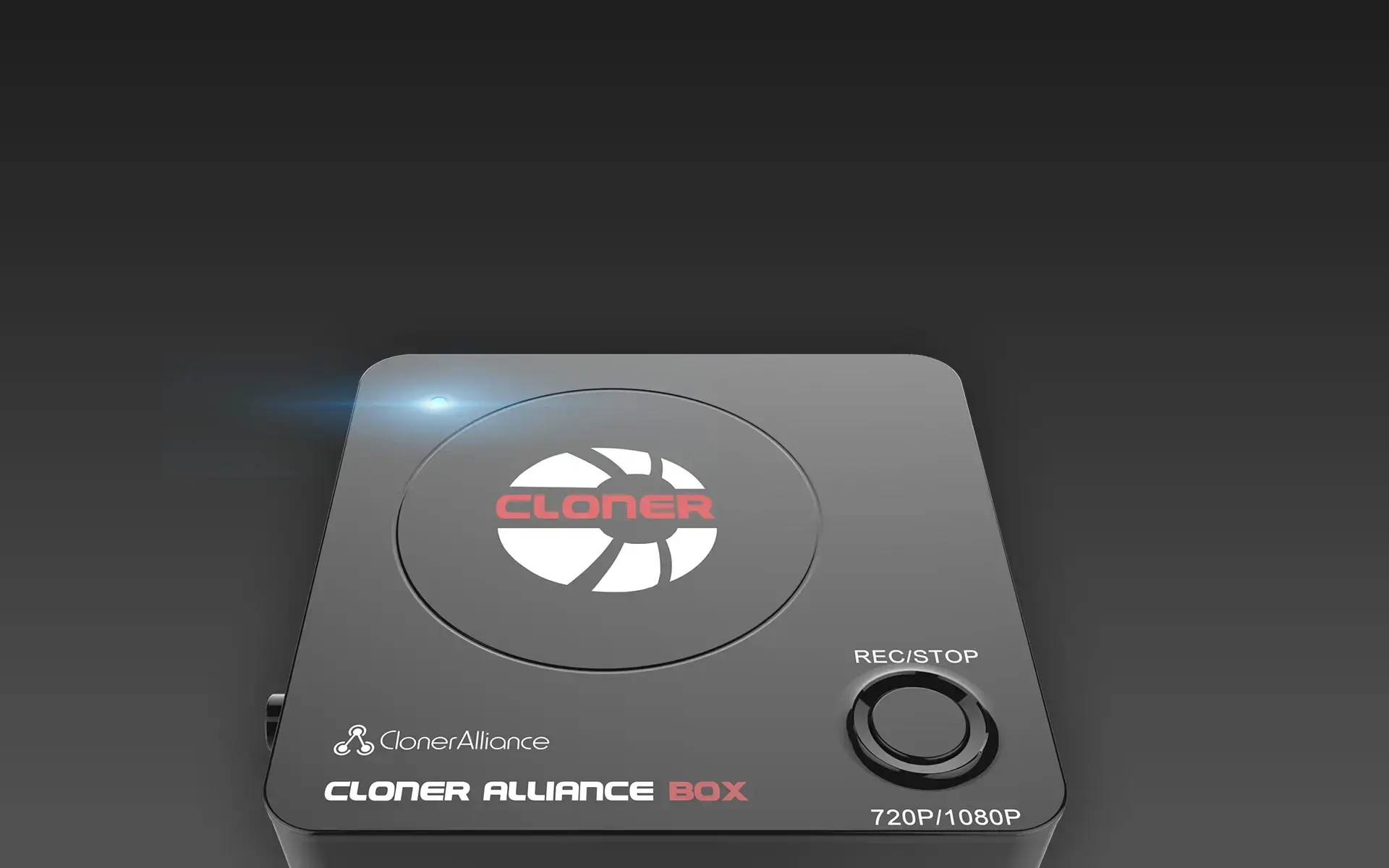
ClonerAlliance Box
Press One Button To Record Any HDMI Videos. No PC Required!
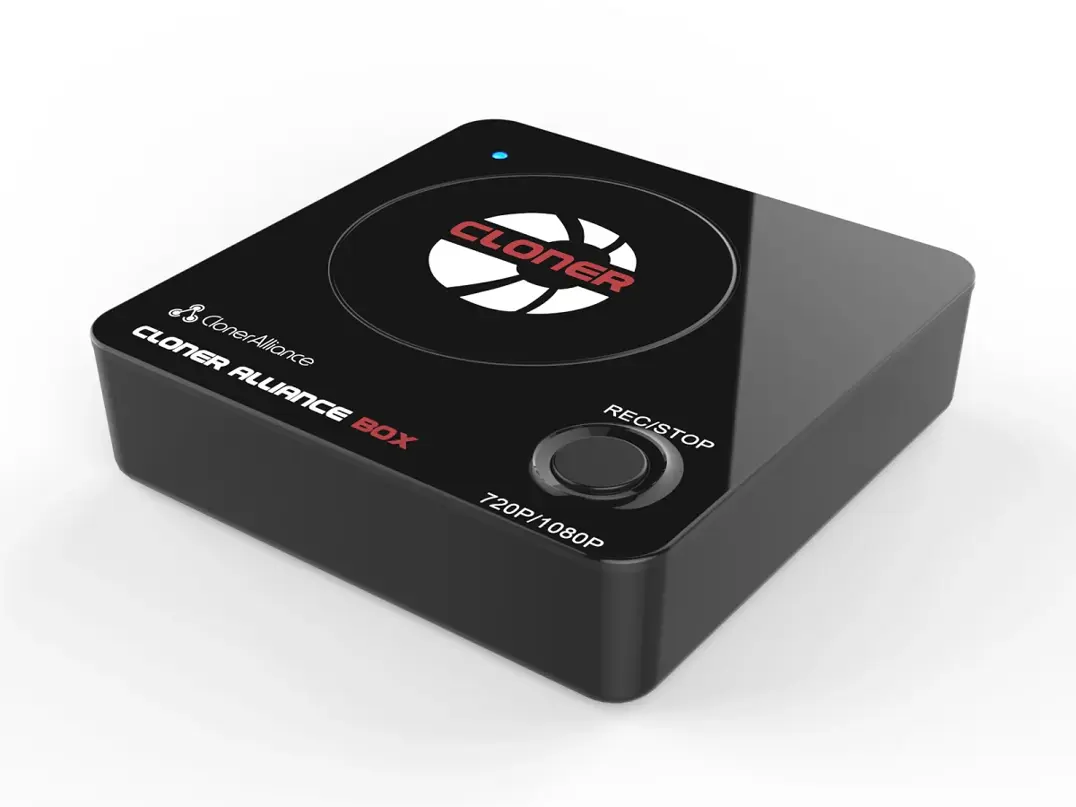
ClonerAlliance Box
ClonerAlliance Box is a standalone HDMI video recorder, which enables you to record videos/gameplay from any HDMI video source including set-top box, video player, digital camera onto your USB flash drive or external hard drive. It delivers ultra-low latency Full HD pass-through video, so that you can enjoy your gameplay as it is meant to be.
ClonerAlliance Box is a standalone HDMI video recorder, which enables you to record videos/gameplay from any HDMI video source including set-top box, video player, digital camera onto your USB flash drive or external hard drive. It delivers ultra-low latency Full HD pass-through video, so that you can enjoy your gameplay as it is meant to be. The 3.5mm mic jack allows you to add own live commentary to your gameplay/video.
Key Features

Record HDMI videos/gameplay to your USB storage devices. No need for PC!

Press one button to record. Easy and convenient.

Record live commentary or voice-over together with gameplay video.

Ultra-low latency Full HD pass-through. Enjoy your gameplay as it is meant to be.

H.264 Video Recorder for Your HDMI Stuff
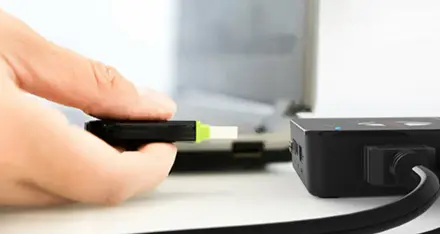
Standalone video grabber. Free up your PC!
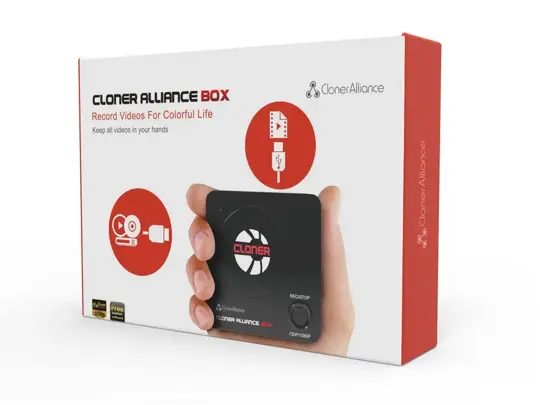
Specifications
| Output format | MP4 (H.264) |
|---|---|
| Video standards (input) | NTSC, PAL |
| Supported disk formats | FAT32, NTFS |
| Input | HDMI, MIC |
| Output | HDMI (pass-through), USB |
| Bitrate | Max:10Mbps |
| Maximum storage capacity | 2TB |
| Power supply | DC 5V, 2A |
| Weight | 5.3 oz |
| Dimensions | 4.4 x 4.4 x 1.0 inches |
Supported Resolutions
| Input/Output | 1920x1080 (50p), 1920x1080 (60p) 1920x1080 (24p), 1920x1080 (25p), 1920x1080 (30p) 1920x1080 (50i), 1920x1080 (60i), 1280x1024 (60p) 1280x720 (60p), 1280x768 (60p), 1280x800 (60p) 720x480 (60i), 720x480 (50i) 640x480 (60p), 720x480 (60p), 720x576 (50p) |
|---|---|
| Recording | 1920x1080 (30p), 1280x720 (60p), 1280x720 (30p) 640x480 (60p), 720x480 (60p), 720x576 (50p) |
Unboxed
- ClonerAlliance Box
- HDMI Cable
- Power Adapter
- Quick Guide
FAQ
My TV has a black screen when using ClonerAlliance Box.
Please confirm that all cables and devices are connected properly. If this problem keeps showing up, you may be using an unsupported video source content. Please change the video source and try again. For detail, please see https://www.cloner-alliance.com/unsupported-content.
Learn more →What do different colors of the LED light on ClonerAlliance Box indicate?
The LED light will illuminate different colors/ways to indicate functions. LED green: The source video is 720p/others. LED blue: The source video is 1080p/1080i. LED blinks green: Recording/buffering 720p/others video.
Learn more →Does ClonerAlliance Box support 1080p output?
Yes. ClonerAlliance Box supports input and output 1080p of different resolutions. It adopts advanced hardware H.264 encoding to capture your gameplay in stunning 1080p Full HD, while keeping the file size low and capturing speed high.
Learn more →How to reset ClonerAlliance Box?
Please hold "REC" button first, at the same time, turn on ClonerAlliance Box. Please keep holding "REC" button until the LED is on. Now you have reset the ClonerAlliance Box successfully.
Learn more →How to use ClonerAlliance Box?
Tip: The USB flash drive is not included in the product box. You need to purchase it separately. Click here to learn how to select a proper USB flash drive/mobile hard disk to work with ClonerAlliance Box.
Learn more →How To Switch Resolution Between 1080p And 720p?
If you hold the REC button for a few seconds, it works as a switch between 720p and 1080p. Note: You can switch between 720p and 1080p only with the resolution of 1080p/1080i.
Learn more →Service
Responsive Support
A professional technical team at your service.
2-Year Warranty
Buy with confidence, covered for two full years.
Free Shipping
Free standard delivery on orders of $60 or more, straight to your door.
User Manual
Open PDF (v2.5.3) →
- Free standard shipping worldwide on orders of $60 or more; orders under $60 ship for $7. Estimated 15-20 business days after dispatch. Express delivery is selectable at checkout: U.S. orders arrive within 2 business days, from $10; Canadian orders arrive within 7 business days for $25. Import duties and taxes, where applicable, are paid by the recipient.
- 90-day money back guarantee on physical products, counted from the day your order is delivered. Refund Policy.