


ClonerAlliance Chert 4KC
Record Video To USB Flash Drive/TF Card/PC. 2 HDMI Inputs.
ClonerAlliance Chert 4KC
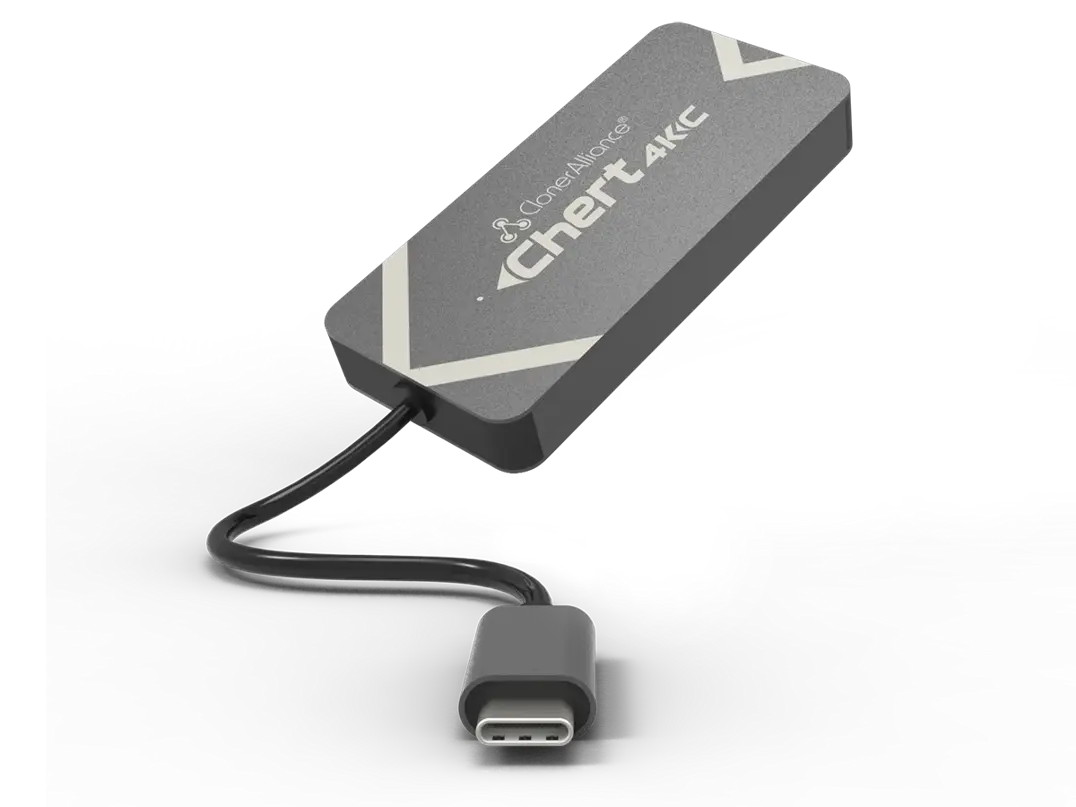
ClonerAlliance Chert 4KC is a super portable UVC HDMI to USB 3.0 video capture device. It supports 4K@30fps input. No driver is needed, just plug and play.
ClonerAlliance Chert 4KC is a super portable UVC HDMI to USB 3.0 video capture device. It supports 4K@30fps input. No driver is needed, just plug and play. With universal and high performance USB Type-C Plug and Ultra Low Latency technology, you can easily record and broadcast 1080p@60fps HDMI videos from video players, set-top boxes, webcams, DSLRs, camcorders and game consoles to Mac, Windows, Linux or Android.
Key Features

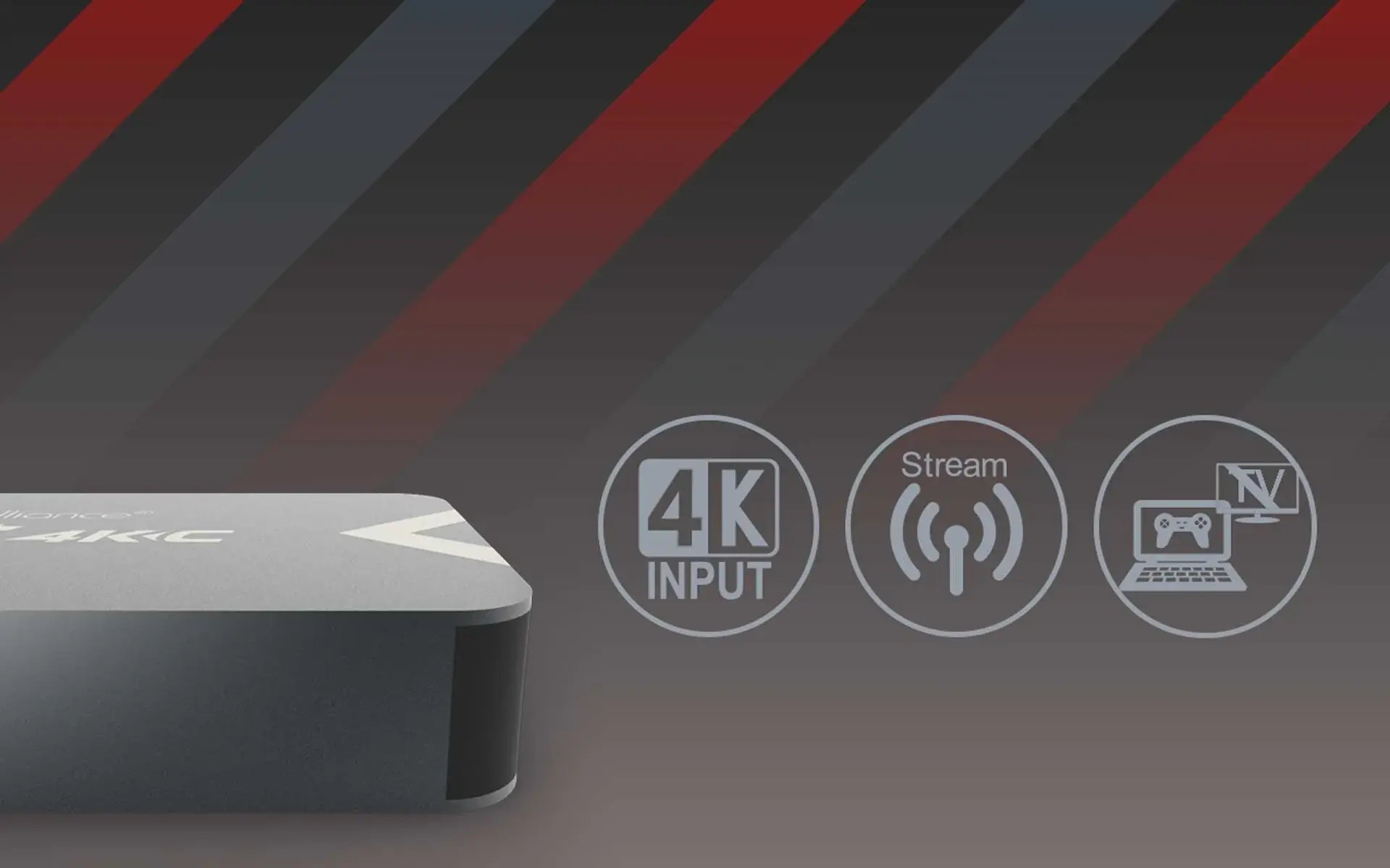
HDMI to USB-C Mini dongle. Ideal for playing console games on PC/laptops. No TV is needed.

4K@30fps input supported - Capture video up to 1080p@60fps. Ultra Low Latency, lower than 90ms.

Multiple platforms supported - Windows, Mac, Linux, and Android. Plug and Play.

Stream and capture your gameplay/videos to YouTube, Twitch, ZOOM, Skype and Facebook instantly through livestreaming software.

Play Console Games on Your Laptop/PC.

Use Camcorder/DSLR to Go Live.
Specifications
| Output format | MJPEG,YUY2 |
|---|---|
| Video standards (input) | NTSC, PAL |
| Input | HDMI |
| Output | USB Type-C |
| Max transmission bitrate | 2Gbps |
| Bitrate | Max:140Mbps |
| Weight | 1.76 oz |
| Dimensions | 3.5 x 1.6 x 0.4 inches |
Supported Resolutions
| Recording Resolutions | 720 x 480 (60p), 720 x 576 (50p), 1280 x 720 (50p), 1280 x 720 (60p), 1920x 1080 (50i), 1920 x 1080 (60i), 1920 x 1080 (24p), 1920 x 1080 (25p), 1920 x1080 (30p), 1920 x 1080 (50p), 1920 x 1080 (60p) |
|---|---|
| Max Input Resolution | 30fps @ 3840 x 2160 |
Unboxed
- ClonerAlliance Chert 4KC
- USB Type-C to USB Type-A connector
- USB 2.0 female to male connector
- Quick Guide
Reviewer's Recommendation
FAQ
How to setup in OBS with ClonerAlliance Chert 4KC device?
Please connect source device to the HDMI input port of ClonerAlliance Chert 4KC with HDMI cable and connect ClonerAlliance Chert 4KC to PC with USB type-c to USB Connector.
Learn more →How to deal with PC doesn’t recognize ClonerAlliance Chert 4KC device?
Please change another USB port and re-plug in, it'll help.
Learn more →Which models of ClonerAlliance hardwares are plug and play for working with Zoom or Skype?
`ClonerAlliance UHD Pro`_ , ClonerAlliance Flint and Chert Series Products work with Zoom or Skype directly.
Learn more →Why don't I get audio from my DSLR in Zoom?
Don't worry. We are sure that issue was caused by the Zoom software. We have found a work-around to fix it. In Zoom, please switch the video to another device. After that, switch it back to the ClonerAlliance Flint/Chert Series Hardware, then the audio will start working.
Learn more →Why Is There No Audio When Running Open Broadcaster Software(OBS) With ClonerAlliance Chert 4KC?
Tip: For Mac users, please scroll down to the bottom, there are step by step instructions. First, please set CA Chert sample rate as 48KHz in Windows system. Second, please make sure sample rate in OBS Studio is also set to 48KHz.
Learn more →Service
Responsive Support
A professional technical team at your service.
2-Year Warranty
Buy with confidence, covered for two full years.
Free Shipping
Free standard delivery on orders of $60 or more, straight to your door.
User Manual
Open PDF (v1.1) →
- Free standard shipping worldwide on orders of $60 or more; orders under $60 ship for $7. Estimated 15-20 business days after dispatch. Express delivery is selectable at checkout: U.S. orders arrive within 2 business days, from $10; Canadian orders arrive within 7 business days for $25. Import duties and taxes, where applicable, are paid by the recipient.
- 90-day money back guarantee on physical products, counted from the day your order is delivered. Refund Policy.
