


ClonerAlliance Screen-Cloner Application
The ClonerAlliance Screen-Cloner Application is a powerful, easy-to-use software that enables 1080p@60fps screen recording with system audio, minimal resource usage, and scheduled recording, perfect for capturing any desktop content.
ClonerAlliance Screen-Cloner Application
The ClonerAlliance Screen-Cloner Application is a user-friendly software that works with the Screen-Cloner Dongle to capture 1080p@60fps screen recordings, supporting system audio, microphone input, and scheduled recordings with minimal system resource usage. Perfect for seamless desktop video capture on Windows and macOS.
Features

HD Recording
Capture your screen in 1080p at 60fps for crisp, smooth video every time.

Low Resource Usage
Operates with minimal impact on system performance, allowing long-term recording in the background.

Audio Support
Records both system internal audio and microphone input with perfect synchronization.

Scheduled Recording
Set timers to automatically start and stop recordings, so you never miss a moment.
Enhanced Sample Video by ClonerAlliance Screen-Cloner Application
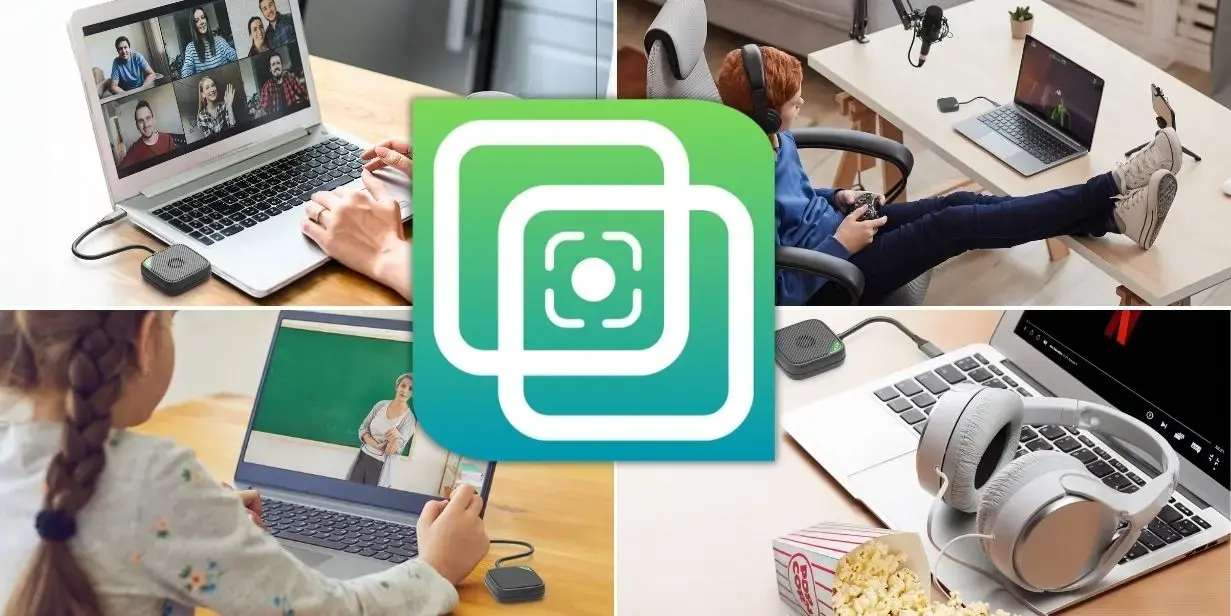
1080p@60fps Recording: Capture your desktop with stunning clarity and fluid motion, ensuring every detail is preserved in high-definition video.
Minimal System Impact: Utilizing advanced hardware encoding, the Screen-Cloner Application allows you to record for long periods without slowing down your computer or draining its resources.
Audio Recording: Capture all system sounds, including internal audio and microphone input, with perfect synchronization, ensuring that your recordings are both visually and audibly flawless.
Scheduled Recording: Set up automatic recording schedules so you can capture important moments without needing to be at your computer.
Multi-Monitor Support: Record content from any display in a multi-monitor setup, giving you the flexibility to capture exactly what you need, no matter how many screens you’re using.
User-Friendly Interface: The simple, clean design of the application makes it easy to start recording with just a few clicks, while offering advanced options for those who need more control.
Customizable File Sizes: Define file size limits for your recordings, ensuring they fit your specific needs for editing, storage, or sharing.
Hotkey Control: Record without interrupting your workflow by using customizable hotkeys, allowing for a seamless recording experience without bringing up the interface.
The ClonerAlliance Screen-Cloner Application provides a reliable, high-performance solution for anyone looking to capture their screen effortlessly and with professional results. Whether you’re recording gameplay, creating content, or capturing online meetings, this software delivers every time.
System Requirements
| Requirements | |
|---|---|
| Operating system | Windows 7 or later, macOS 10.15 or later |
| CPU | Intel i3 or higher |
| Memory | 4GB RAM or higher |
| Storage | 512MB free disk space for installation |
| Ports | USB-C with Thunderbolt, or USB-A 2.0 + DP |
FAQ
Introduction to ClonerAlliance Screen-Cloner Application
ClonerAlliance Screen-Cloner Application is the control software for the ClonerAlliance Screen-Cloner Dongle.
Learn more →Key Features of ClonerAlliance Screen-Cloner Application
High-definition recording at 1080p@60fps. Minimal system resource usage thanks to hardware encoding. Support for recording any desktop content, including games, online meetings, and courses. One-click recording and stopping, with hotkey support for seamless operation. Multi-monitor support.
Learn more →Differences Between ClonerAlliance Screen-Cloner Application and Built-in Recording Tools
Xbox Game Bar: Only records games or application windows, not the desktop or file explorer. Screenshot Toolbar and QuickTime Player: Cannot directly record internal audio, only microphone audio. No such limitations.
Learn more →Benefits of Using ClonerAlliance Screen-Cloner Dongle
The ClonerAlliance Screen-Cloner Dongle provides a dedicated hardware solution for recording, ensuring high performance and reliability.
Learn more →How to Use ClonerAlliance Screen-Cloner Application with Older Computers
ClonerAlliance Screen-Cloner Application is optimized to work with older computers by minimizing resource usage through hardware encoding. Ensure your computer meets the minimum system requirements and close other applications to enhance performance.
Learn more →Service
Responsive Support
A professional technical team at your service.
2-Year Warranty
Buy with confidence, covered for two full years.
Free Shipping
Free delivery on all orders, straight to your door.
- Free standard shipping worldwide, estimated 15-20 business days after dispatch. Express delivery is selectable at checkout: U.S. orders arrive within 2 business days, from $10; Canadian orders arrive within 7 business days for $25. Import duties and taxes, where applicable, are paid by the recipient.
- 90-day money back guarantee on physical products, counted from the day your order is delivered. Refund Policy.