


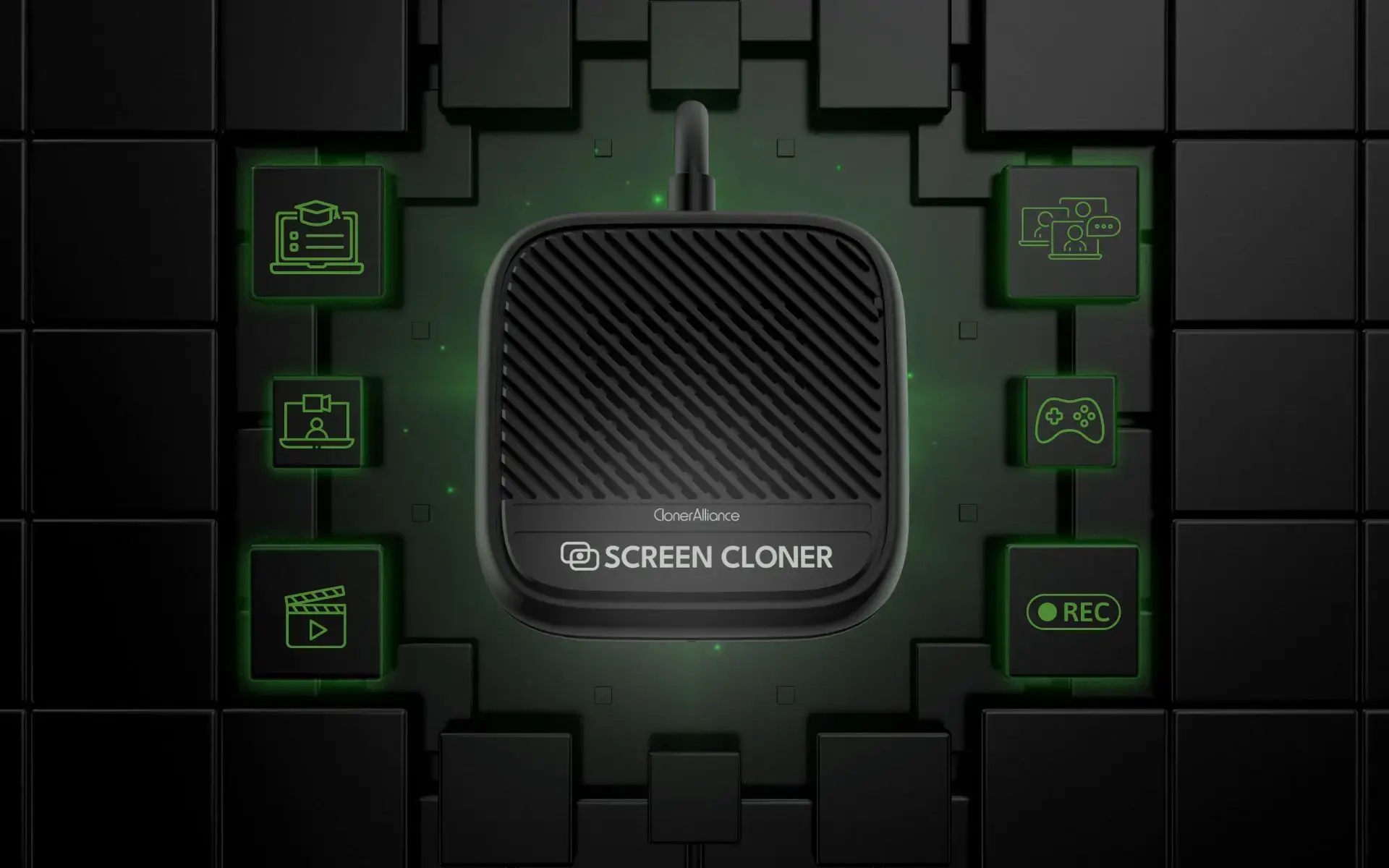
ClonerAlliance Screen-Cloner Dongle
Discover ClonerAlliance Screen-Cloner Dongle, your all-in-one solution to digitize and revive cherished memories with stunning clarity, compatibility, and ease.
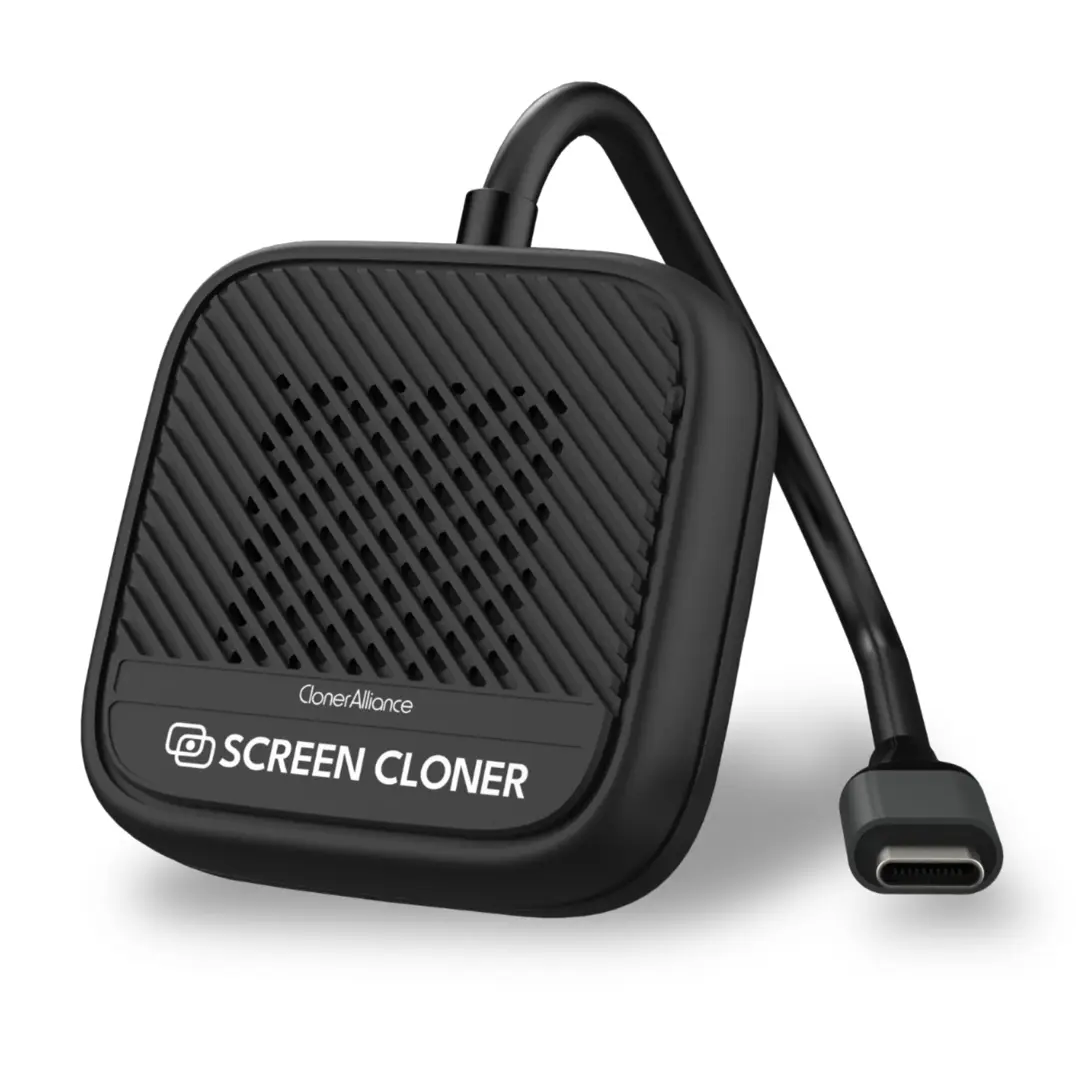
ClonerAlliance Screen-Cloner Dongle
The ClonerAlliance Screen-Cloner Dongle is a portable hardware tool that records 1080p@60fps desktop video with system audio, offering easy one-click operation, hardware encoding, and compatibility with Windows and macOS.
ClonerAlliance Screen-Cloner Dongle is a hardware-based screen recording tool that captures any desktop content in 1080p@60fps with minimal system impact.
Recording online meetings: Capture every detail of group calls, including video, audio, and shared screens, for future reference or sharing.
Recording online classes: Easily record lessons, presentations, and lectures without interruptions, ensuring no information is missed.
Recording video calls: Preserve personal or business video calls with synced audio for quality playback and review.
Recording game videos: Enjoy seamless 1080p60 recording of gameplay without affecting performance, perfect for gaming streams and reviews.
Recording online media: Capture any online live video or audio content directly from your screen.
Recording any screen content: The dongle can record anything on your display, from desktop applications to web browsers.
ClonerAlliance Screen-Cloner Dongle is ideal for recording a variety of scenarios with high-quality video and synced audio
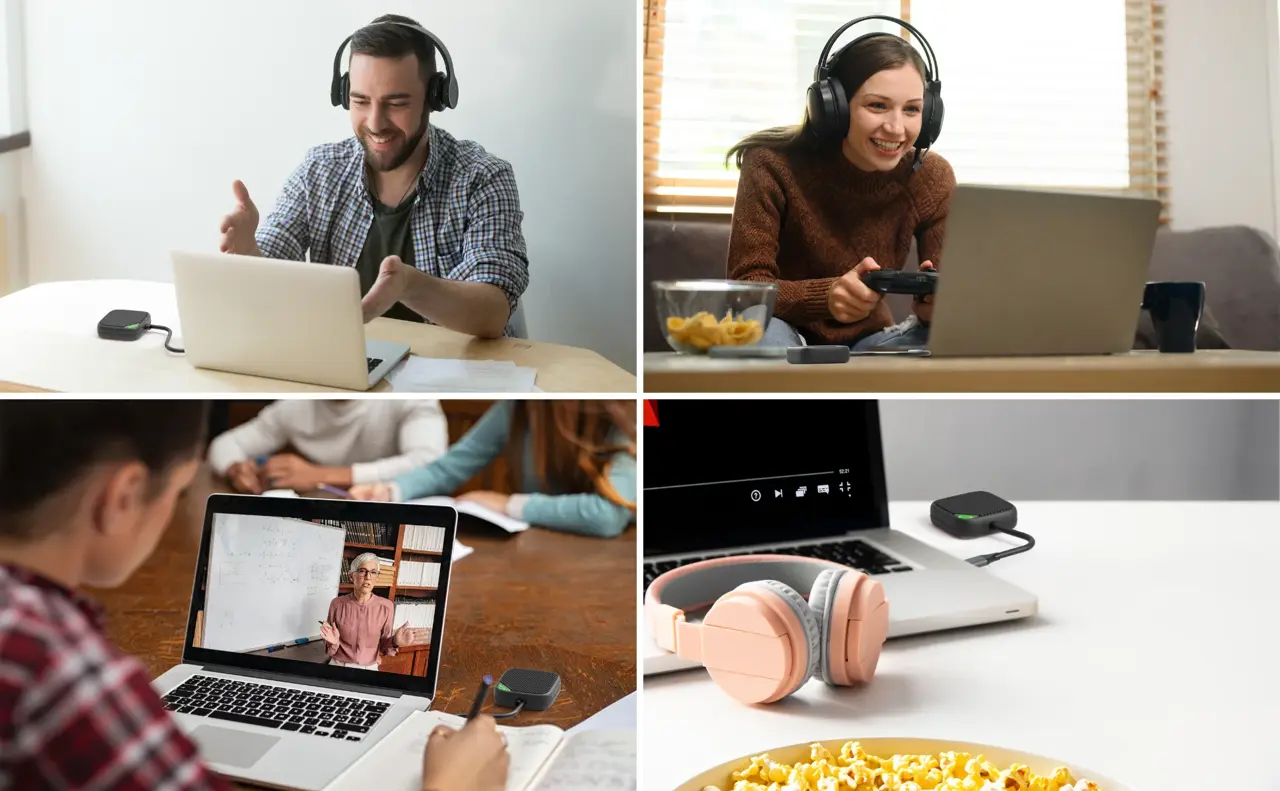
Recording Online Meetings Capture all audio, video, and shared screen content during online conferences. Whether it’s a business meeting or a team collaboration, Screen-Cloner Dongle ensures everything is preserved for future review.
Recording Online Classes Record virtual lectures, tutorials, or live presentations without missing any crucial detail. This tool allows students and educators to revisit learning materials at their convenience.
Recording Game Videos Perfect for gamers who want to record their gameplay in 1080p60. It ensures smooth recording with no performance impact, making it ideal for sharing gameplay or creating tutorials.
Recording Online Media Capture streaming content from any platform, saving videos or audio directly from your screen. It’s a hassle-free way to store media for offline viewing.
Hardware encoder VS software encoder
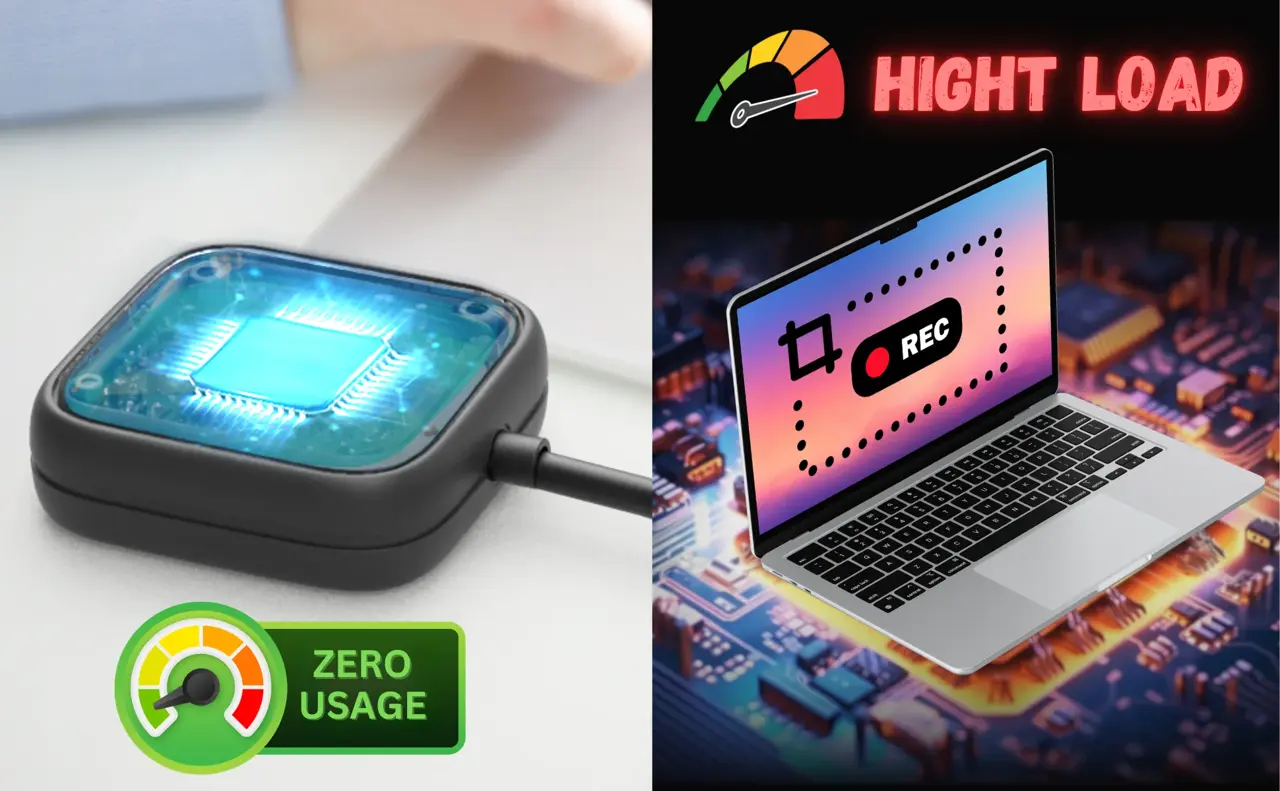
ClonerAlliance Screen-Cloner Dongle uses hardware encoding, offering significant advantages over software-based recording tools. With hardware encoding, the dongle performs video processing independently, minimizing the load on your computer’s CPU and RAM. This ensures smooth performance, even during long recording sessions, without causing system lag or crashes. In contrast, software-encoded screen recorders heavily rely on system resources, which can lead to slowdowns, especially on lower-spec machines.
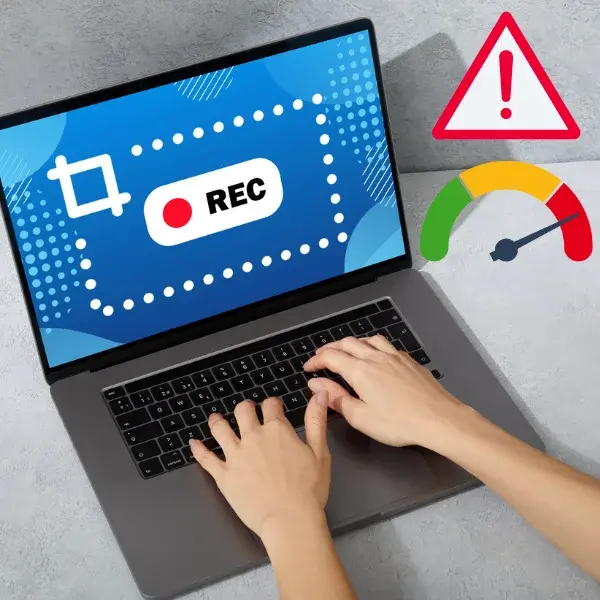
Advantages Over typical screen capture software
ClonerAlliance Screen-Cloner Dongle surpasses typical screen capture software by offering hardware-based encoding, which minimizes system resource usage and ensures smooth, long-duration recording. It records in 1080p@60fps without performance drops, captures all desktop content, including system audio, and is highly compatible with older or low-spec computers, unlike most software-based solutions.
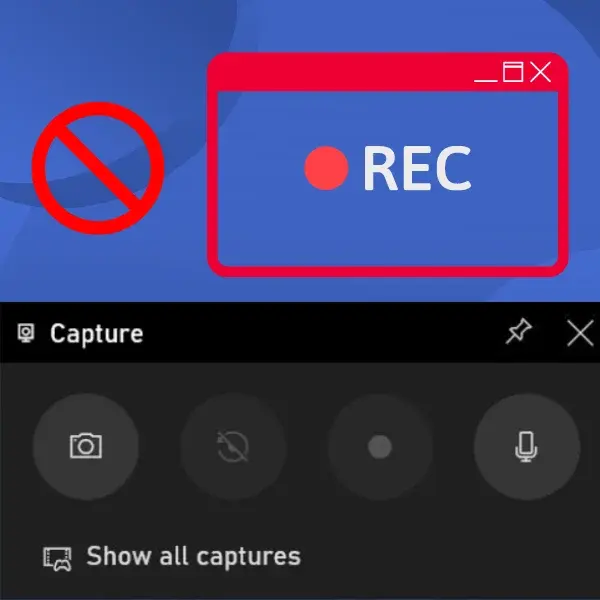
Comparison with Xbox Game Bar
Compared to Windows’ built-in Xbox Game Bar, ClonerAlliance Screen-Cloner Dongle offers significant advantages. While Xbox Game Bar is limited to recording games and specific app windows, the Screen-Cloner Dongle can capture the entire desktop, including system audio and any visible content. It also uses hardware encoding, which ensures stable, long-duration recordings without slowing down your system—something Xbox Game Bar struggles with during extended sessions.
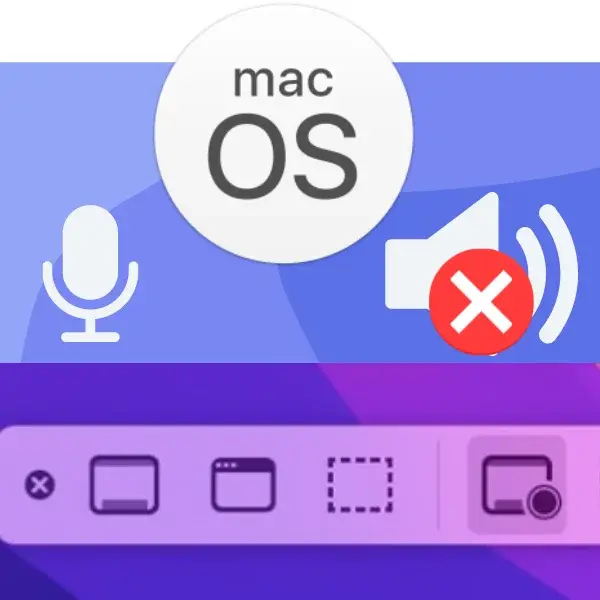
Comparison with MacOS Recording Tools
Compared to Mac OS’s Screenshot toolbar and QuickTime Player, ClonerAlliance Screen-Cloner Dongle offers key advantages. While Mac’s tools cannot record internal system audio without third-party software, the Screen-Cloner Dongle captures both system audio and video seamlessly. It also supports long-duration, high-quality recordings in 1080p@60fps, using hardware encoding to minimize system load. In contrast, Mac’s tools can impact system performance during extended recordings and lack the ability to capture everything on the desktop.
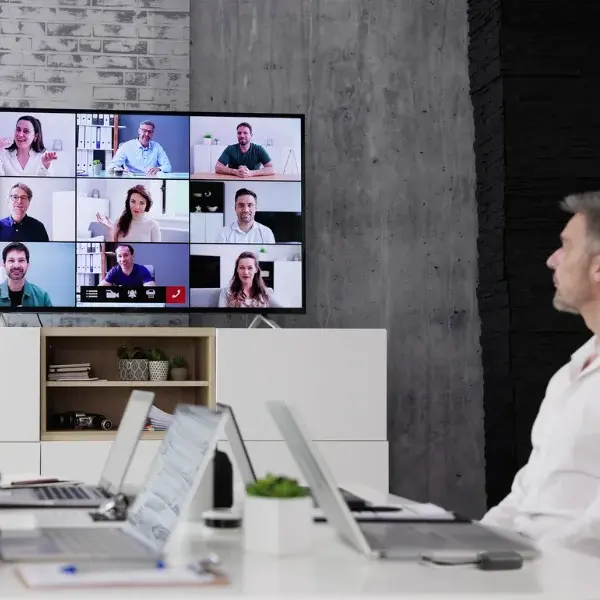
Business Meeting Recording Benefits
In professional settings, ClonerAlliance Screen-Cloner Dongle provides reliable, high-quality recording with minimal impact on system resources. For business online meetings, it ensures that every aspect of the conference—audio, video, and shared content—is captured in 1080p@60fps, including system audio. Unlike software recorders, it can run in the background for extended periods without affecting your workflow or causing system slowdowns. This is essential for documenting long meetings, client calls, or team discussions for future reference or analysis.
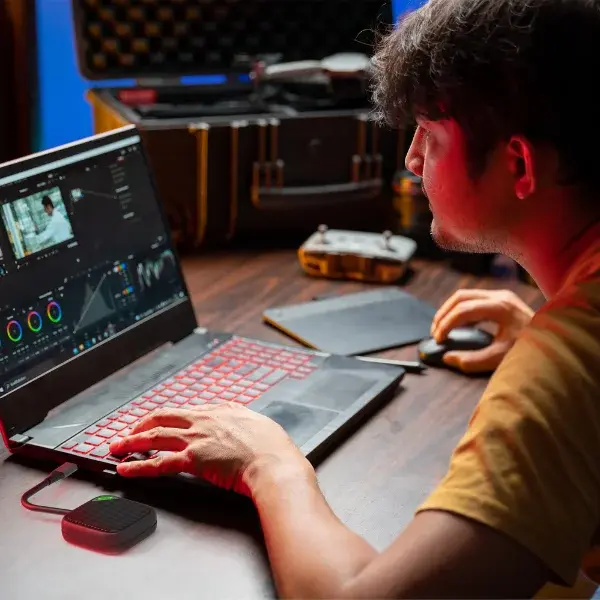
Advantages in Media Production Studios
In professional media production, ClonerAlliance Screen-Cloner Dongle offers seamless 1080p@60fps recording with hardware encoding, ensuring smooth performance even during long sessions. In a film studio, it can capture everything on screen, from video editing software to design tools, without burdening the system. This is especially beneficial when producing high-quality tutorials, behind-the-scenes content, or demo reels. Unlike software recorders, the dongle allows editors and creators to work uninterrupted while recording, ensuring stable, detailed footage without sacrificing performance.
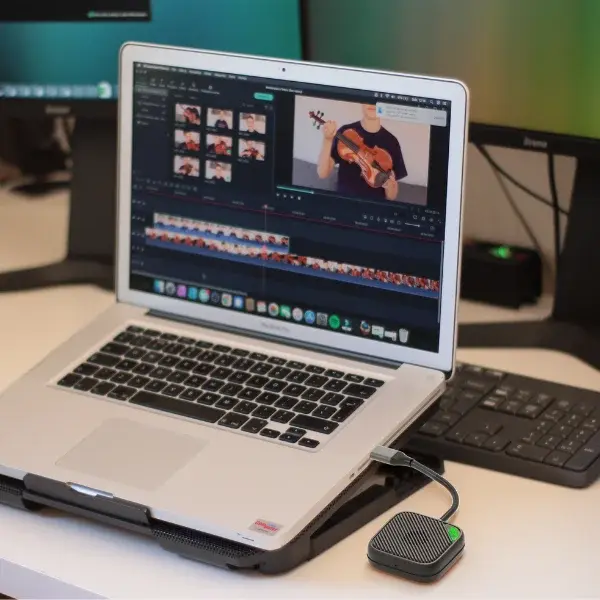
Perfect for Mac-Based Creators
In a self-media studio, especially on Mac OS, ClonerAlliance Screen-Cloner Dongle is an invaluable tool. It provides smooth 1080p@60fps recording with hardware encoding, capturing everything on-screen, including system audio—something Mac’s native tools struggle with. For content creators, whether producing tutorials, vlogs, or live streams, the dongle ensures high-quality, stable recordings with no impact on system performance. This allows creators to focus on content without worrying about missed audio or dropped frames during long sessions.
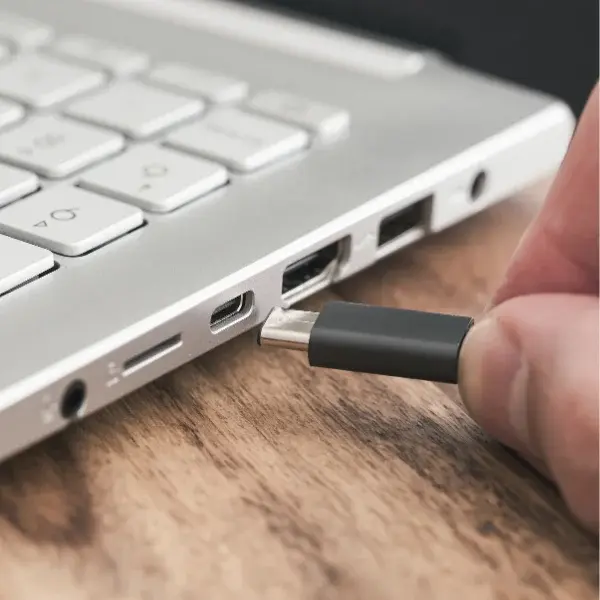
Easy Device Connection Setup
To use the Screen-Cloner Dongle, simply connect the dongle to your computer via a type-c or USB-A port with the included adapter. It’s plug-and-play, no drivers needed!
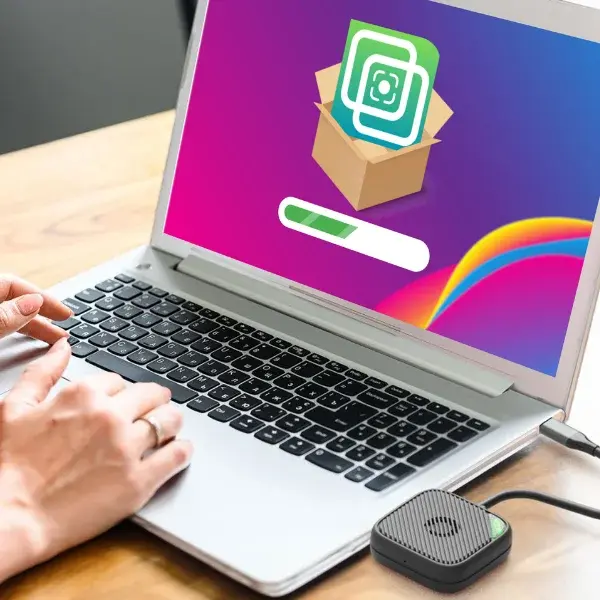
Quick Software Installation Process
After connecting the dongle, open the built-in storage that appears as a drive. Run the Screen-Cloner Application installer directly from the dongle. No complex steps required!

Start Recording with Hotkey
Once the Screen-Cloner Application is installed, simply press the shortcut hotkey to begin recording instantly. It’s fast, convenient, and requires no additional setup!
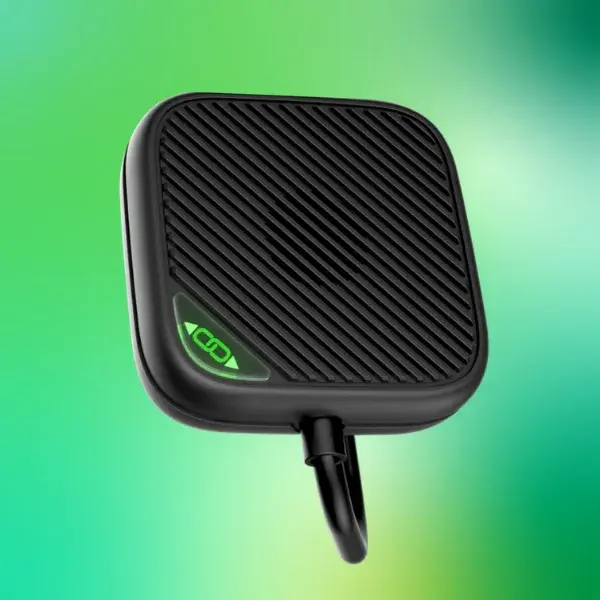
Compact, Efficient Industrial Design
ClonerAlliance Screen-Cloner Dongle features a sleek, compact design, making it highly portable. Its durable construction ensures long-lasting use, while the integrated ventilation system prevents overheating during extended recording sessions. The minimalist aesthetic blends well with professional environments, and its small size allows it to be easily carried or stored with other equipment, offering a perfect balance of form and function.
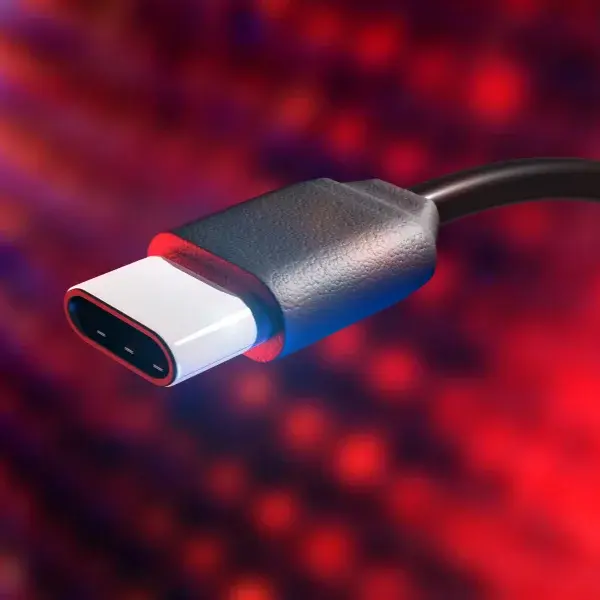
Durable and Reliable USB-C Port
ClonerAlliance Screen-Cloner Dongle is equipped with a robust type-c port designed for frequent use. Its high-quality construction ensures a secure connection and resists wear over time, even with repeated plug-ins. The durable port supports Thunderbolt with DP Alt mode, providing reliable data transmission and power handling, ensuring smooth operation across different devices and setups. This makes it ideal for long-term, professional use.
Comprehensive After-Sales Support
ClonerAlliance Screen-Cloner Dongle comes with reliable after-sales support, ensuring customer satisfaction. Users benefit from a warranty covering manufacturing defects, as well as access to responsive customer service for troubleshooting or technical assistance. Additionally, firmware updates and software enhancements are regularly provided to keep the product performing optimally. This comprehensive support ensures a worry-free experience for all users.
Technical Specifications
| Specification | |
|---|---|
| Model | CA-1280SC |
| Recording Resolution | 1920 x 1080 @ 60fps |
| Video Encoding Format | H.264/AVC |
| Recording Format | MP4 |
| Max Encoding Bitrate | 16Mbps |
| Capture Color Format | YUV 4:2:0 |
| Capture Color Depth | 8 bits |
| Video Output Aspect Ratio | 16:9 |
| Audio Encoding Format | AAC, 48KHz |
| Audio Sampling Rate | 192Kbps |
| Audio Capture | PCM up to 2-channel IEC60958 audio streams |
| Audio Channels | 2 |
| To PC Interface | USB Type-C |
| System Requirements | PC with Type-C (DP alt mode) or DP port |
| Supported OS | Windows, macOS |
| Bundled Software | Screen-Cloner |
| Power Source | USB, 5V / 1A |
| Power Consumption | <= 5W |
| Firmware | Upgradable |
| LED Indicator | 1 (Green) - connected and ready |
| Enclosure | ABS plastic |
| Operating Temperature | 0 to 50°C |
| Operating Humidity | 20% - 70% |
| Dimensions | 5.3 x 5.3 x 1.6cm (2.1 x 2.1 x 0.6 in) |
| Weight | 37g (1.3oz) |
| Certification | CE |
What’s in the Box
- ClonerAlliance Screen-Cloner Dongle
- USB-C (female) to USB-A + DP cable
FAQ
Unboxing and Setup
This guide will walk you through the process of unboxing and setting up your ClonerAlliance Screen-Cloner Dongle.
Learn more →Video Quality and Resolution
The ClonerAlliance Screen-Cloner Dongle ensures high-quality video recording at 1080p@60fps. Key features include:
Learn more →Comparison with Commercial Screen Recording Software
No Restrictions: Records any video content on the screen without limitations. Independent Hardware Encoding: Minimal system resource usage, allowing stable, long-term background recording. High-Quality Recording: Stable 1080p@60fps recording, including all audio sources.
Learn more →Audio Recording Capabilities
System Internal Audio: Records all system sounds. Microphone Audio: Records microphone input. Combined Audio Sources: Records both system internal audio and microphone audio simultaneously. Stable and Synchronized: Ensures stable and synchronized audio recording with no interruptions.
Learn more →Screen-Cloner Dongle Specifications
Model: CA-1280SC. Resolution: 1080p@60fps. Audio Recording: System internal audio and microphone. Video Encoding: Independent hardware encoding. Interface: type-c (Thunderbolt required), USB-A 2.0 + dp (adapter included). Operating Systems: Windows 7 or later, Mac OS 10.15 or later.
Learn more →Service
Responsive Support
A professional technical team at your service.
2-Year Warranty
Buy with confidence, covered for two full years.
Free Shipping
Free delivery on all orders, straight to your door.
User Manual
Open PDF (v1.0.0) →
- Free standard shipping worldwide, estimated 15-20 business days after dispatch. Express delivery is selectable at checkout: U.S. orders arrive within 2 business days, from $10; Canadian orders arrive within 7 business days for $25. Import duties and taxes, where applicable, are paid by the recipient.
- 90-day money back guarantee on physical products, counted from the day your order is delivered. Refund Policy.
