


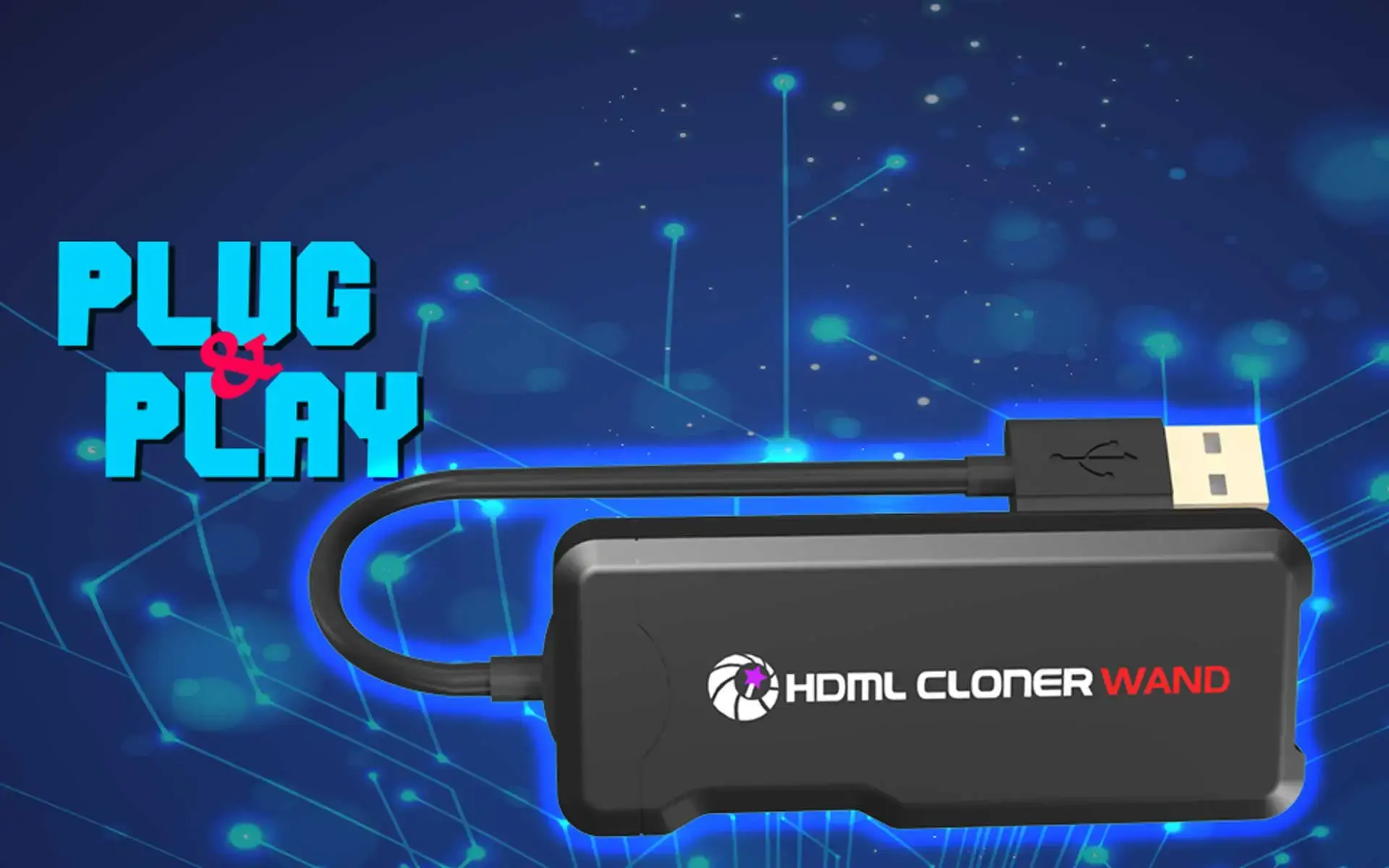
ClonerAlliance Wand
Record HDMI Videos to Your PC or Android Phone
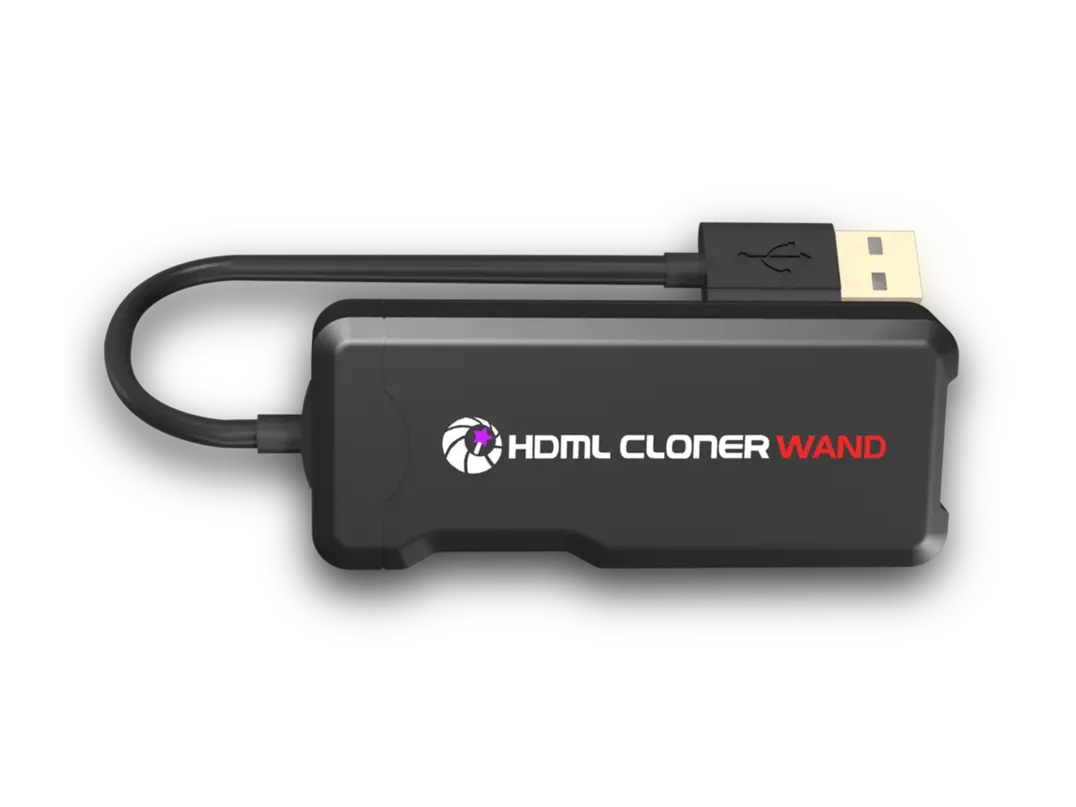
ClonerAlliance Wand
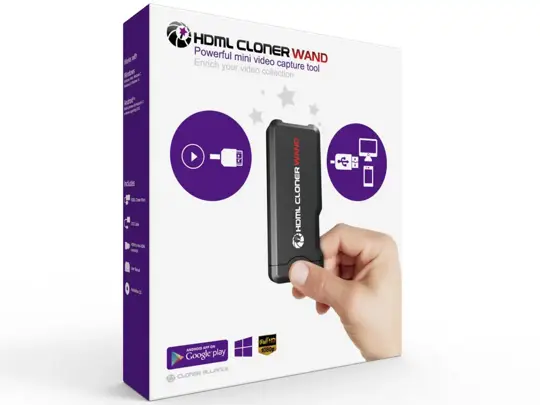
ClonerAlliance Wand is a mini video capture tool to record videos and gameplay from any HDMI video source to your PC or laptop. Besides, it is also the world's first tool to record HDMI videos to your Android phone.
ClonerAlliance Wand is a mini video capture tool to record videos and gameplay from any HDMI video source to your PC or laptop. Besides, it is also the world’s first tool to record HDMI videos to your Android phone. It supports various HDMI input devices such as video player, PS4, Xbox One, Wii U, Switch, set-top box, etc. The live streaming feature enables you to share video contents on Twitch, ZOOM, Skype, YouTube, Facebook, Ustream with 3rd party software.
Key Features

Record video to Android phone or PC directly.

USB powered. Plug and Play.

Record and live stream games with 3rd party software on Windows PC/laptop.
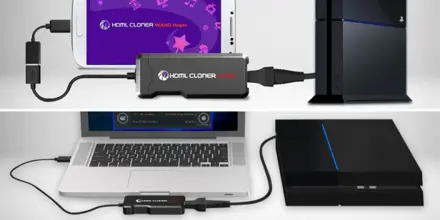
Record videos to your PC or Android phone. Plug and Play.
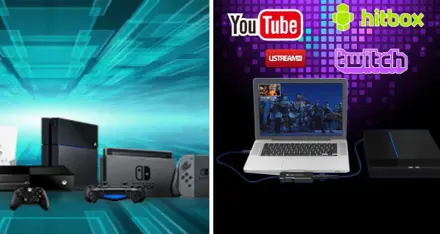
Capture and Live Your Gaming Moments.
Specifications
| Output format | MP4 (H.264) |
|---|---|
| Video standards (input) | NTSC, PAL |
| Input | HDMI |
| Output | USB 2.0 Type-A |
| Capture frame rates | 1080p/720p/480p (PC), 1080p/720p (Android phone) |
| Weight | 1.0 oz |
| Dimensions | 3.2 x 1.3 x 0.4 inches |
Supported Resolutions
| Input resolution | 1920x1080 (50p), 1920x1080 (60p) 1920x1080 (24p), 1920x1080 (25p), 1920x1080 (30p), 1920x1080 (50i), 1920x1080 (60i), 1280x1024 (60p), 1280x720 (60p), 1280x768 (60p), 1280x800 (60p), 720x480 (60i), 720x480 (50i),640x480 (60p), 720x480 (60p), 720x576 (50p) |
|---|---|
| Capture resolution | 1920x1080 (24p), 1920x1080 (25p), 1920x1080 (30p),1280x720 (50p), 1280x720 (60p),640x480 (60p), 720x480 (60p), 720x576 (50p) |
Unboxed
- ClonerAlliance Wand
- OTG Cable
- HDMI to mini-HDMI connector
- Installation CD
- User Manual
FAQ
How to record videos with HDML-Cloner Wand?
Prior to installing HDML-Cloner Wand Helper, please make sure you are using Windows Vista or later versions and your PC is equipped with USB 2.0 or USB 3.0 port. There are two methods to obtain HDML-Cloner Wand Helper.
Learn more →Why is there only sound and the screen is always black after running HDML-Cloner Wand Helper?
Please select "Internal YUV render" in "Video render" on the "Setup" window and try again.
Learn more →Does HDML-Cloner Wand support for broadcasting HD live videos on YouTube, Twitch, etc?
Note: Only HDML-Cloner Wand Helper V1.30 or above supports live streaming. Please make sure you are using Windows 7 or above. Tips: If you just want to stream live video, it is unnecessary to run HDML-Cloner Wand Helper.
Learn more →There is a prompt “Not found any HDML-Cloner Wand device” on the interface of HDML-Cloner Wand Helper Mobile after connecting the mobile phone with other devices.
Note: The answer to this question is in the "Solution" part below. The answer also applies to the following questions: Please make sure you are using a mobile phone with Android 4.0 or later. Then you can test whether your phone supports OTG function.
Learn more →Why is there only sound and the screen is always black after running HDML-Cloner Wand Helper?
Please select "Internal YUV render" in "Video render" on the "Setup" window and try again.
Learn more →Service
Responsive Support
A professional technical team at your service.
2-Year Warranty
Buy with confidence, covered for two full years.
Free Shipping
Free standard delivery on orders of $60 or more, straight to your door.
- Free standard shipping worldwide on orders of $60 or more; orders under $60 ship for $7. Estimated 15-20 business days after dispatch. Express delivery is selectable at checkout: U.S. orders arrive within 2 business days, from $10; Canadian orders arrive within 7 business days for $25. Import duties and taxes, where applicable, are paid by the recipient.
- 90-day money back guarantee on physical products, counted from the day your order is delivered. Refund Policy.