


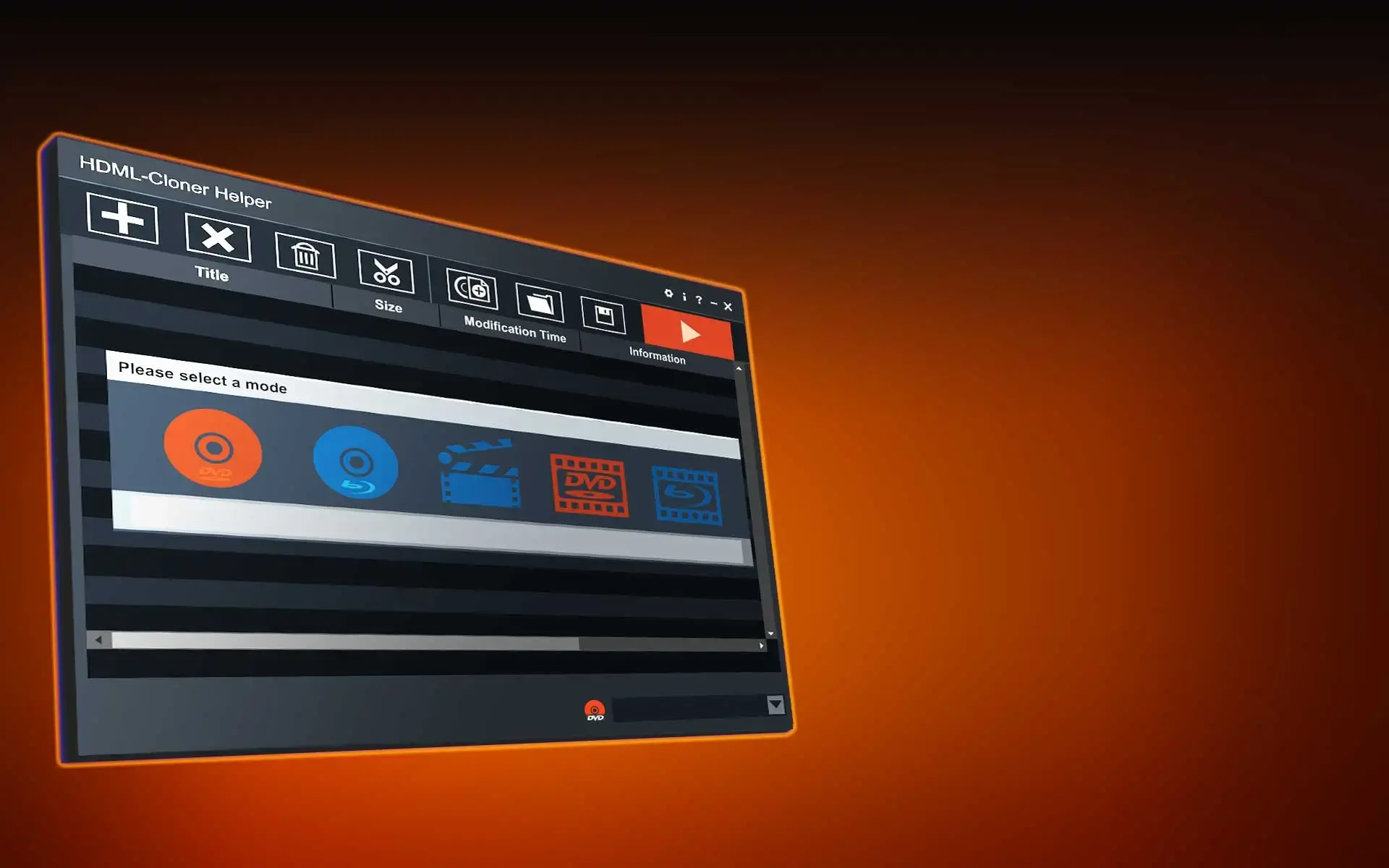
HDML-Cloner Helper
Merge, convert and burn your video files.
HDML-Cloner Helper
HDML-Cloner Helper
Merge, convert and burn your video files.
Key Features

Create a DVD disc from video files.

Create a Blu-ray disc from video files.

Merge multiple video files into one video.

Burn a variety of data files to a DVD/Blu-ray disc.

Burn your recorded video files onto a DVD/Blu-ray disc
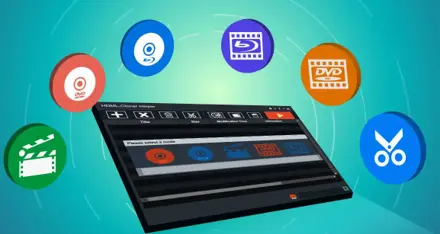
Merge multiple video files into one video
Recommended Config
- Intel Core2 CPU
- 2GB of RAM
- 10GB free hard disk space
- DVD burners, Blu-ray burners
- Windows Vista, 7, 8, 8.1, 10
Minimum Config
- Pentium-II 450 MHz
- 64MB of RAM
- 5GB free hard disk space for DVD-5 (10GB free hard disk space for DVD-9)
- DVD burners
- Windows XP
For Blu-ray burn
- NTFS partition
- A Blu-ray disc drive
- A Blu-ray media player
- 50GB or more free disk space
FAQ
What is HDML-Cloner Helper?
HDML-Cloner Helper is a smart program to create video discs from video files, whether downloaded from video websites or recorded via HDMI. Besides, it can burn various data files to a disc.
Learn more →Can I have a try before purchasing HDML-Cloner Helper?
Yes. You can download the trial version of HDML-Cloner Helper from https://www.cloner-alliance.com/download.html before purchasing it.
Learn more →How to create, open and save a project with HDML-Cloner Helper?
After adding video file(s) and you don't want to burn now, you can click to save the project on your computer. When you want to burn again, you can click to open the project. Meanwhile, you can click \ to create a new project.
Learn more →How to realize 1080p output with HDML-Cloner Helper?
You can click on the upper right section of the main interface. Then you can select "1080p" option in the "Video Resolution" tab.
Learn more →Service
Responsive Support
A professional technical team at your service.
2-Year Warranty
Buy with confidence, covered for two full years.
Free Shipping
Free standard delivery on orders of $60 or more, straight to your door.
- Free standard shipping worldwide on orders of $60 or more; orders under $60 ship for $7. Estimated 15-20 business days after dispatch. Express delivery is selectable at checkout: U.S. orders arrive within 2 business days, from $10; Canadian orders arrive within 7 business days for $25. Import duties and taxes, where applicable, are paid by the recipient.
- 90-day money back guarantee on physical products, counted from the day your order is delivered. Refund Policy.