


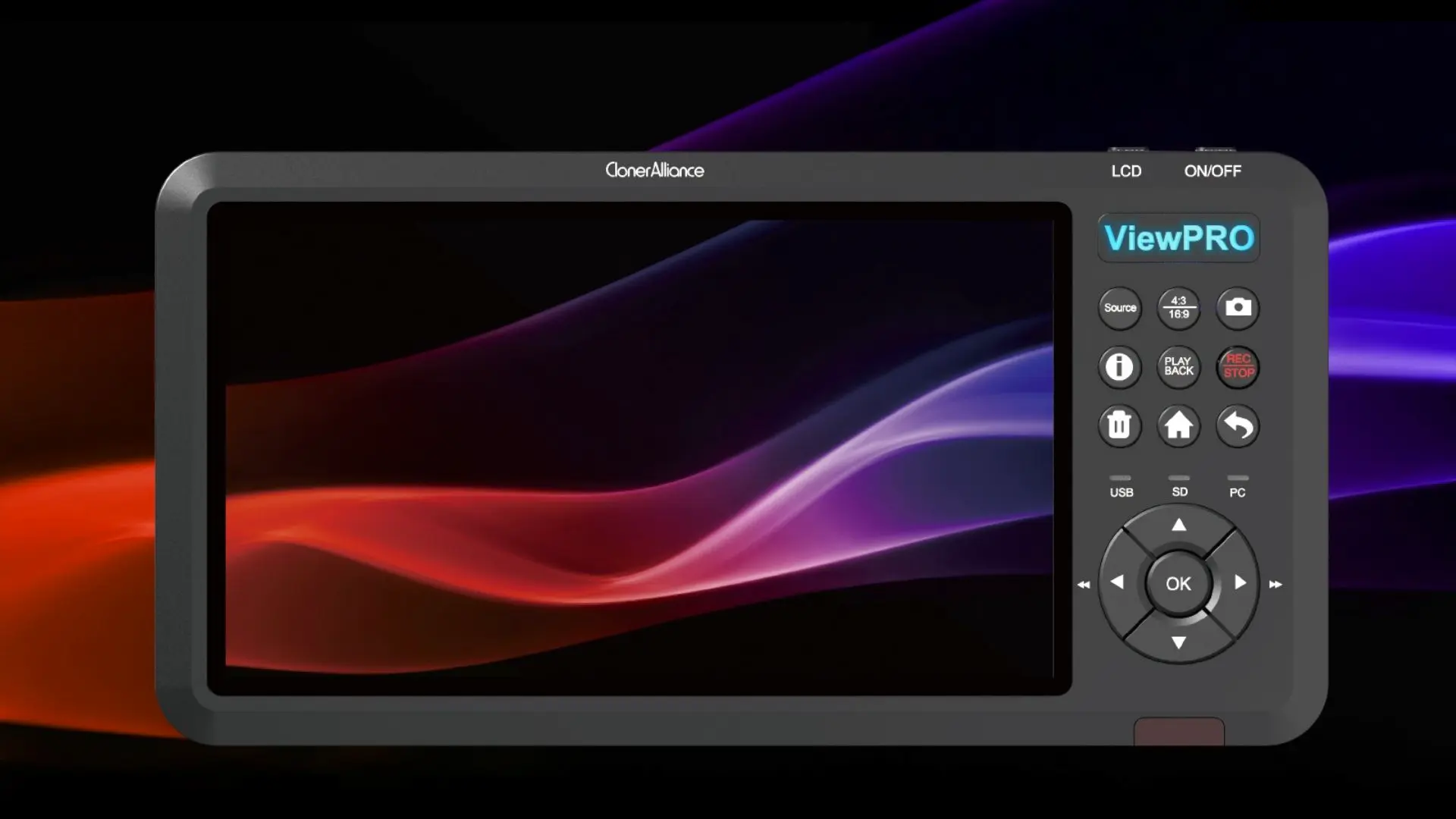
ClonerAlliance ViewPro
Standalone HDMI Video Capture and Recorder With 7" LCD Screen, Record Video/Game to USB Storage Device. Instant Playback. Schedule Recording. UVC Standard. Ultra-Low Latency. Live Commentary.
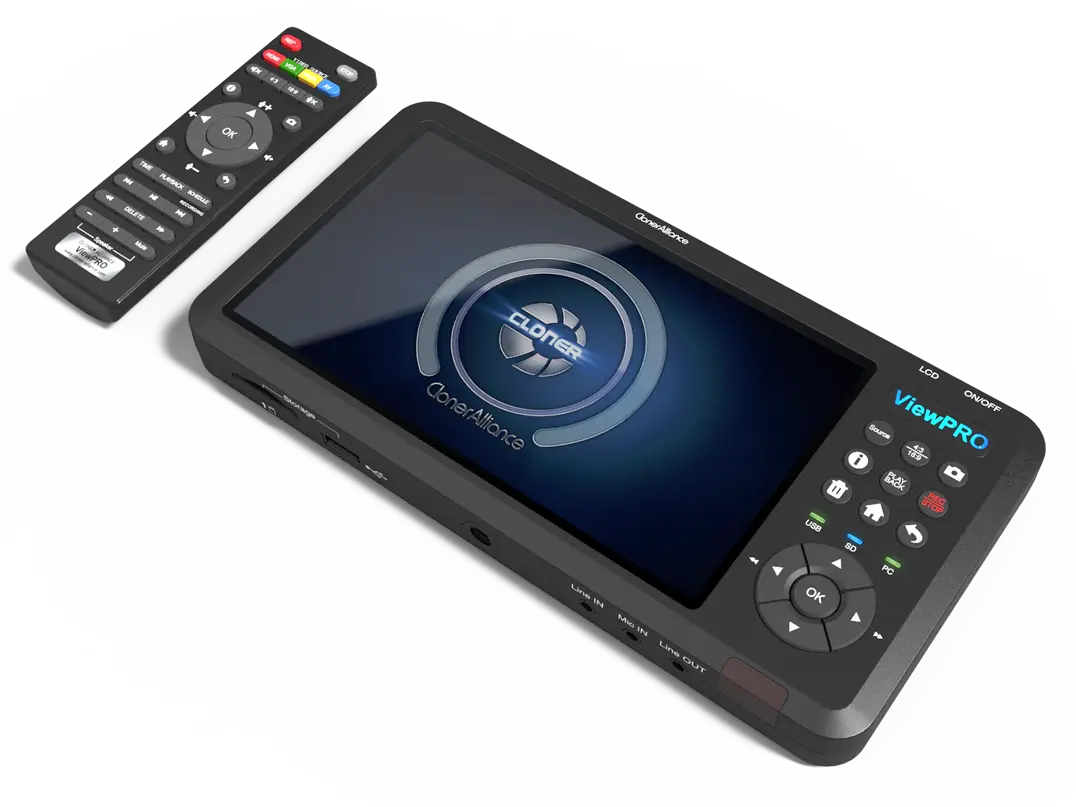
ClonerAlliance ViewPro
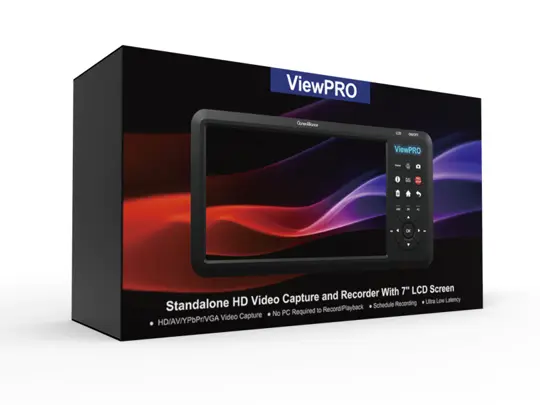
ClonerAlliance ViewPro is a standalone video capture device to record video and audio from any video sources. This device accepts 4K@30fps or 1080p video sources and records at up to 1080p@60fps. The large 7-inch LCD and built-in speaker allow you to preview the audio & video being recorded without PC required.
ClonerAlliance ViewPro is a standalone video capture device to record video and audio from any video sources. This device accepts 4K@30fps or 1080p video sources and records at up to 1080p@60fps. The large 7-inch LCD and built-in speaker allow you to preview the audio & video being recorded without PC required. With the remote control, you can play back the recorded videos saved on the USB storage device on TV directly. What’s more, it gives you another choice to record videos/gameplay on PC and go live with our bundled software ClonerAlliance Helper. Besides, ClonerAlliance ViewPro supports HDMI, VGA, AV and YPbPr video inputs and can record videos automatically at a scheduled time.
Key Features

Record 1080p@60fps videos/gameplay to your USB storage devices.

7" LCD. No need for a TV or monitor.

The external battery (not included) provides you a portable fun recording anywhere.

Schedule recording. You'll never miss out your favorite video moments from now on.
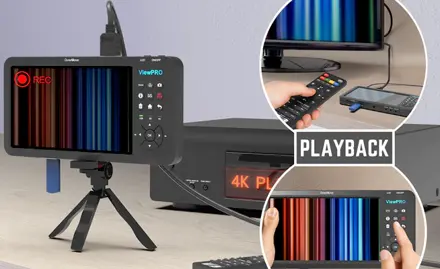
Press one button to record your video. Easy to use. Playback instantly.
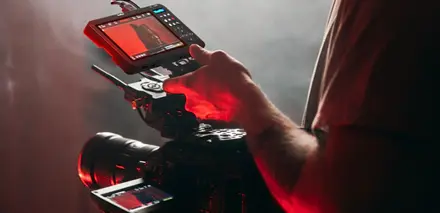
Standalone 1080p video recorder with 7" LCD.
Specifications
| Video standards (input) | NTSC, PAL |
|---|---|
| Supported disk formats | FAT32, NTFS, exFAT, GPT, MBR |
| Input | HDMI, MIC IN, LINE IN, VGA, YPbPr, AV, VGA audio in |
| Output | HDMI (pass-through), USB-A/SD Storage, LINE OUT, Micro-B To PC |
| Bitrate | Max-18Mbps |
| Power supply | DC 12V, 1A |
| Weight | 16 oz |
| Dimensions | 8.7 x 4.3 x 0.8 inches |
| Image formats | JPG |
| Video formats | MP4(H.264) |
Supported Resolutions
| Input | 3840x2160 (30p) 1920x1080 (50p), 1920x1080 (60p) 1920x1080 (24p), 1920x1080 (25p), 1920x1080 (30p) 1920x1080 (50i), 1920x1080 (60i), 1360x768 (60p), 1280x1024 (60p) 1280x720 (60p), 1280x768 (60p), 1280x800 (60p), 1024x768 (60p) 720x480 (60i), 720x480 (50i) 640x480 (60p), 720x480 (60p), 720x576 (50p) |
|---|---|
| Output | 1920x1080 (60p), 1280x720 (60p), 1024x768 (60p) 1280x800 (60p), 1360x768 (60p) |
| Standalone Recording | 1920x1080 (60p)1920x1080 (30p), 1280x720 (60p), 1024x768 (60p) 1280x800 (60p), 1360x768 (60p) |
Unboxed
- ClonerAlliance ViewPro
- Power Adapter
- HDMI Cable
- MMI Cable (VGA/AV/YPbPr to HDMI Cable)
- Quick Guide
- Remote control
- Tripod
- Felt bag
- USB to PC cable
Reviewer's Recommendation
FAQ
My TV/LCD has an “Oops! Something went wrong” message when using ClonerAlliance ViewPro.
After all devices are connected properly, in the process of recording certain video sources, you may see the message "Oops! Something went wrong" on the LCD/TV (as shown in the pic below), please proceed as follows, then it will be fixed: Please press and hold the "OK" button on the remote/unit of ClonerAlliance ViewPro for about 10 seconds.
Learn more →How to record videos to the USB storage device with ClonerAlliance ViewPro?
You can select to use the function buttons on ClonerAlliance ViewPro to record or use the remote of ClonerAlliance ViewPro to record. Please check out details below. #. Power on all devices, the video image from the video player will be displayed on the screen of ClonerAlliance ViewPro.
Learn more →Which input devices does ClonerAlliance ViewPro support?
A: HDMI, VGA, AV and YPbPr are available. Note: If you select VGA, AV or YPbPr as the input signal, please connect the video player to the MMI IN port on ClonerAlliance ViewPro with the included MMI cable.
Learn more →How to select a proper USB storage device to work with ClonerAlliance ViewPro?
ClonerAlliance ViewPro works with all formats of USB sticks(NTFS, FAT32, exFat) and external hard drives(MBR and GPT). FYI.
Learn more →How to connect ClonerAlliance ViewPro to the third-party live streaming software?
You can use ClonerAlliance Helper together with ClonerAlliance ViewPro to preview/record/livestream videos, or you can also use OBS Studio, which is a popular open source software for video recording and live streaming.
Learn more →How to record videos to PC with ClonerAlliance ViewPro?
Please register ClonerAlliance Helper first before using, otherwise there is a watermark when you use the trial version.
Learn more →Service
Responsive Support
A professional technical team at your service.
2-Year Warranty
Buy with confidence, covered for two full years.
Free Shipping
Free standard delivery on orders of $60 or more, straight to your door.
User Manual
Open PDF (v1.0.2) →
- Free standard shipping worldwide on orders of $60 or more; orders under $60 ship for $7. Estimated 15-20 business days after dispatch. Express delivery is selectable at checkout: U.S. orders arrive within 2 business days, from $10; Canadian orders arrive within 7 business days for $25. Import duties and taxes, where applicable, are paid by the recipient.
- 90-day money back guarantee on physical products, counted from the day your order is delivered. Refund Policy.
