


ClonerAlliance AI Video Enhancer
Enhance, upscale, and reduce noise in your videos and images with advanced AI technology.
ClonerAlliance AI Video Enhancer
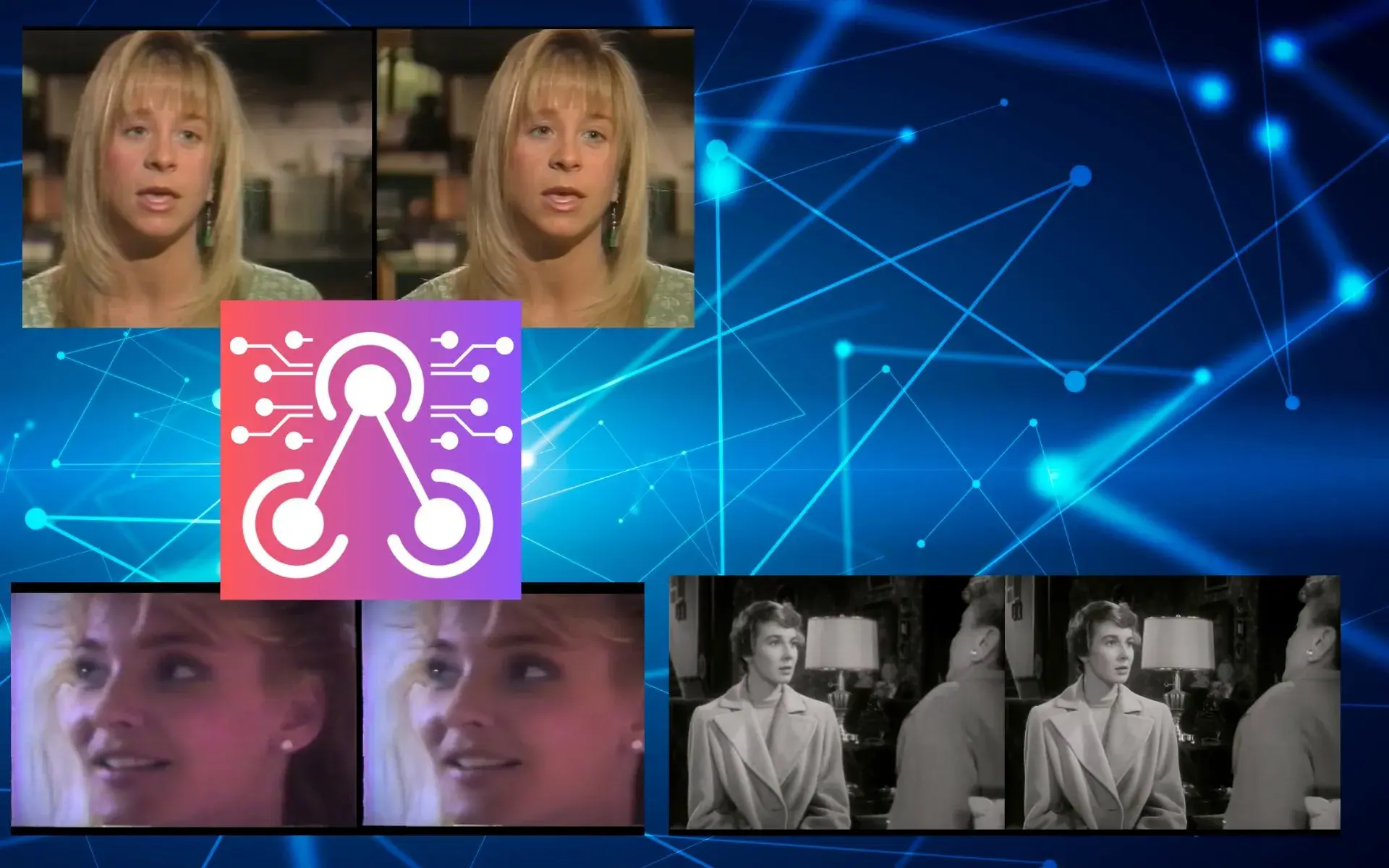
ClonerAlliance AI Video Enhancer is a powerful AI-based software for enhancing, upscaling, and reducing noise in your videos and images. By leveraging advanced AI models including BSRGANx2, BSRGANx4, and RealSR_JPEGx4, software can enhance video resolution by 2x or 4x, even for animation videos. It supports a wide range of image and video formats, making it a versatile tool for various multimedia projects.
ClonerAlliance AI Video Enhancer is an innovative software that uses advanced AI technology to dramatically enhance the quality of your videos. By leveraging the power of BSRGAN AI, this tool is capable of enlarging videos, enhancing their details, and reducing noise, resulting in videos that look stunningly clear and detailed.
Features

Easy-to-use Interface
Navigate through the software effortlessly with its user-friendly interface. Even if you're not tech-savvy, enhancing your videos has never been easier.

Upscale Images and Videos
Improve the resolution of your videos and images with our powerful upscaling feature. Whether you're working with 480p videos or high-resolution images, ClonerAlliance AI Video Enhancer can make them look even better.

Resize Before Upscaling
If you need to adjust the dimensions of your video or image before upscaling, you can do so right within the software. This feature ensures that your content will look perfect on any screen size.

Broad Compatibility
ClonerAlliance AI Video Enhancer supports a variety of formats including png, jpeg, bmp, webp, tif, mp4, wemb, gif, mkv, flv, avi, mov, and qt, making it highly versatile and suitable for various types of projects.
Sample Enhanced Videos by ClonerAlliance AI Video Enhancer
AI-Enhanced Video Upscaling
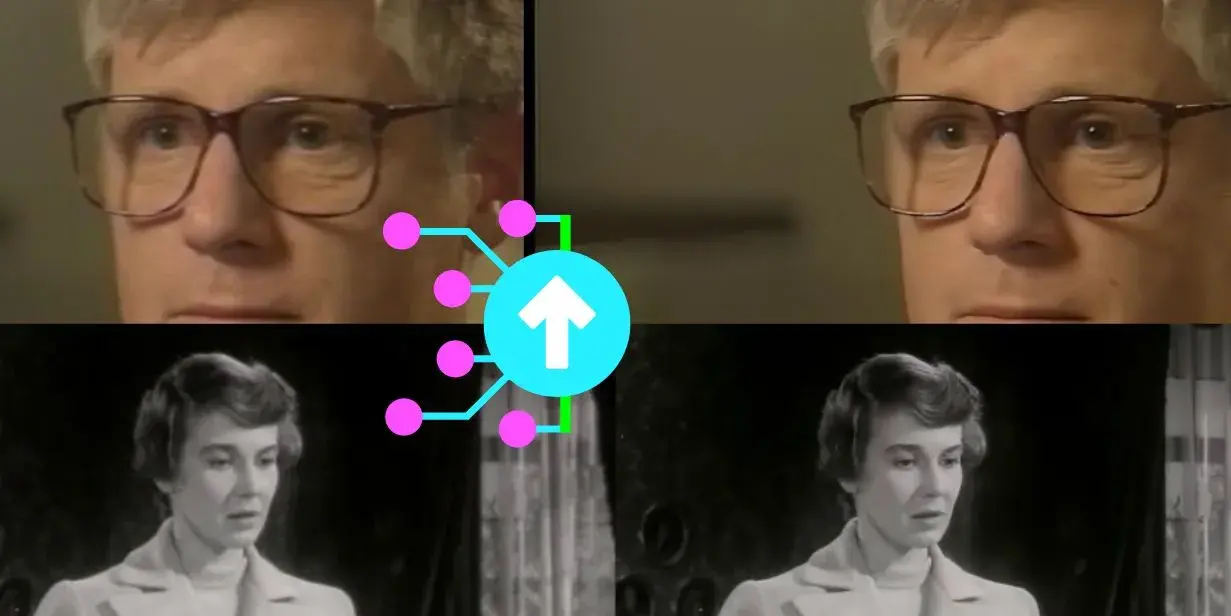
ClonerAlliance AI Video Enhancer leverages the power of artificial intelligence to deliver high-quality video upscaling. By harnessing sophisticated AI models, including BSRGANx2, BSRGANx4, and RealSR_JPEGx4, the software is capable of enhancing video resolution by 2x or 4x, even for animation videos. This functionality offers a solution for those looking to revitalize their standard-definition content, bringing clarity and detail that were previously unattainable. The AI models work to reduce noise and refine video details, creating an output that is not just larger, but visually superior.
Broad Format Compatibility
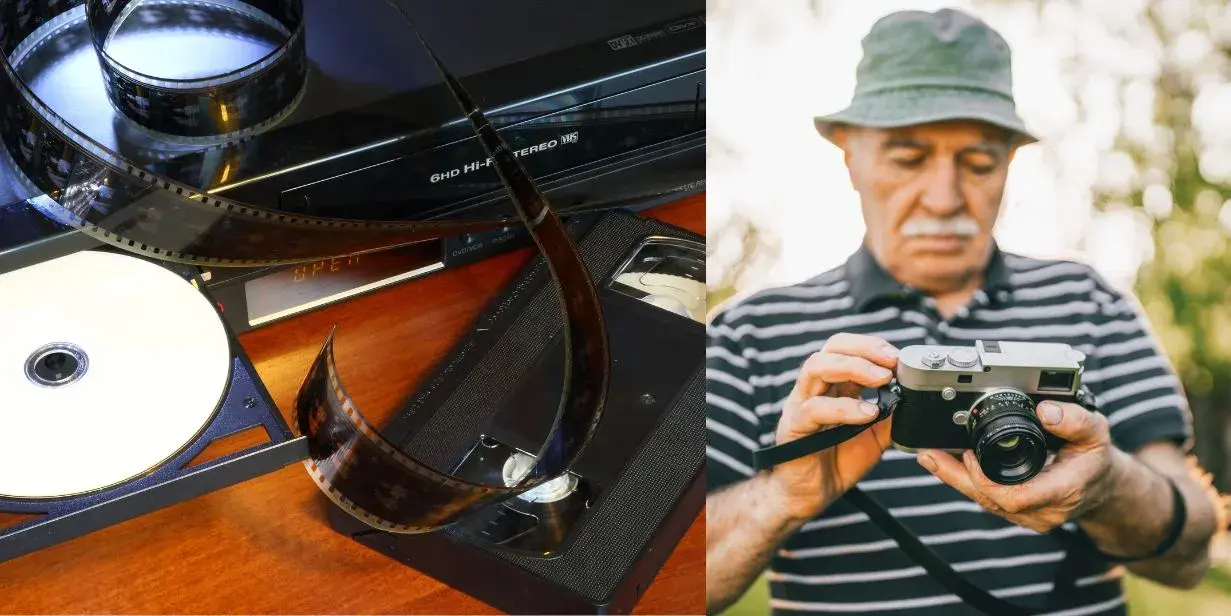
Another significant feature of ClonerAlliance AI Video Enhancer is its broad format compatibility. It can work with a wide array of image and video formats, including but not limited to PNG, JPEG, BMP, WEBP, TIF for images, and MP4, WEMB, GIF, MKV, FLV, AVI, MOV, QT for videos. This extensive compatibility makes it a versatile tool, ready to handle a diverse range of upscaling tasks. Whether you’re looking to enhance a photo for a print project or upscale a video for a professional presentation, ClonerAlliance AI Video Enhancer has you covered.
System Requirements
| Requirements | |
|---|---|
| Operating system | Windows 11 / Windows 10 |
| CPU | 2.5GHZ dual-core or above |
| Memory | More than 8GB of RAM |
| Storage | 10GB free space of system disk(C:) |
| GPU requirement | DirectX12 compatibled |
| GPU Optional NVIDIA Model | GTX 600 series or newer, NVIDIA GF 1660 or above is recommended |
| GPU Optional AMD Model | Radeon HD 7000 series or newer |
| GPU Optional Intel Model | HD Integrated - 4th-gen cor or newer |
FAQ
What are the main functions of ClonerAlliance AI Video Enhancer?
ClonerAlliance AI Video Enhancer is an all-in-one video enhancement software with a variety of powerful features. The main functions of this software include: ClonerAlliance AI Video Enhancer uses AI to upscale videos, significantly improving their resolution and clarity.
Learn more →How to register ClonerAlliance AI Video Enhancer?
ClonerAlliance AI Video Enhancer is an advanced video enhancement software developed by ClonerAlliance Inc. It does not require a separate registration. Instead, it is registered at the same time as the ClonerAlliance Helper software.
Learn more →How do I use ClonerAlliance AI Video Enhancer?
After successful installation of ClonerAlliance AI Video Enhancer, it's time to start enhancing your videos and images. The software features an easy-to-use GUI that makes the process straightforward. Below, we provide a step-by-step guide on how to use ClonerAlliance AI Video Enhancer.
Learn more →What are the different upscaling AI models that ClonerAlliance AI Video Enhancer supports?
ClonerAlliance AI Video Enhancer supports three major AI models: BSRGANx2, BSRGANx4, and RealSR_JPEGx4, each equipped with specific capabilities for a unique upscaling requirement. The BSRGANx2 model is the optimal choice for those seeking to upscale their videos by a factor of two.
Learn more →What are the common problems that users encounter with ClonerAlliance AI Video Enhancer?
Like any software, users of ClonerAlliance AI Video Enhancer might run into some common issues. Here are a few and how they can be resolved: If you encounter any of these problems, you can try the following solutions: Restart your computer. Reinstall the app. Update your graphics card drivers.
Learn more →Service
Responsive Support
A professional technical team at your service.
2-Year Warranty
Buy with confidence, covered for two full years.
Free Shipping
Free delivery on all orders, straight to your door.
- Free standard shipping worldwide, estimated 15-20 business days after dispatch. Express delivery is selectable at checkout: U.S. orders arrive within 2 business days, from $10; Canadian orders arrive within 7 business days for $25. Import duties and taxes, where applicable, are paid by the recipient.
- 90-day money back guarantee on physical products, counted from the day your order is delivered. Refund Policy.