


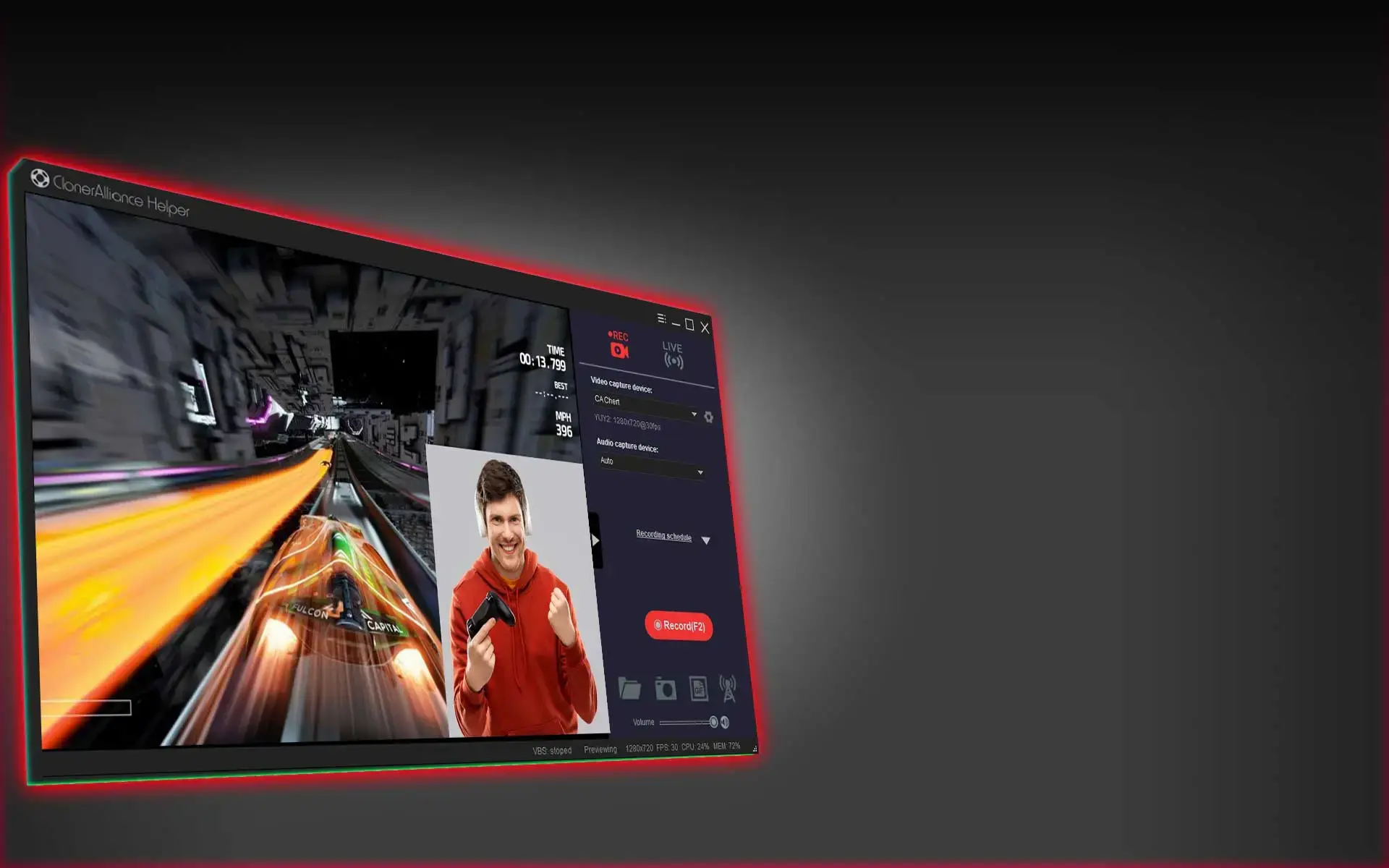
ClonerAlliance Helper
All-in-one video recording and live streaming software.
ClonerAlliance Helper
ClonerAlliance Helper
ClonerAlliance Helper is an all-in-one video recording and live streaming application software. It supports all UVC video capture devices, and can achieve up to 4K@30fps video recording. In addition, it features schedule recording and image/animation capture. As a live streaming program, you can add various overlay elements, such as video sources, audio sources, pictures, video files, texts, etc., to achieve different PIP effects and broadcast live to multiple servers at the same time.
Key Features

Record videos from any video source to PC working together with ClonerAlliance video capture devices.

Live Streaming. Supports PIP, various filters, multiple scenes.

Share recorded MP4 files and live broadcast via LAN.

Virtual camera. Work with multiple third-party programs using the same camera.

Video Recording and Live Streaming
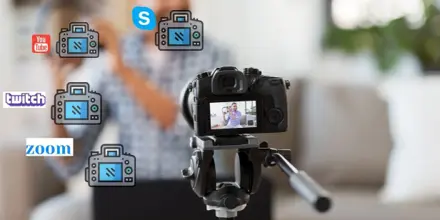
Sharing via LAN and Virtual camera
System Requirements
- Windows 7 or above(32bit or 64bit).
- Intel i5 or above. Or AMD CPU which of the similar level of the Intel.
- 4GB or more of RAM.
- One UVC video capture device. ClonerAlliance products are recommended.
- 100GB free hard disk space
FAQ
How to capture and record 4K video from the camera?
Currently, most acquisition software does not support 4K resolution recording. But ClonerAlliance Helper software provides 4K recording function, regardless of whether the camera supports 4K output, you can record in 4K format.
Learn more →How to make multiple applications use one camera at the same time?
Some users want to turn on the camera at the same time in multiple instant messaging software, but when the camera is turned on in the second application, it often prompts an error or fails. This is because the camera is an exclusive resource and can only be used by one application at a time.
Learn more →How to make the camera display fixed video content in a loop?
On the Windows platform, if you want a camera to display a fixed picture, you can do this. Need to download and install `ClonerAlliance Helper software`_ first, this software will create a ClonerAlliance Virtual Camera, we need this function to achieve.
Learn more →How to cancel camera mirroring in instant messaging software?
Under normal circumstances, in instant messaging software, when using the camera, it will automatically mirror the camera screen, this is to restore the real scene when face-to-face communication. But when the camera is a video capture device, used to play fixed video, this will become an obstacle.
Learn more →What is ClonerAlliance Helper?
ClonerAlliance Helper is an all-in-one video recording and live streaming application software. It supports all UVC video capture devices, and can achieve up to 4K\@30fps video recording. In addition, it features schedule recording and image/animation capture.
Learn more →Service
Responsive Support
A professional technical team at your service.
2-Year Warranty
Buy with confidence, covered for two full years.
Free Shipping
Free standard delivery on orders of $60 or more, straight to your door.
- Free standard shipping worldwide on orders of $60 or more; orders under $60 ship for $7. Estimated 15-20 business days after dispatch. Express delivery is selectable at checkout: U.S. orders arrive within 2 business days, from $10; Canadian orders arrive within 7 business days for $25. Import duties and taxes, where applicable, are paid by the recipient.
- 90-day money back guarantee on physical products, counted from the day your order is delivered. Refund Policy.