Why Choose RecDual Dongle

Dual Input Recording
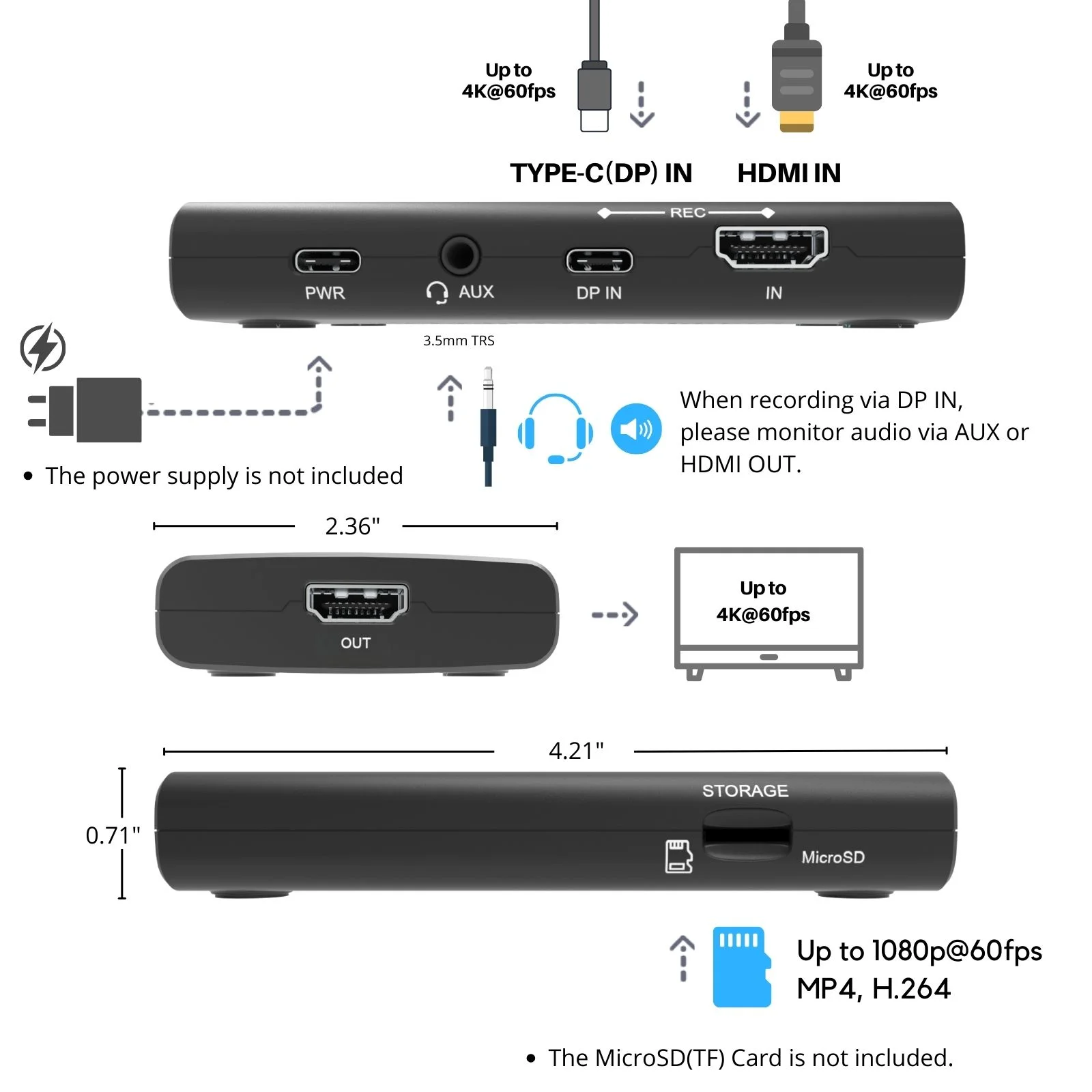
- Record from both HDMI and USB Type-C (DP) sources
- One-button switch between input sources
- Support 4K@60fps passthrough

No External Power Needed
- Powered by USB-C DP source device
- 65w fast charging while recording
- Perfect for mobile recording
1080p@60fps Recording
- High quality video capture
- H.264 encoding
- Loop recording support

Portable & Silent
- Compact design
- Fanless operation
- TF card storage
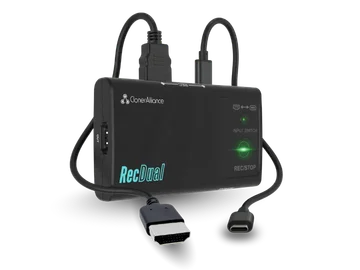
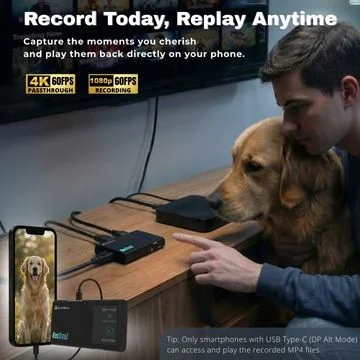
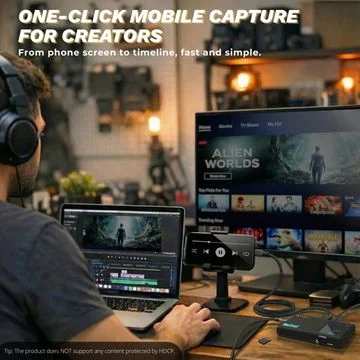
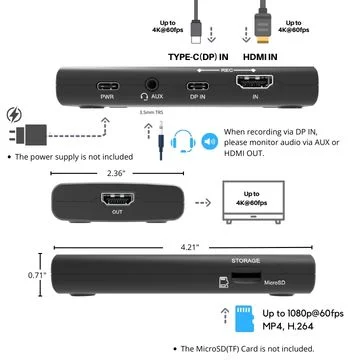
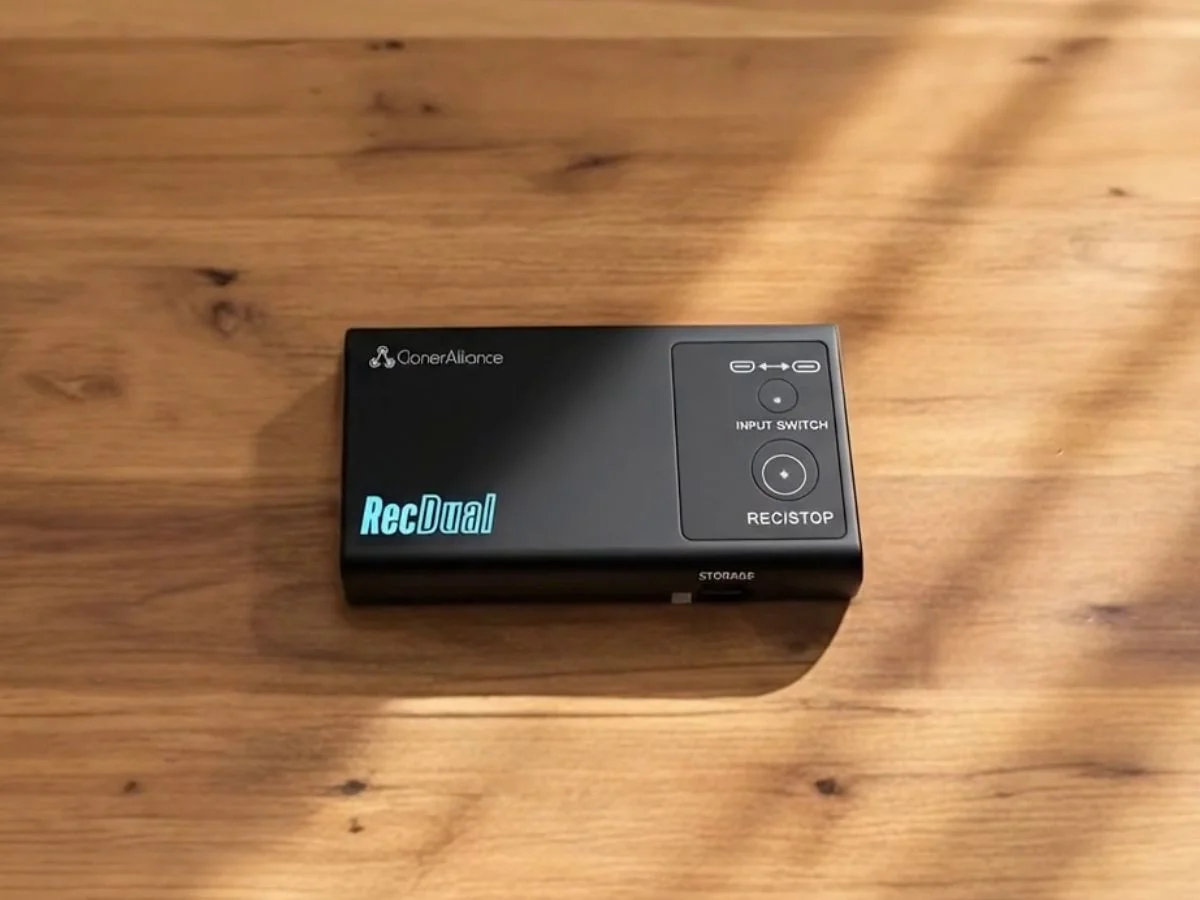
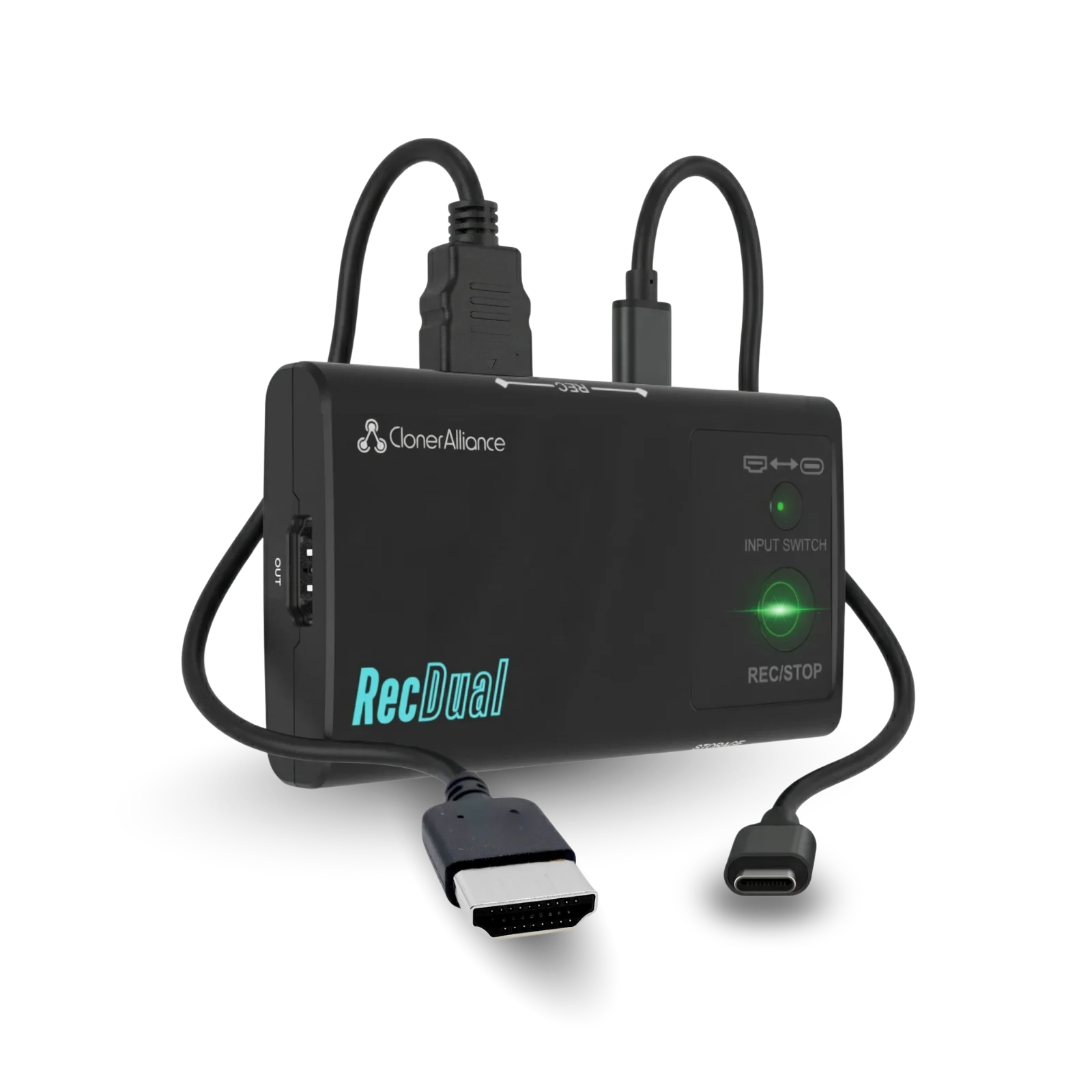
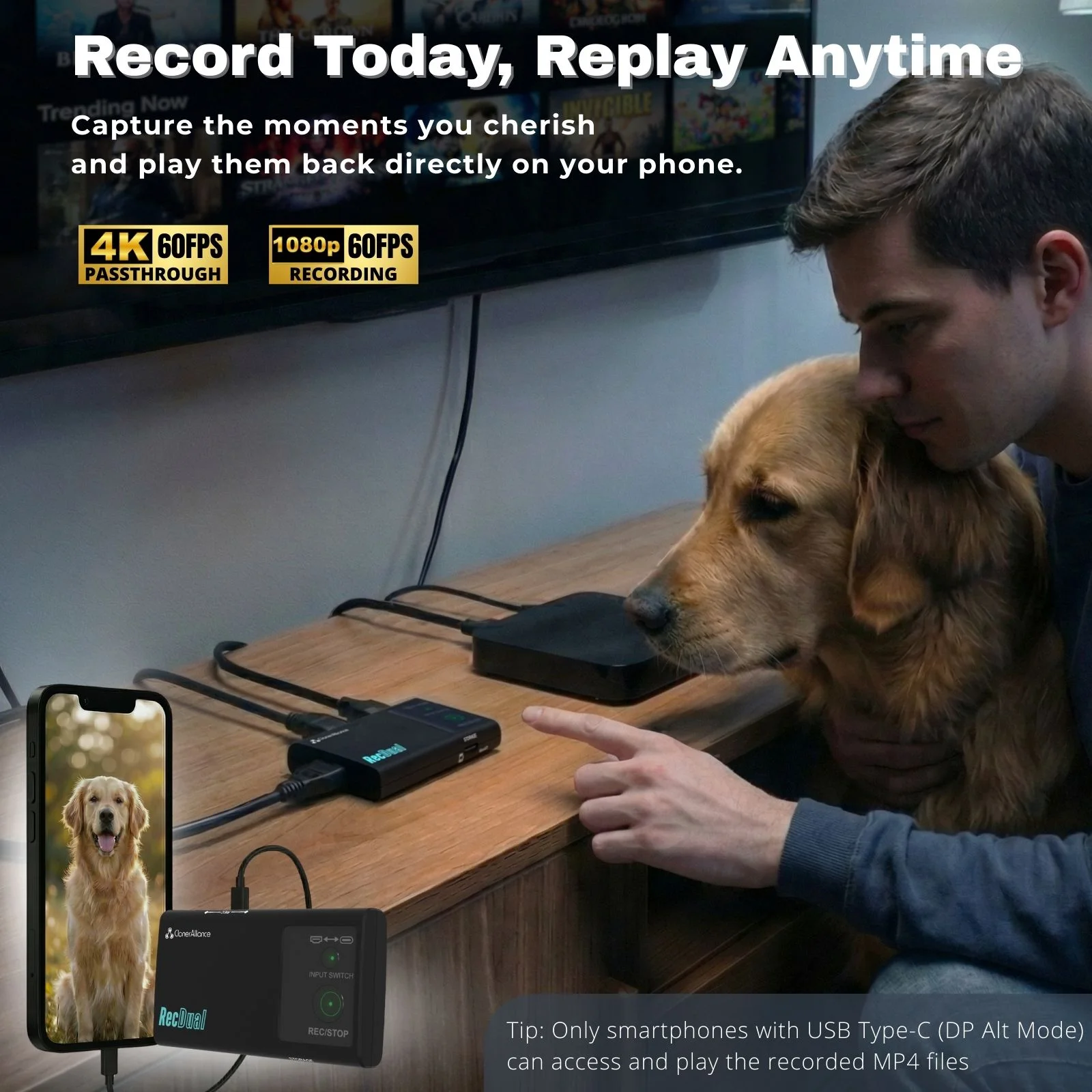
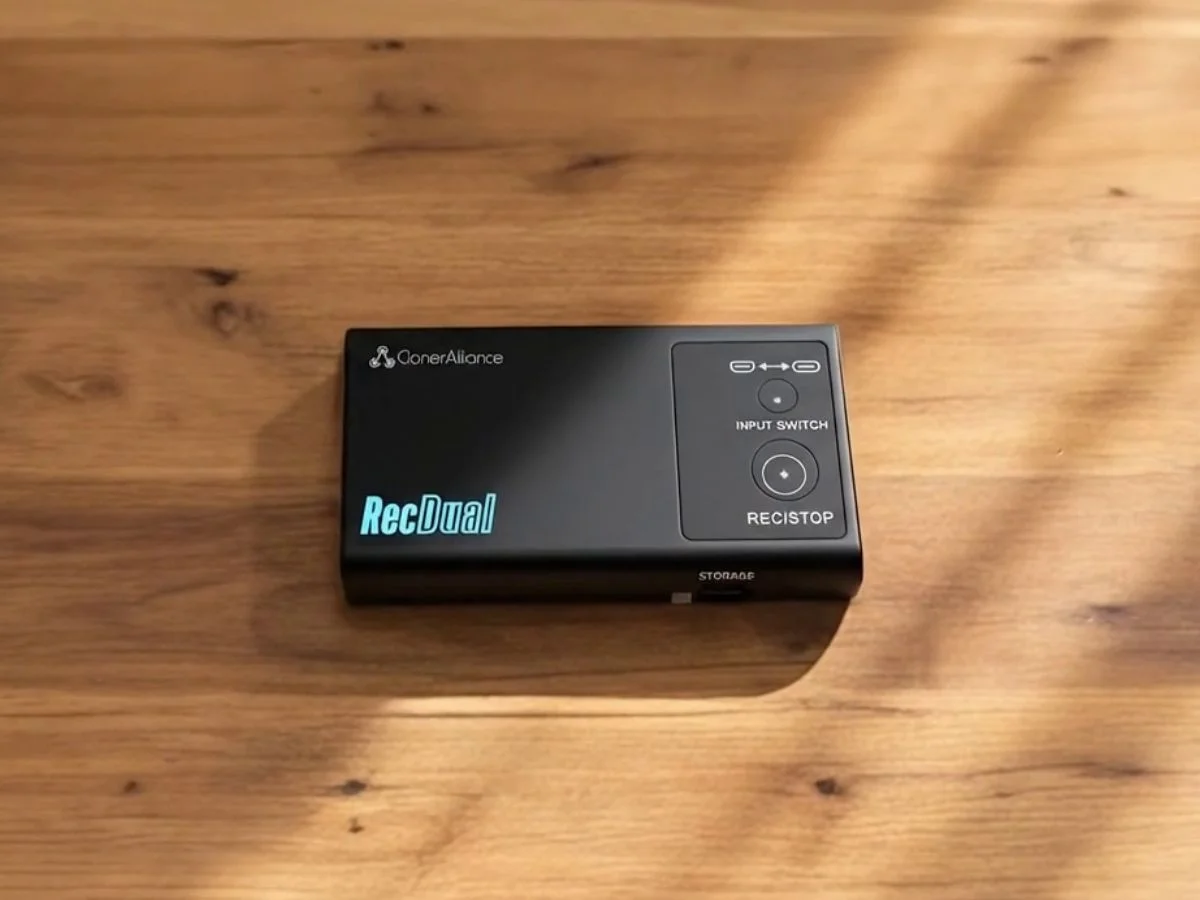
ClonerAlliance RecDual Dongle is a portable standalone video recorder that captures 1080p@60fps footage from both HDMI and USB Type-C (DP) sources. Record from smartphones, tablets, gaming consoles, and laptops without a PC. Features 4K@60fps passthrough, loop recording, and 65w fast charging while recording. Perfect for content creators on the go.
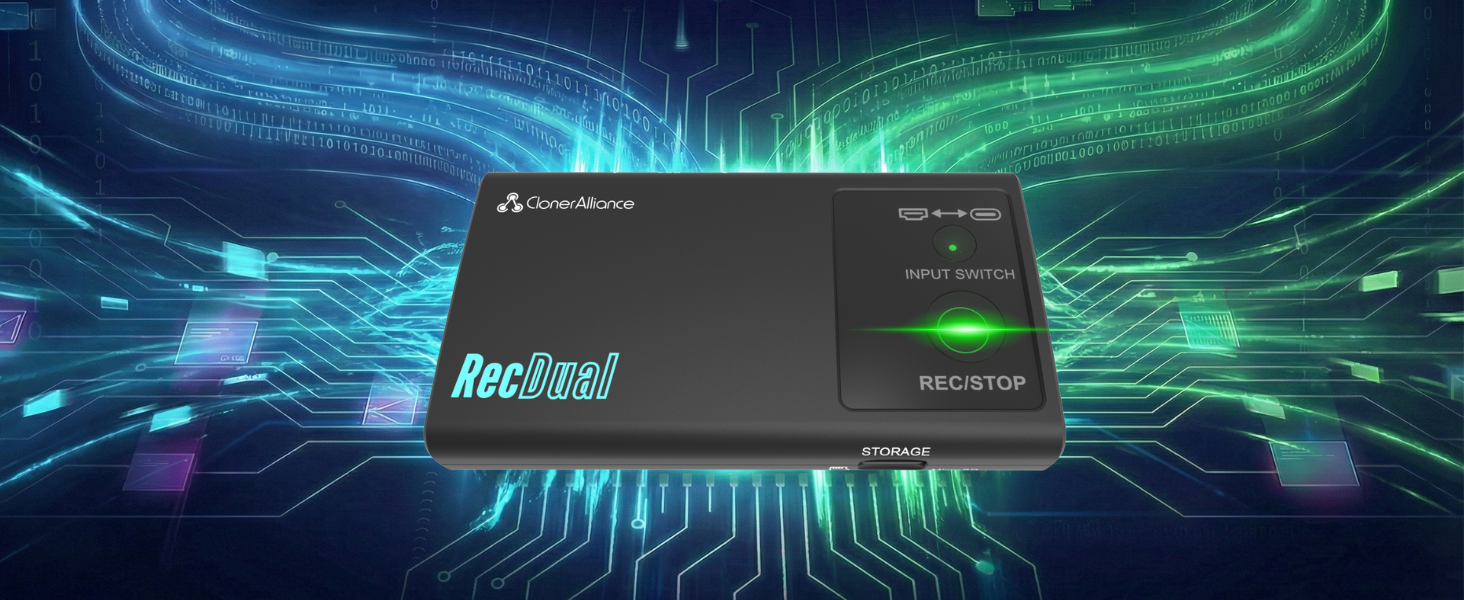
Pocket-Size Standalone Recorder
Capture video from HDMI or USB-C DP sources directly to MicroSD card. No PC required. No drivers needed.
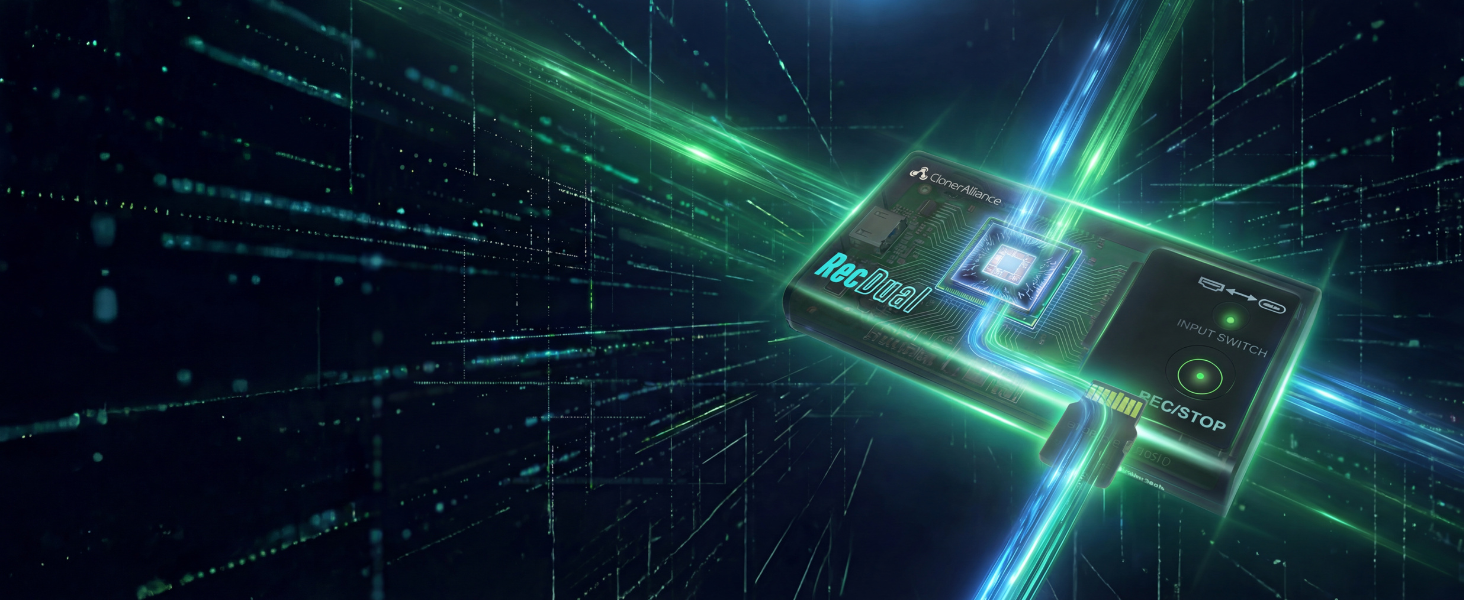
Record Without Slowing Down Your Device
Hardware encoding means zero load on your phone, tablet, or console. Your device runs at full performance while RecDual Dongle handles all the recording work externally.
- ✓ Zero CPU/memory usage on source device
- ✓ No battery drain from recording
- ✓ 65w pass-through charging supported
- ✓ Record for hours without overheating
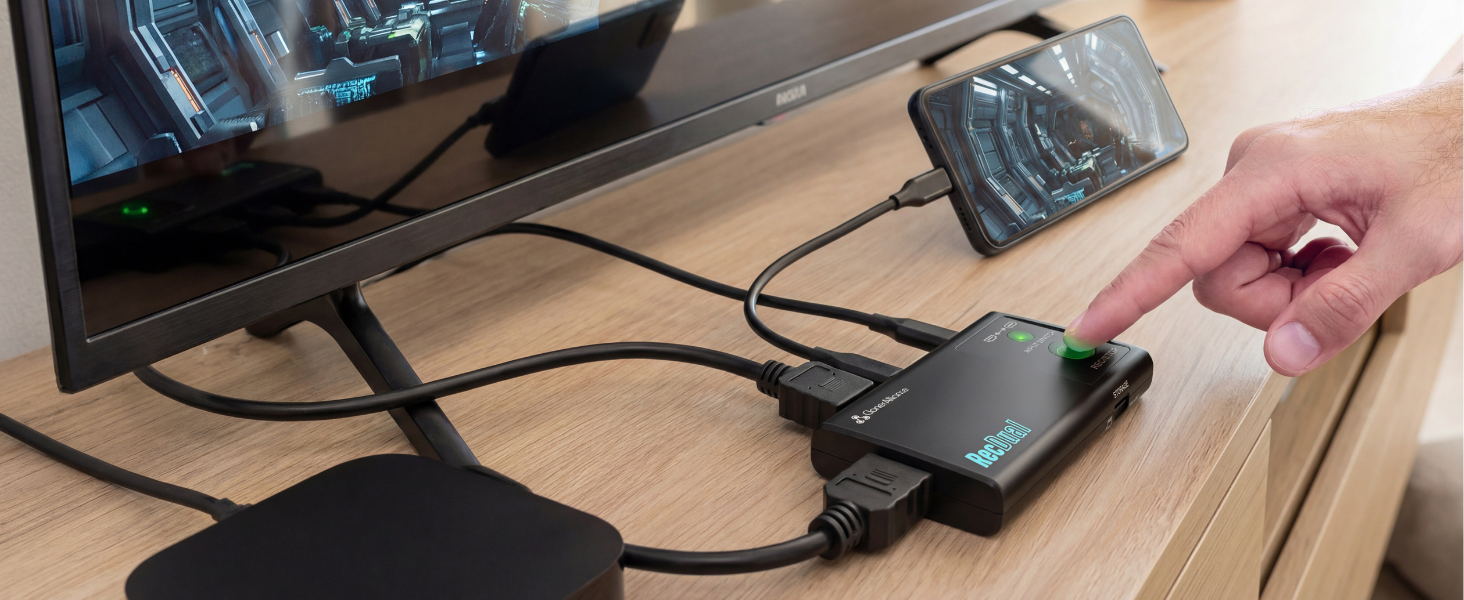
Two Inputs, Endless Possibilities
Switch between HDMI and USB-C DP sources with one button. Record from gaming consoles, smartphones, tablets, laptops, and cameras—all with a single device.
- ✓ HDMI input for consoles & players
- ✓ USB-C DP for phones & laptops
- ✓ One-button source switching
- ✓ Works with any DP Alt Mode device
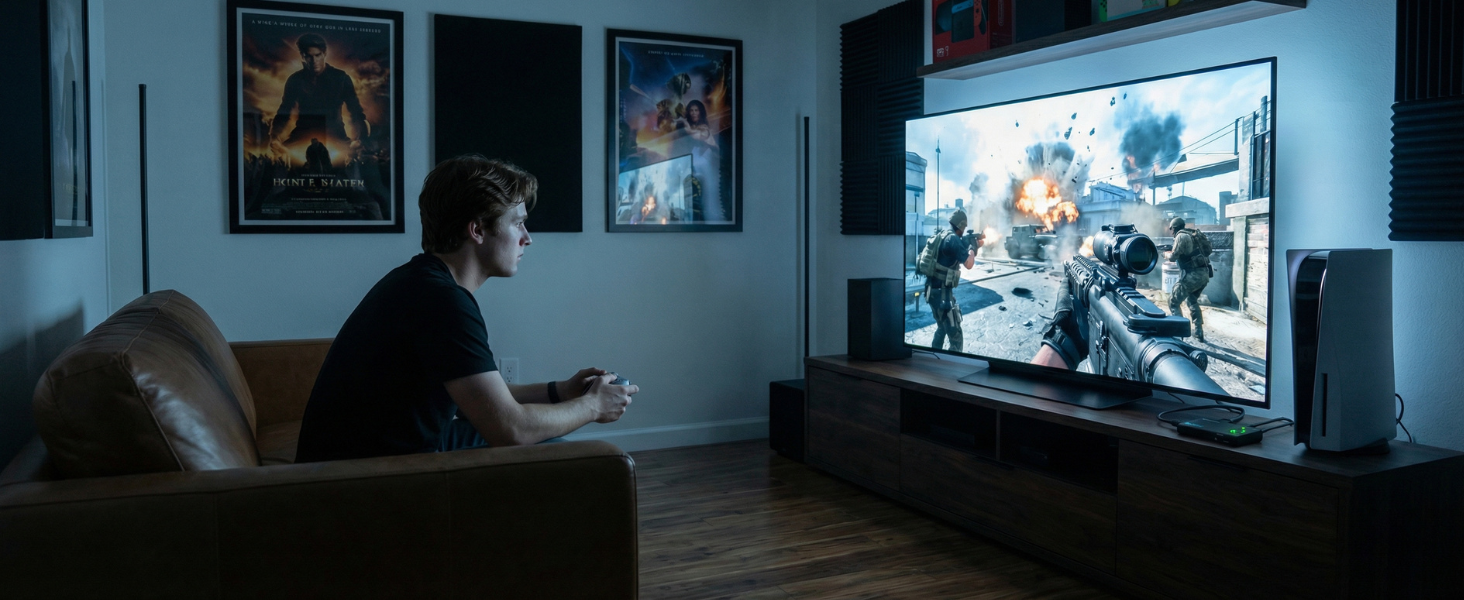
Enjoy 4K Gaming While Recording 1080P
Play in full 4K@60fps on your TV while RecDual Dongle captures 1080p@60fps footage. Game and record with no lag—perfect for console gamers who refuse to compromise.
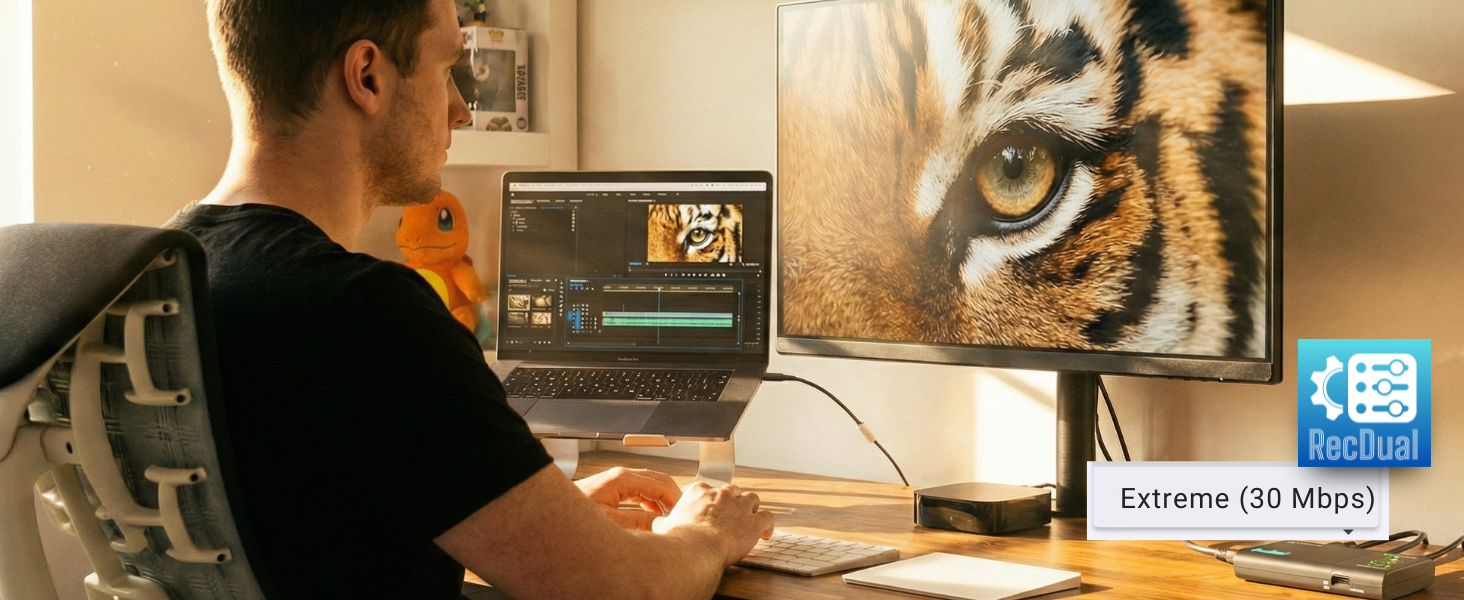
Professional H.264 Recording Quality
Up to 30Mbps bitrate delivers sharp, detailed footage that's ready for professional editing. H.264 encoding ensures wide compatibility with all major editing software.
- ✓ Up to 30Mbps high bitrate
- ✓ H.264/AVC encoding
- ✓ Edit-ready MP4 files
- ✓ Loop recording supported
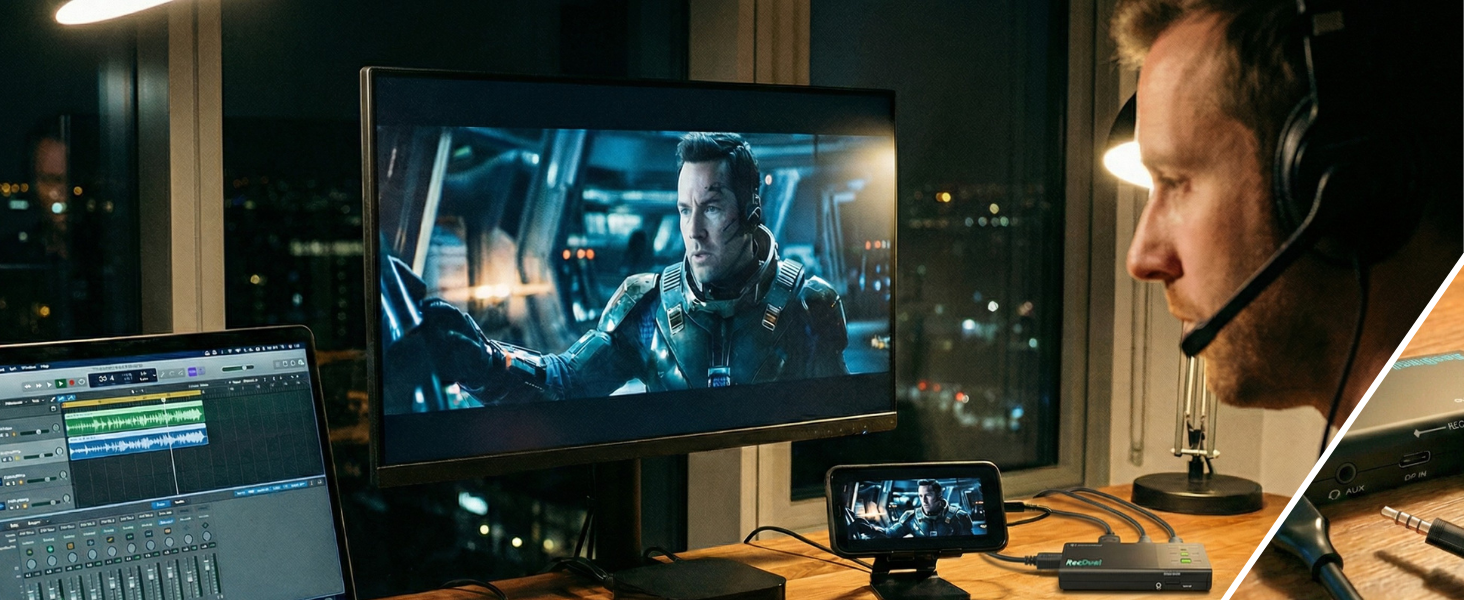
Flexible Sound, Simple Setup
Use the 3.5mm AUX port for microphone input or audio output. Add live commentary to your gameplay, or monitor sound in real-time during recording.
- ✓ 3.5mm TRRS audio port
- ✓ Mic input for commentary
- ✓ Line out for monitoring
- ✓ Mix audio with video source
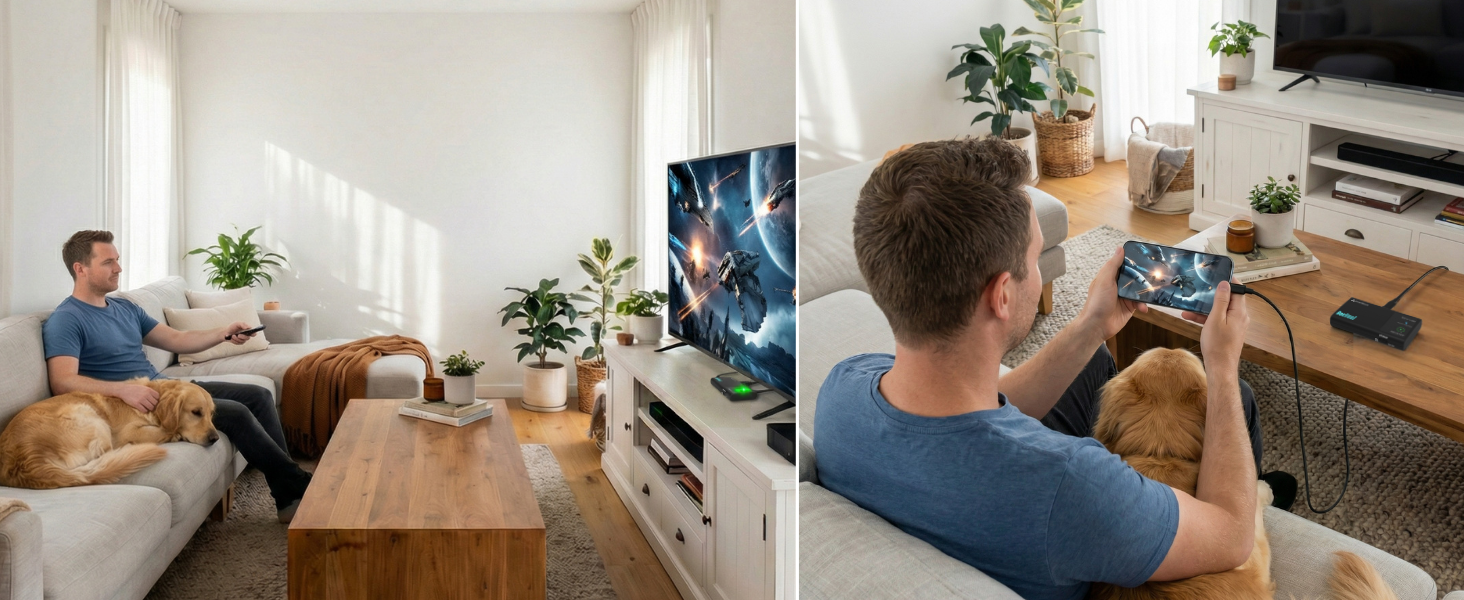
Watch Your Recordings Anywhere
Instant playback mode lets you review recordings directly on your TV or monitor. No computer needed—just connect and play your captured footage immediately.
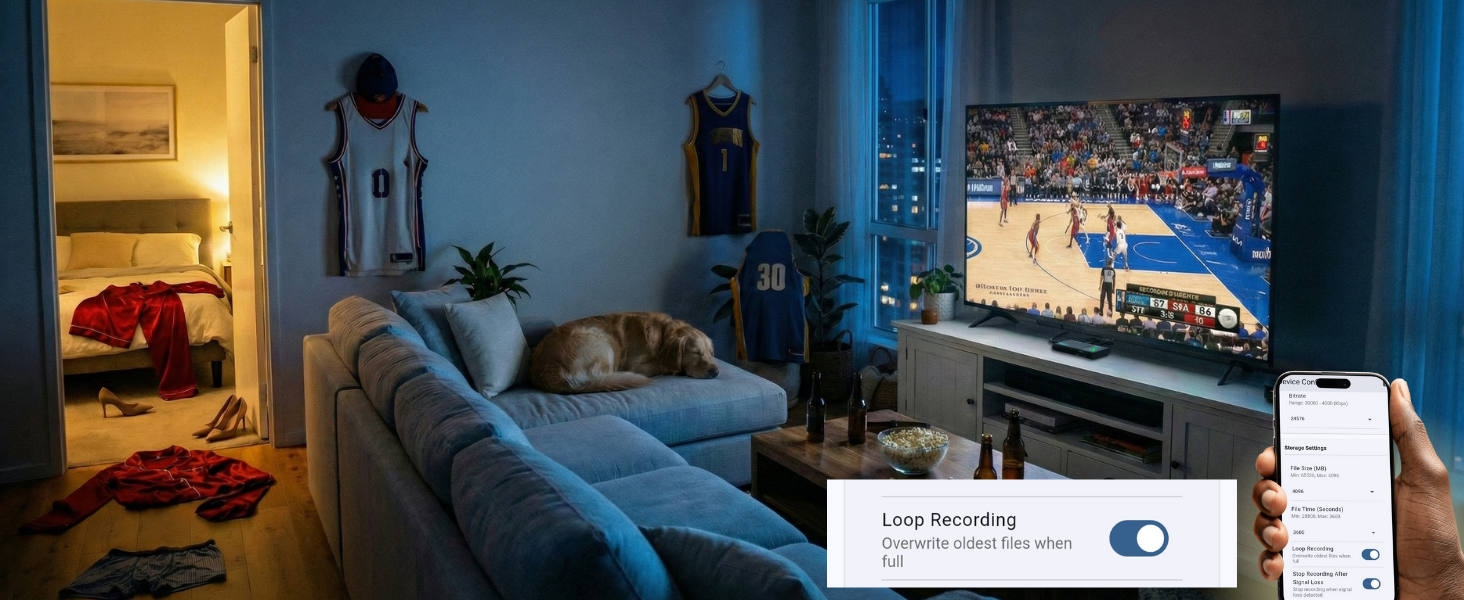
Continuous Recording Made Easy
Loop recording ensures you never run out of storage. RecDual Dongle automatically overwrites old footage when the card is full, so you can record continuously without interruption.
- ✓ Loop recording for continuous capture
- ✓ Automatic storage management
- ✓ Perfect for live streams & events
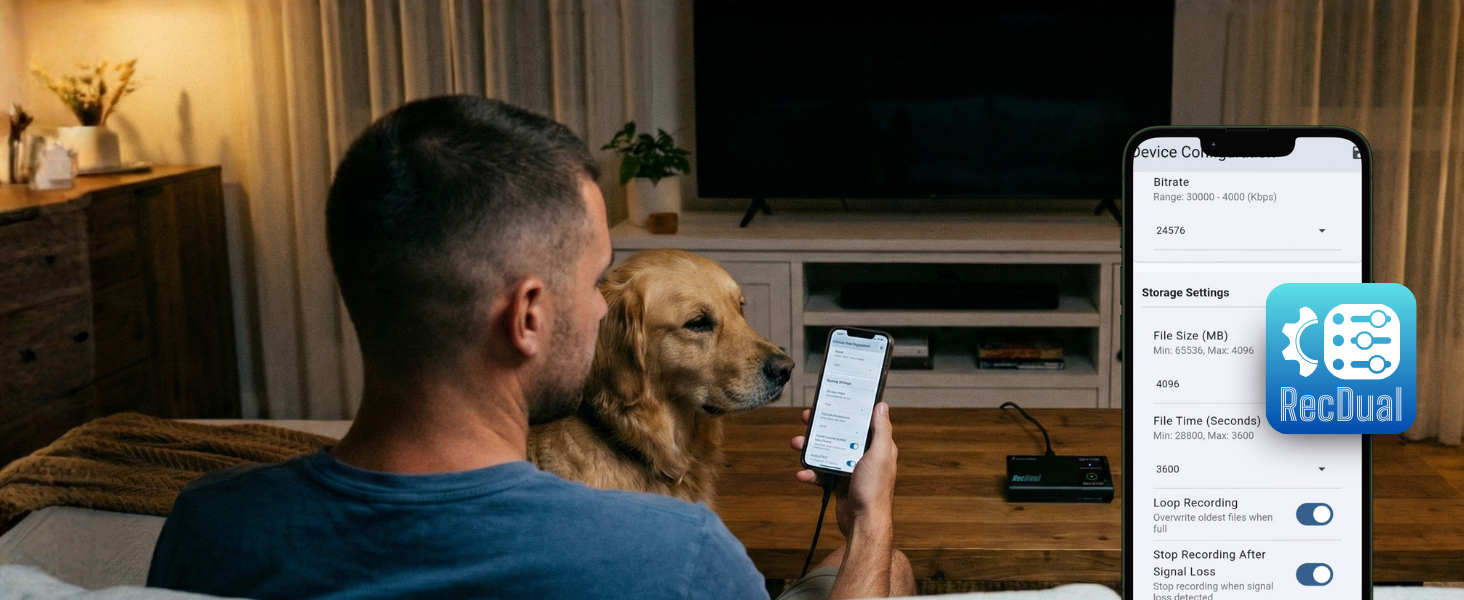
Configure and Manage with App
The free RecDual Link app gives you full control over your recordings. Adjust settings, update firmware, and manage video files—all from your smartphone or computer.
- ✓ Graphical configuration interface
- ✓ One-click firmware updates
- ✓ Video playback & management
- ✓ Available on Android, iOS, Windows, macOS
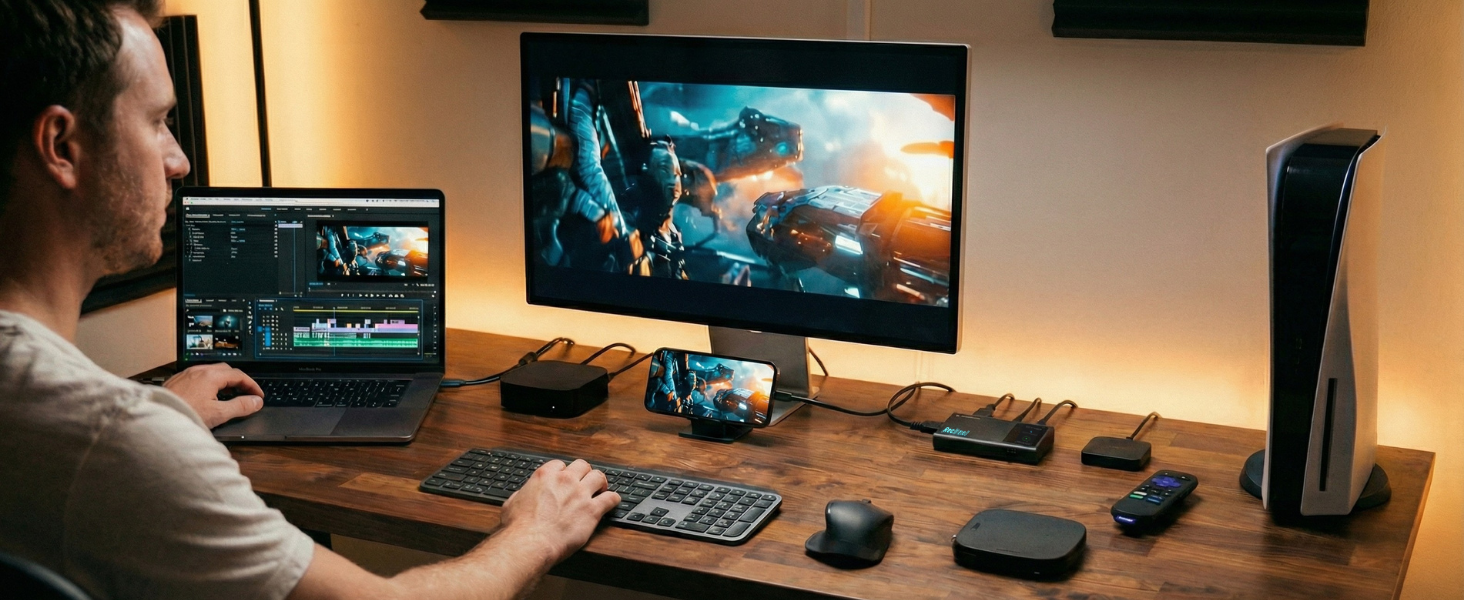
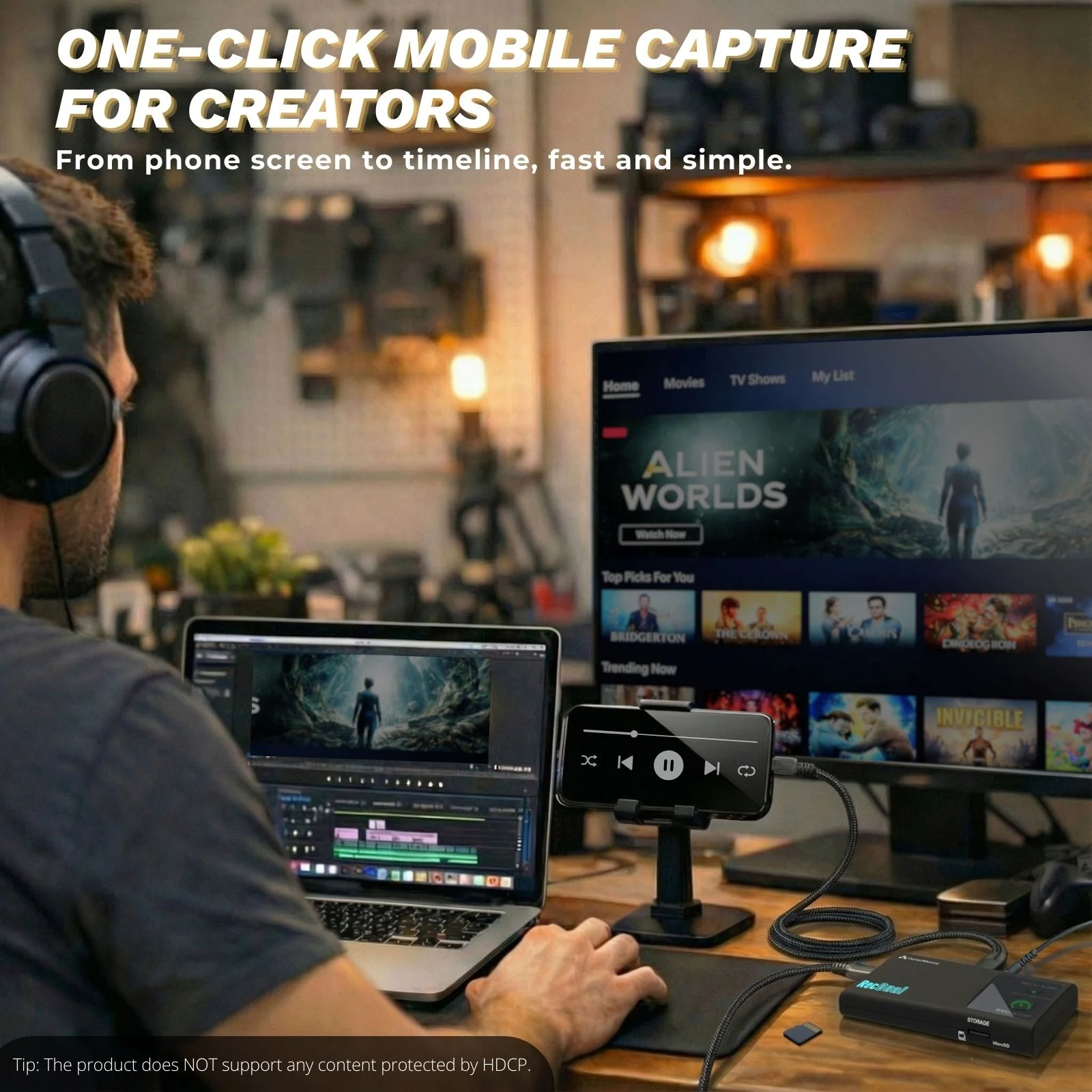
From Any Device to Your Editing Timeline
Edit-ready MP4 files work seamlessly with Premiere Pro, Final Cut Pro, DaVinci Resolve, and more. RecDual Dongle functions as an external storage device—just plug in and import your footage.
Important Notes
- ClonerAlliance RecDual Dongle does not support HDR content. Please turn off relevant settings from the video source.
- Any HDCP protected sources are NOT supported.
- USB-C DP input requires DisplayPort Alt Mode support on your device.
LED Indicator Guide
| Indicator | Color/Status | Meaning |
|---|---|---|
| SWITCH Button LED | Solid Green | HDMI input connected |
| SWITCH Button LED | Flashing Green | HDMI selected, no signal |
| SWITCH Button LED | Solid Blue | DP input connected |
| SWITCH Button LED | Flashing Blue | DP selected, no signal |
| REC/STOP Button LED | Off | No TF card inserted |
| REC/STOP Button LED | Solid Green | TF card ready |
| REC/STOP Button LED | Flashing Green | Recording in progress |
| REC/STOP Button LED | Solid Blue | Storage full |
Technical Specifications
| Specification | |
|---|---|
| Max Input Resolution | 3840 x 2160 @ 60fps |
| Max Recording Resolution | 1920 x 1080 @ 60fps |
| Passthrough Resolution | 3840 x 2160 @ 60fps |
| Encode Format | H.264 |
| Video Input | HDMI IN, USB-C DP IN |
| Video Output | HDMI OUT (Passthrough) |
| Audio | AUX (3.5mm TRRS - MIC IN/LINE OUT) |
| Charging | USB-C PWR (65w PD) |
| Storage | TF Card (MicroSD) |
| File System | FAT32, exFAT, NTFS |
| Loop Recording | Supported |
| Fanless Design | Yes |
What's in the Box
- ClonerAlliance RecDual Dongle
- HDMI Cable (1m)
- Type-C to Type-A Charging Cable (1m)
- Type-C to Type-C Cable (1m)
- Quick Start Guide
Companion App: RecDual Link
For advanced configuration, firmware updates, and video management, download the free RecDual Link app.
- Graphical Configuration: Adjust recording settings without editing files
- Firmware Updates: One-click firmware upgrade
- Video Playback: Play and manage recordings directly
- Multi-Platform: Available for Android, iOS, Windows, and macOS
Service

Responsive Technical Support

2-Year Warranty