Here comes ClonerAlliance UHD Pro with the features below
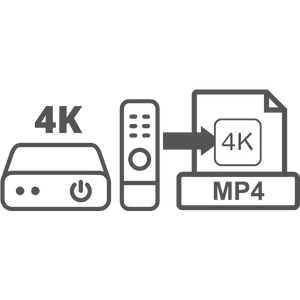
Standalone 4K UHD Digital Video Recorder
- True Ultra-HD recording at Cinematic-FPS: 3840x2160@24fps (Up to 4K@30fps).
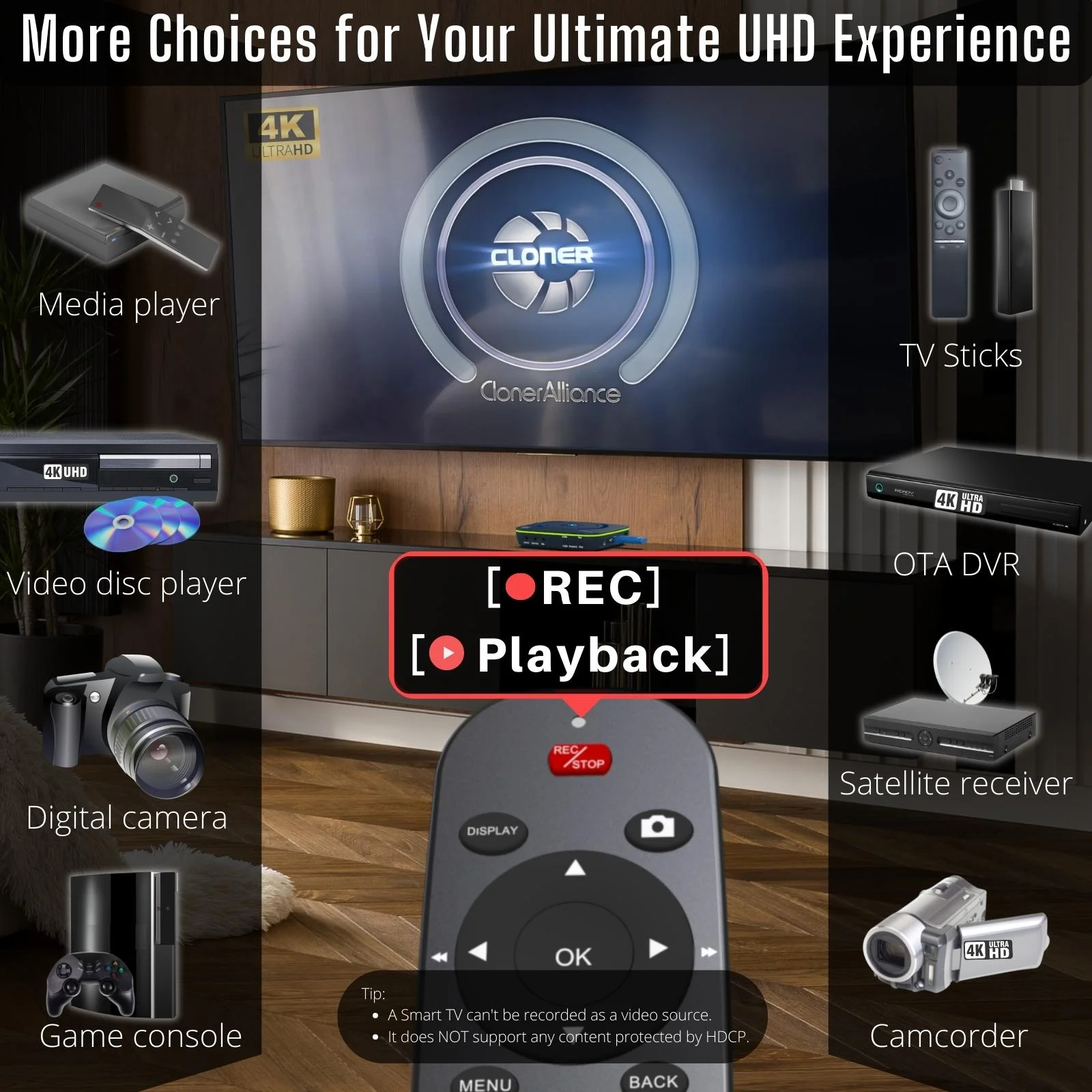
- Captures 4K UHD videos or gameplay from DVR, OTA, STB, TV sticks, disc players, camcorders, DSLR, game consoles, etc onto a USB flash drive, external hard disk, or TF card. PC Free.
- 4K@60fps video sources can be recorded at up to 4K@30fps. 1080p@60fps and 720p recording are also supported.
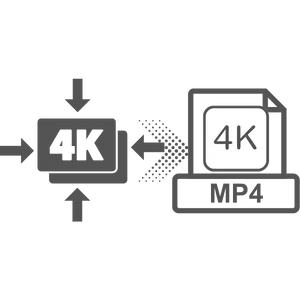
H.264/H.265 Codec with Up to 50Mbps Bitrate
- Both H.264 and H.265 codecs are supported. Switch the codecs anytime as your need with one press.
- Up to 50Mbps encoding bitrate for exceptional video quality. Selectable bitrate: 8/16/24/32/50 Mbps.
- H.265 codec can compress videos twice as much as H.264 at a similar viewing experience. Saves more capacity and reduces more cost.
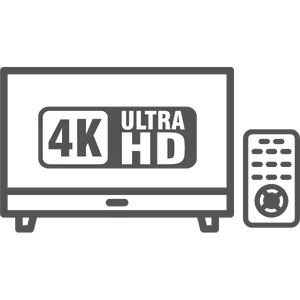
Pause/Resume Recording & Audio Recording
- Pause and resume recording to skip unwanted segments and keep important moments in one file.
- Independent MP3 audio recording. Record audio-only files when needed.
- Instantly playback recorded Ultra-HD videos and MP3 audio files on your TV with the remote.

4K@60fps Passthrough & UVC 4K@60fps to PC
- 4K@60fps HDMI passthrough for seamless gaming on PS5, Xbox Series X/S, Switch.
- USB 3.0 Type-C UVC interface supports up to 4K@60fps capture to PC for live streaming.
- Works with OBS Studio, ClonerAlliance Helper, and other UVC-compatible software on Windows, Mac, and Linux.
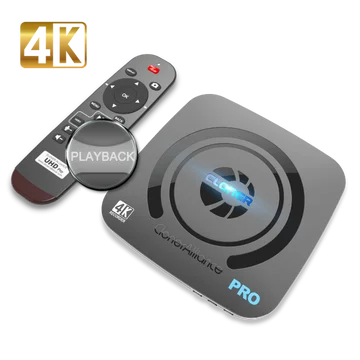
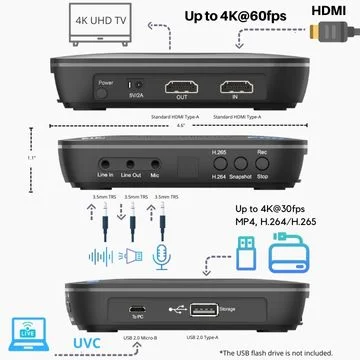
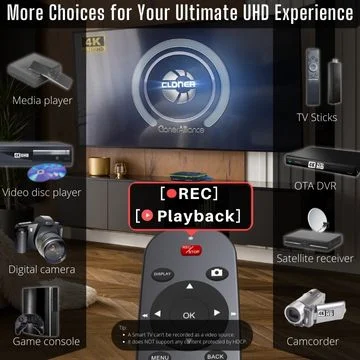
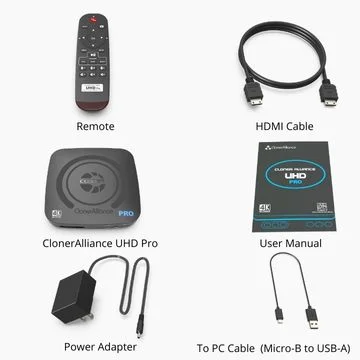
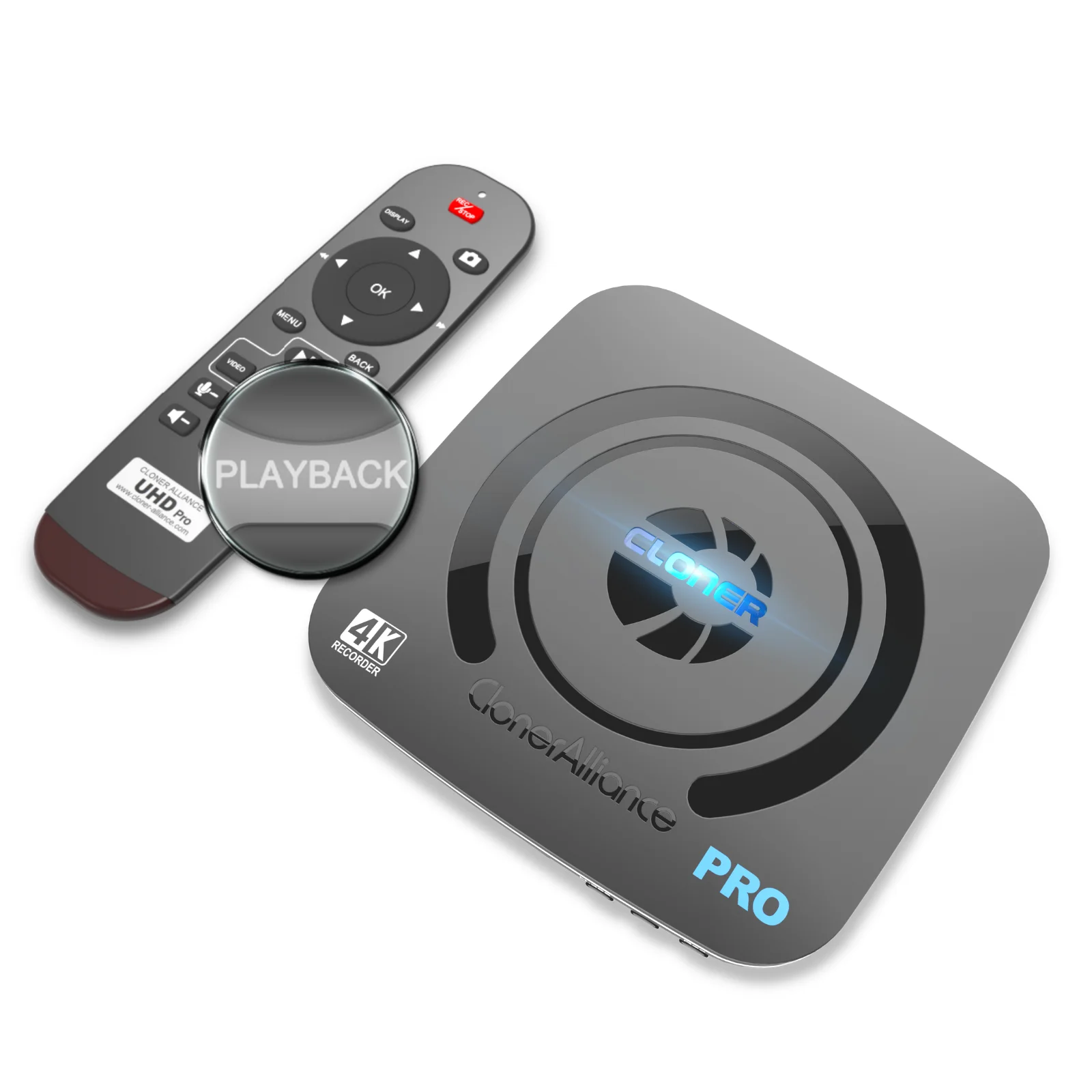
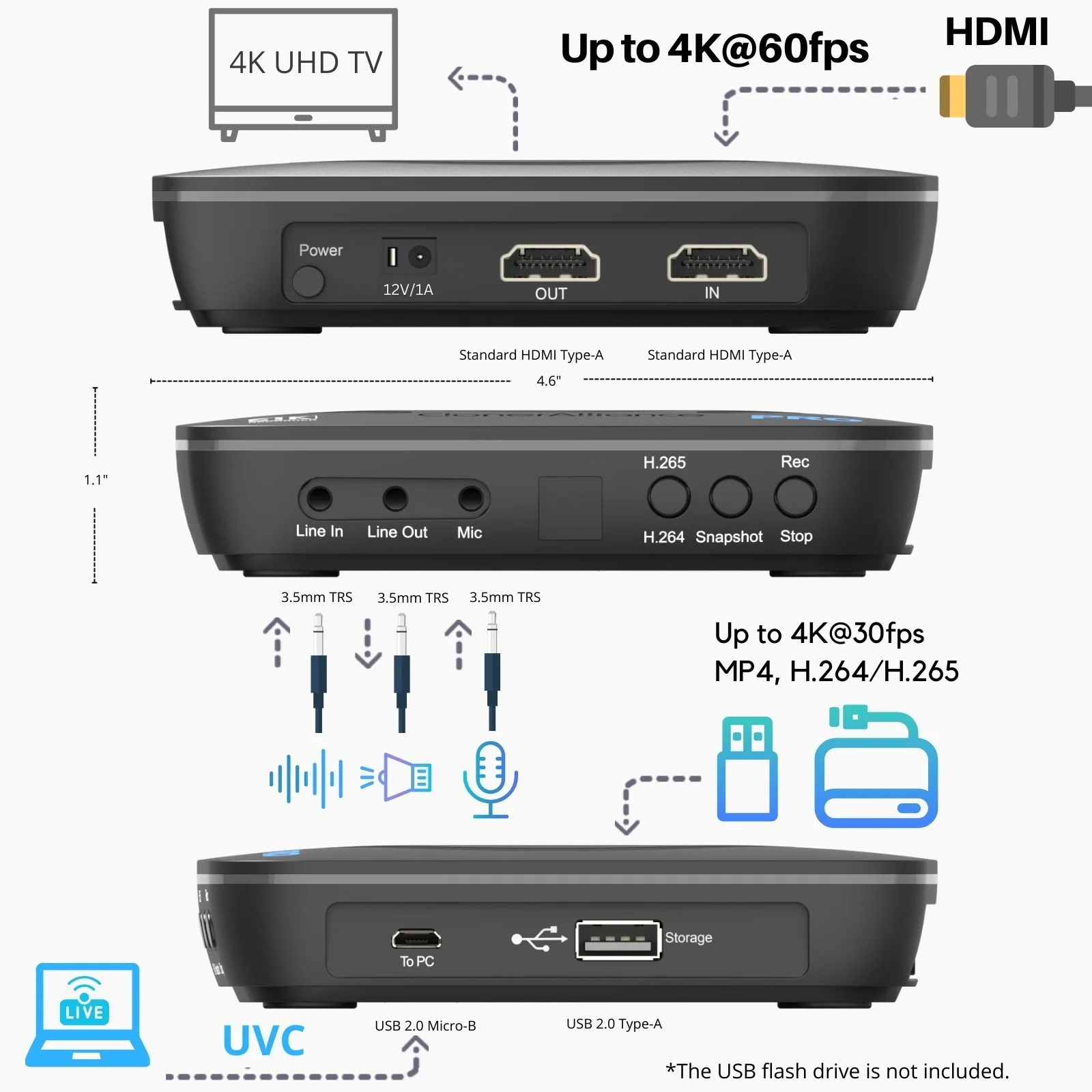
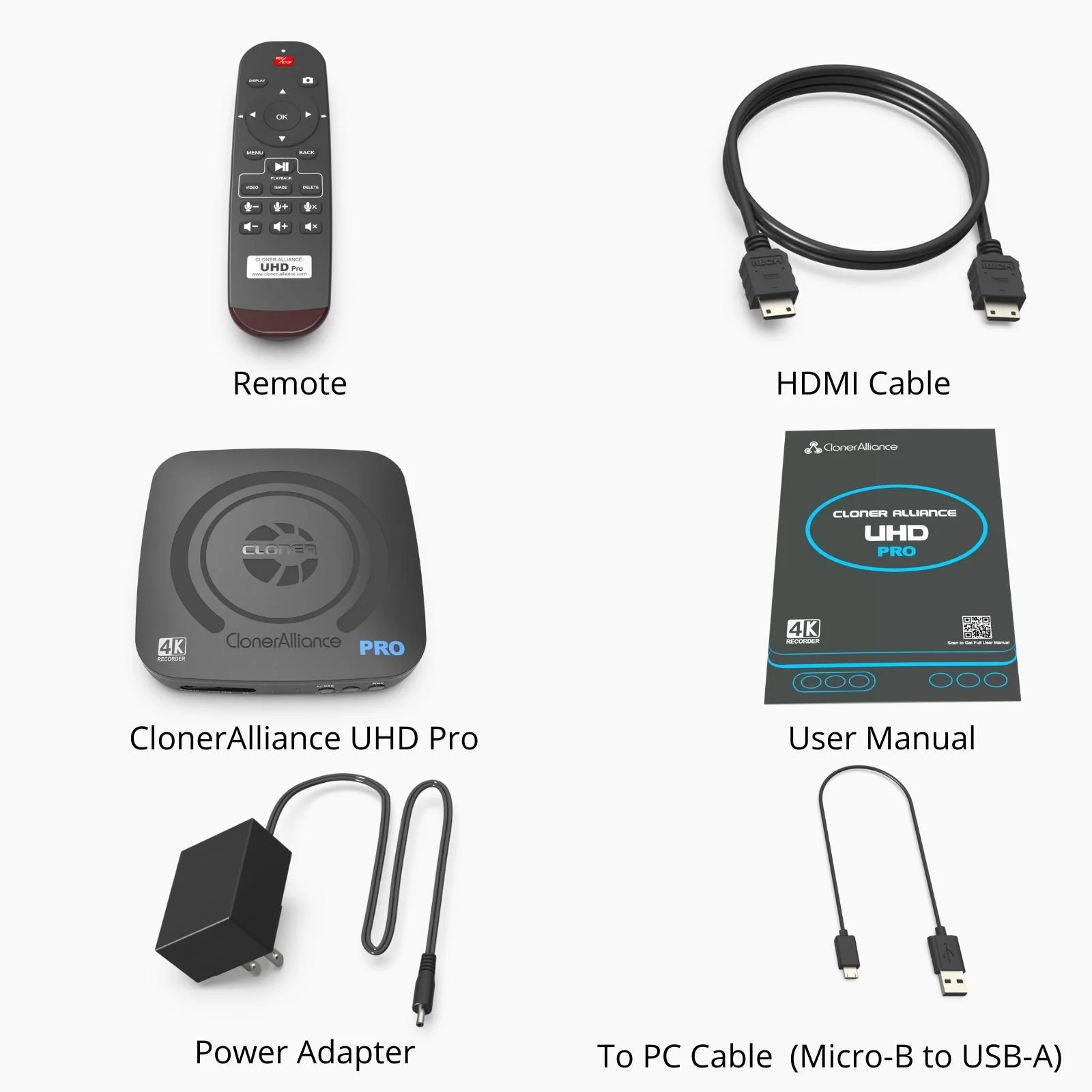
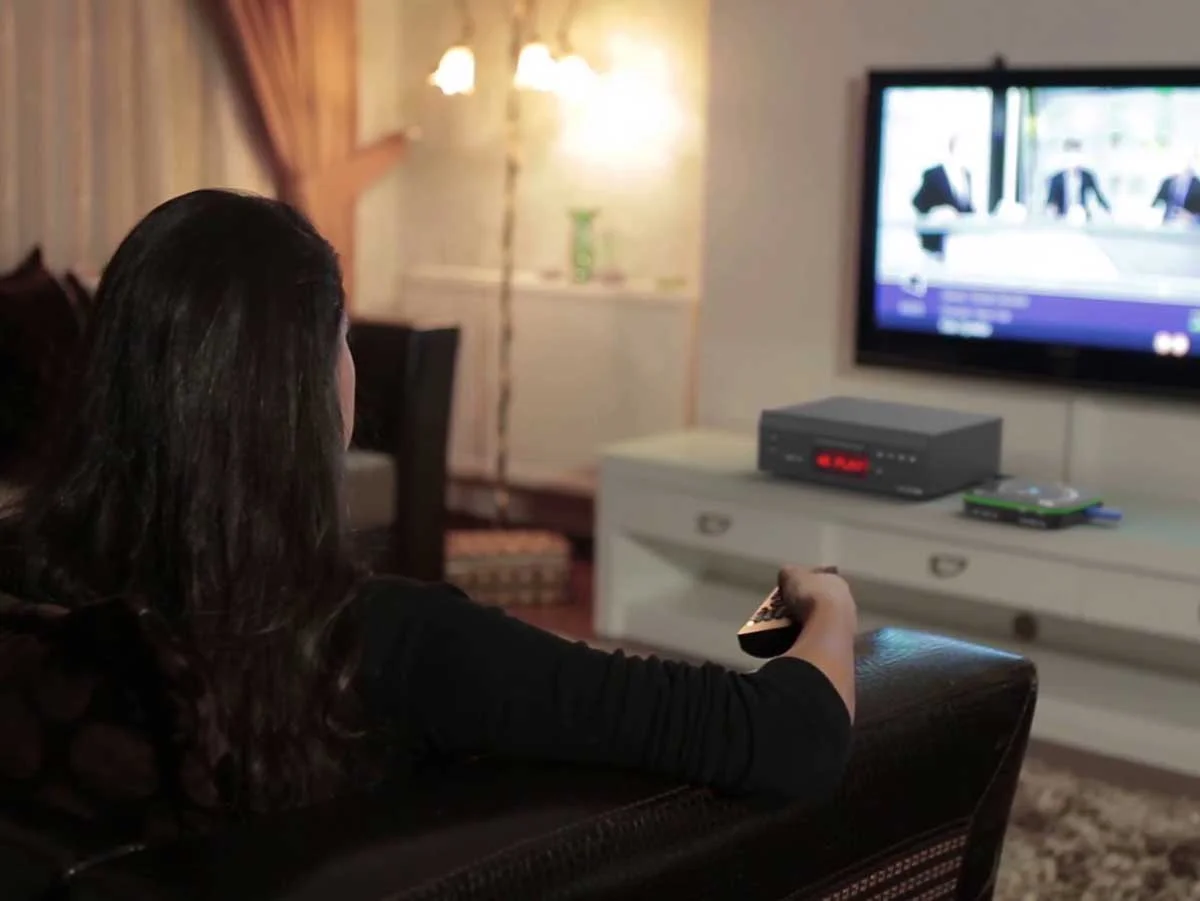
ClonerAlliance UHD Pro is the genuine 4K H.265/H.264 standalone video recorder with Cinematic-FPS recording at 4K@24fps (up to 4K@30fps). Record HDMI videos from video players, set-top boxes, DSLRs, camcorders and game consoles to USB flash drive, external hard drive, or TF card at up to 4K@30fps. Features 4K@60fps passthrough, up to 50Mbps encoding bitrate, pause/resume recording, independent MP3 audio recording, and schedule recording. USB 3.0 Type-C UVC interface supports up to 4K@60fps capture to PC for live streaming. Includes HDMI, Microphone, Line In, and Line Out ports. Multi-language OSD with remote control file renaming.
Vibrant 4K Experiences Worth Saving
Keeping Your 4K Watching Experience Forever
Storing digital video on physical material, including Optical Discs, Flash drives, HDDs, SSDs, etc., is the most reliable method of preservation(even over 100 years without damage). Every Ultra-HD frame with vivid colors and sharp details is worth saving in the way.
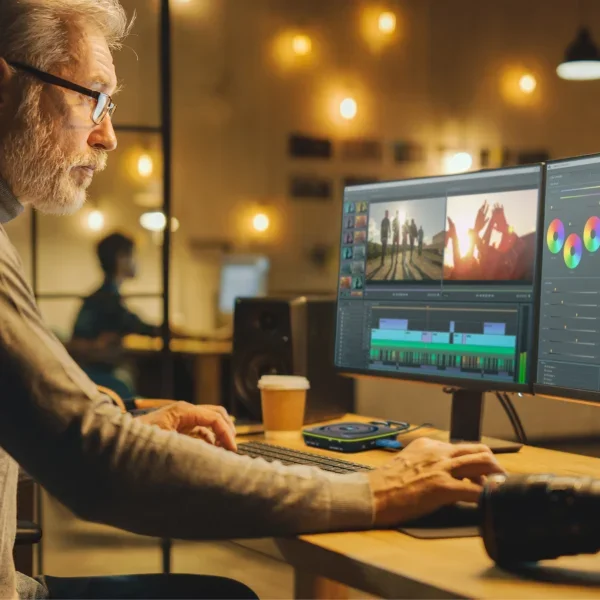
Create Your Own Awesome 4K Content
Use 4K to make your videos more attractive and get more value. Using ClonerAlliance UHD Pro to collect Ultra-HD footage will make you do more with less.
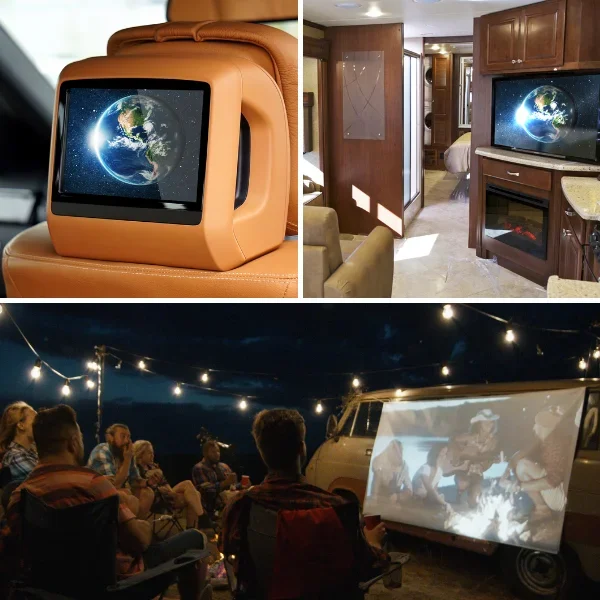
Enjoy your 4K video anytime, anywhere, even offline.
You can carry the 4K videos wherever you travel, whether in the vehicle, at a party, or camping. No need for internet and no more telecom bills for watching your own 4K.
Why does ClonerAlliance UHD Pro record videos as Cinematic-FPS(4K@24FPS)?

Get the same experience as in the cinemas.
The 24fps is called the Cinematic-FPS. The filmmakers believe the 24fps is oriented to allow enough motion blur to resemble as close to the natural way the human brain processes moving objects. 24fps is the standard for playing the film in cinemas. ClonerAlliance UHD Pro gives you the same experience in your living room as in the cinemas.
Watch TV at the same FPS as the TV broadcast's original
Most television broadcasts use 24fps to achieve a more cinematic look. Actually, 24fps is a more realistic frame rate for TV broadcasting. ClonerAlliance UHD Pro records 4K videos at the frame rate of the original TV broadcast signal, allowing you to see the videos as it is.
4K@24fps is better than 4K@30fps for recording cinema-like and TV broadcasts videos.
Although ClonerAlliance UHD Pro is capable of recording 4K@30fps, 4K@30fps is not Cinematic-FPS. When recording native 24fps cinema-like and TV broadcast videos at 30fps, there will be frame glitches raised such as skipping and jitter. The issue can be avoided by recording videos at 4K@24fps.
Saving and Efficient
Improve the utilization of USB storage capacity. With 4K@24fps encoding, you can record video twice as long as with 4K@60fps encoding. And the viewing experience is almost exactly the same.
Tip for 60 FPS Recording : If you prefer to experiment with the smoothness of 60fps, ClonerAlliance UHD Pro can record 1080p@60fps in standalone mode. For 4K@60fps capture, connect to your PC via the USB 3.0 Type-C UVC interface to capture at up to 4K@60fps.
Record and Playback 4K Ultra-HD with One Press. No PC required.
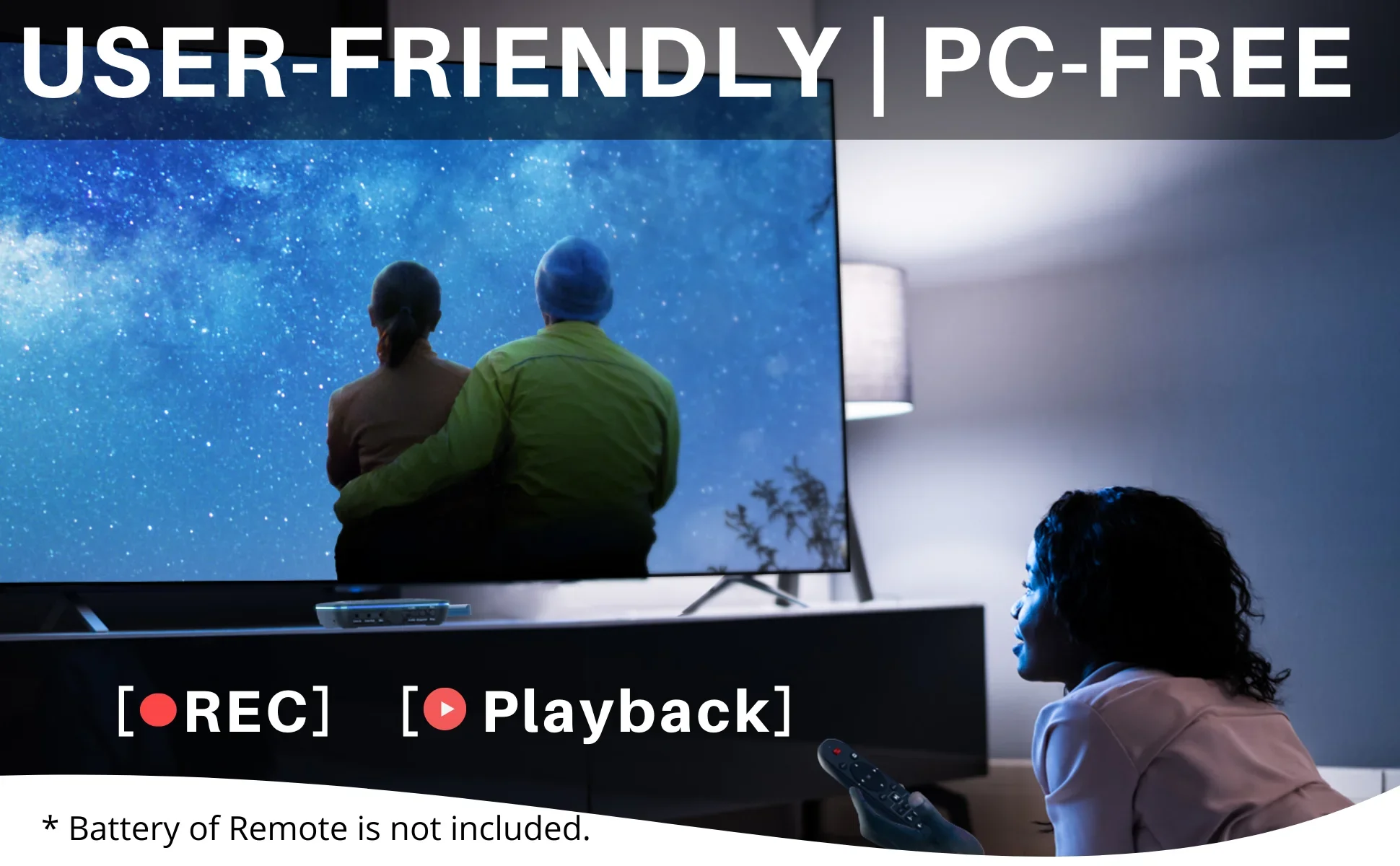
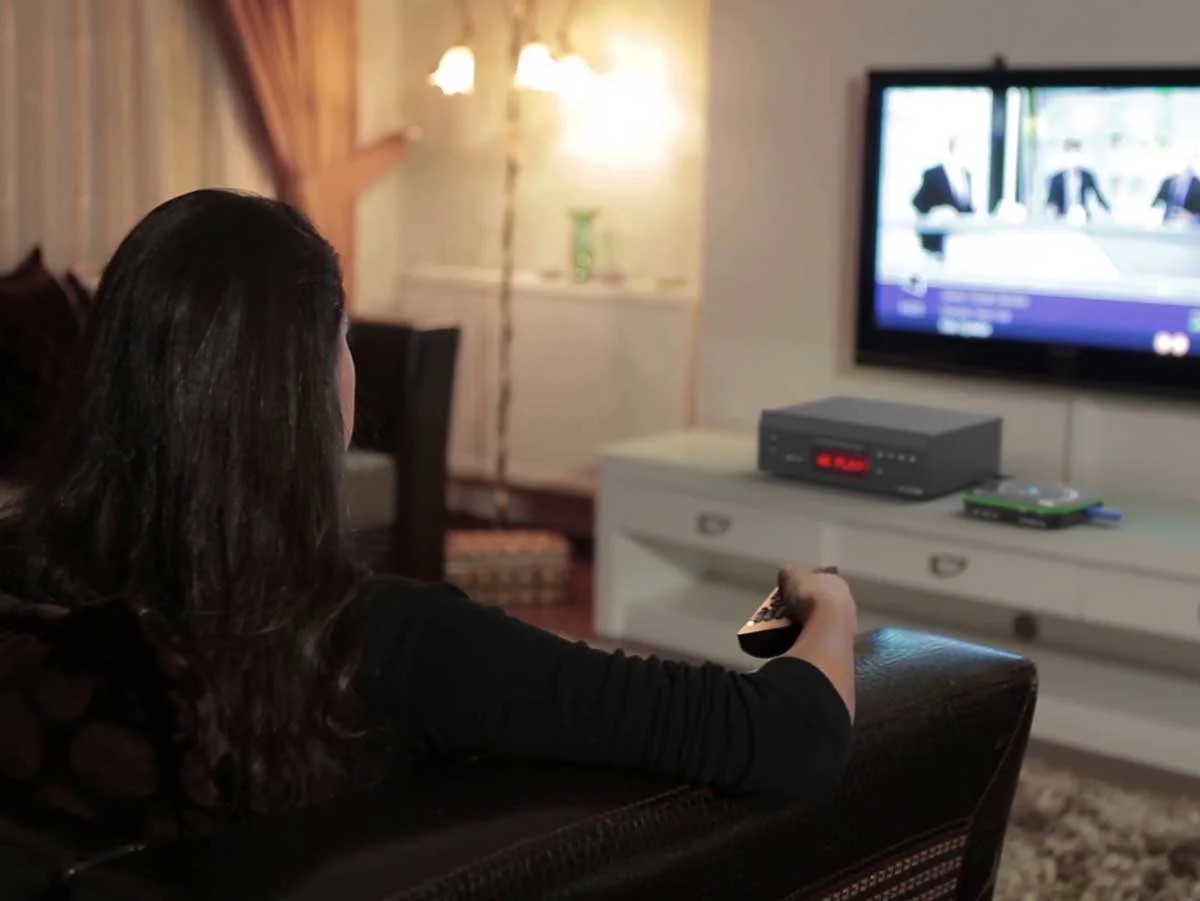
ClonerAlliance UHD Pro is the next must-have next to your large UHD TV. When you want to record the stories touching you, with just one press, ClonerAlliance UHD Pro can keep the 4K videos forever. With the one-press Playback, you can relive the memories anytime. Pause and resume recording helps keep important moments in one file while skipping unwanted segments like commercials.
Record to USB flash drive, external hard drive, or TF card — giving you flexible storage options. Independent MP3 audio recording is also available when you need audio-only files. Rename recorded files directly with the remote control — no PC needed.
Best practice for Cinematic-FPS:
- For recording Cinematic-FPS:
- Set the TV to cinema or filmmaker mode.
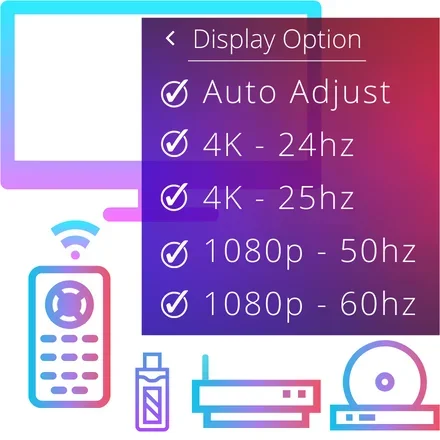
- Set the display mode of the 4K video player to "auto adjustment" or "4K@24hz/23.97hz". The display option can be found in all 4K video players.
- For watching Cinematic-FPS on the smart TVs:
- Set the TV to cinema or filmmaker mode.
- It is recommended to use the built-in media file function of the smart TV to play recorded 4K@24fps MP4 files for the best picture quality.
Learn more about ClonerAlliance UHD Pro
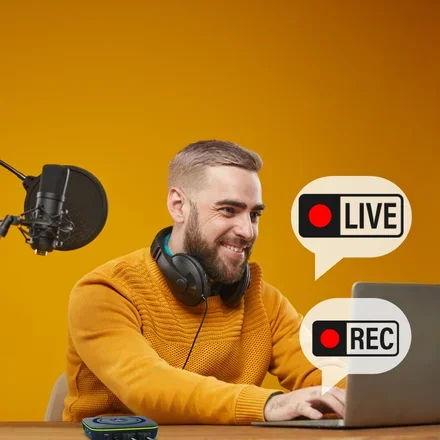
Pause and Resume
Skip unwanted content with one press. No post-editing required.
While recording, you can easily pause and resume at any time to skip commercials or unwanted segments. This feature helps you save storage space and creates a seamless video file, so you can enjoy your favorite stories without any interruptions.
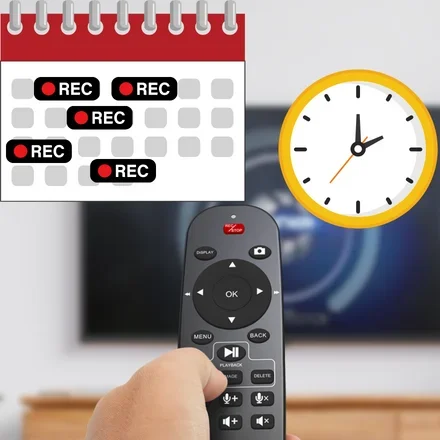
Schedule recording
Schedule recording at your convenience.
You must want to enjoy the latest sporting events and stay up to date with your favorite videos.
Schedule your recording tasks on ClonerAlliance UHD Pro and simply ensure your HDMI source device is switched to the desired channel before the set time. ClonerAlliance UHD Pro will handle the rest automatically.
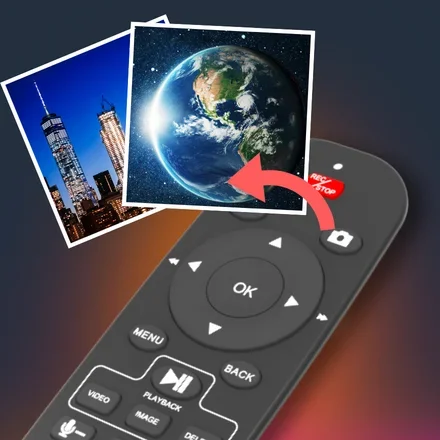
Snapshot and audio recording
Press one button to take a screenshot as a JPG file.
Amazing or hilarious moments while watching videos won’t wait your camera to capture. Just one press can make it. Stores them into a folder so as to browse them anytime. Or save this image as wallpaper on your mobile phone or PC.
Supports independent audio recording for versatile content creation.
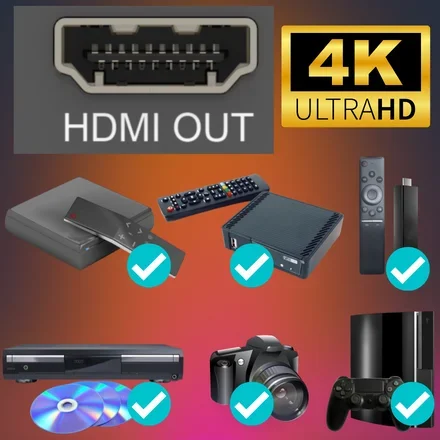
Widely compatibility
ClonerAlliance UHD Pro is compatible with video sources with a standard HDMI (Type-A) output port.
- Please check the compatible video sources in the technical specification table below.
For the Mini-HDMI(TYPE-C) or Micro-HDMI(TYPE-D) port, a To TYPE-A adapter is required (Not included).
More reasons to have ClonerAlliance UHD Pro
Do more with your PC
Everyone can easily get started with PC MODE.
Based on the features of UVC standard and driver-free, ClonerAlliance UHD Pro can capture videos or live games/videos on YouTube/Twitch/Facebook via desktops/laptops running Windows, Mac or Linux.
Please use OBS Studio or ClonerAlliance Helper on Windows systems.
For Mac and Linux systems, please use OBS Studio.

Simple setup with 3 steps
- Connect the output of the video source with the input of ClonerAlliance UHD Pro.
- Connect the output of ClonerAlliance UHD Pro with the TV.
- Connect a USB drive to the Storage port of ClonerAlliance UHD Pro.
- All set and enjoy!
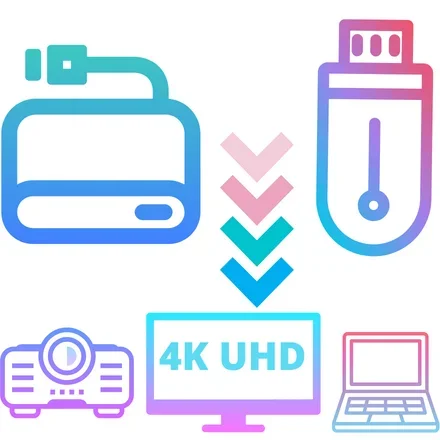
Supports exFAT, NTFS, FAT/FAT32, MBR,GPT
Not only is it compatible with GPT and MBR partition structures, it can also write MP4 files to exFAT, NTFS, FAT/FAT32 file systems. Whether you are using a projector, 4K UHD TV or a PC system (Windows, Mac OS, Android, Linux), the recorded 4K MP4 video files can be played and safely saved forever.

Long-term Service
- We provide 90-Day No Hassle Return (at our cost) and 2-Year replacement Service.
- A longer service period gives you more peace of mind while using our products.|
Technical Specifications
| Specification | |
|---|---|
| HDMI Input/Output Resolution | Up to 3840 x 2160@60fps |
| Cinematic-FPS Recording | Supported at 3840 x 2160@24fps/25fps(EU) |
| Maximum Recording Resolution | 3840 x 2160@30fps |
| Video Encoding Bitrate | Up to 50Mbps |
| Audio Encoding Bitrate | Up to 320kbps |
| Passthrough Latency | Less than 90ms |
| Encode Formats | H.265/H.264 |
| File Format | MP4, TS |
| Storage Media | USB Flash Drive, USB Hard Drive, TF Card(MicroSD) |
| Maximum Storage Capacity | 512GB for USB flash drive, 8TB for External Hard drive |
| To PC mode | UVC, USB-C 3.0. Windows, Mac OS, Linux are Supported. |
| Compatible Video Sources | DVRs, Set top Boxes, Cable TV Receivers, Satellite Receivers, Over-the-air TV receivers, TV Tuners, DSLRs, Camcorders, DVD Players, Media players, TV Sticks, Endoscopes, Surgery Microscopes, Game Consoles, Laptops with HDMI OUT |
| Not supported sources | Smart TVs and TV Antennas are NOT supported as input video sources. |
FAQ
- Why does the "HDMI IN" field of OSD show "Please scan QR" after connecting HDMI cable with ClonerAlliance UHD Pro?
- How to playback the recorded video files on the USB storage device?
- How to record videos to the USB Storage device with ClonerAlliance UHD Pro?
- What do different colors of the LED light indicate?
- Why can't I switch H.264 to H.265?
Reviewer's Recommendation
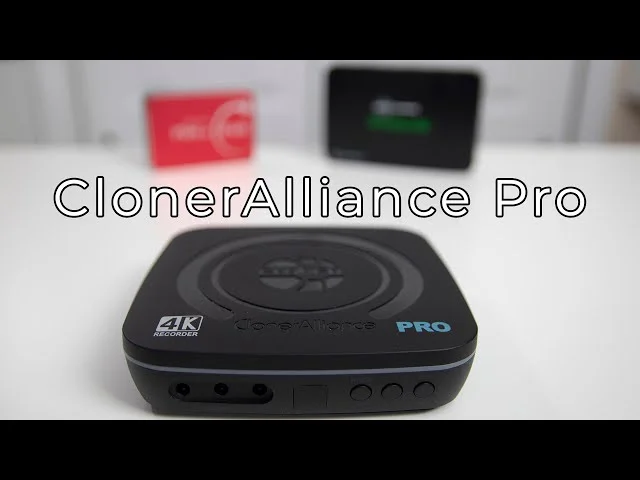
Cloner Alliance UHD Pro Review
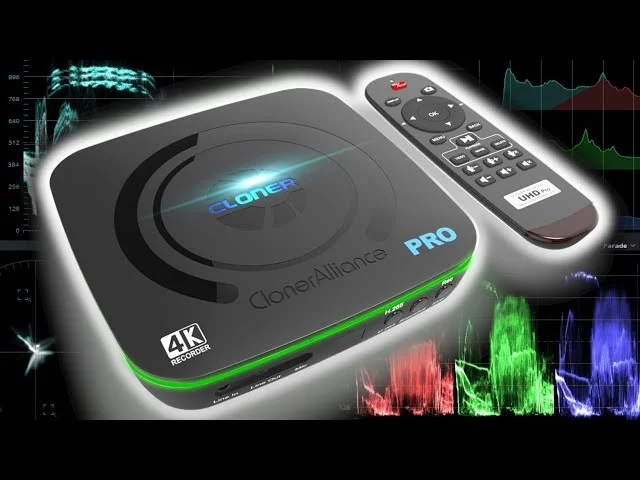
Standalone 4K HDMI Capture! ClonerAlliance UHD Pro!
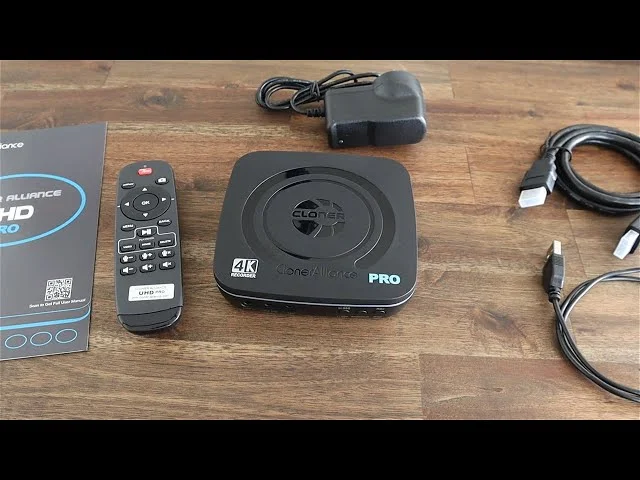
ClonerAlliance UHD Pro Video Capture Box Unboxing & Review
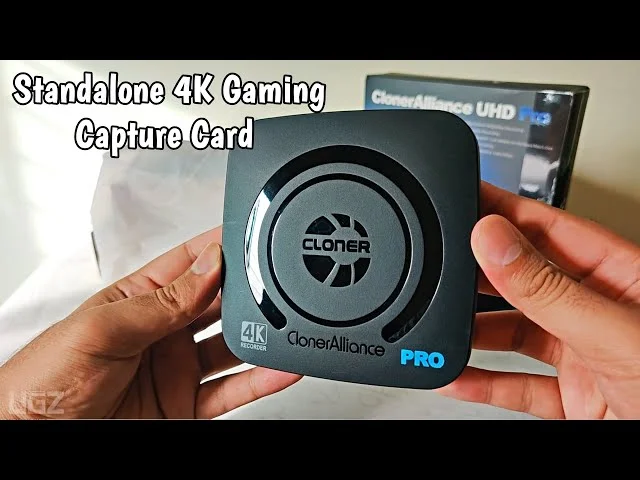
Best Budget Standalone 4K Gaming Capture Card - ClonerAlliance UHD Pro
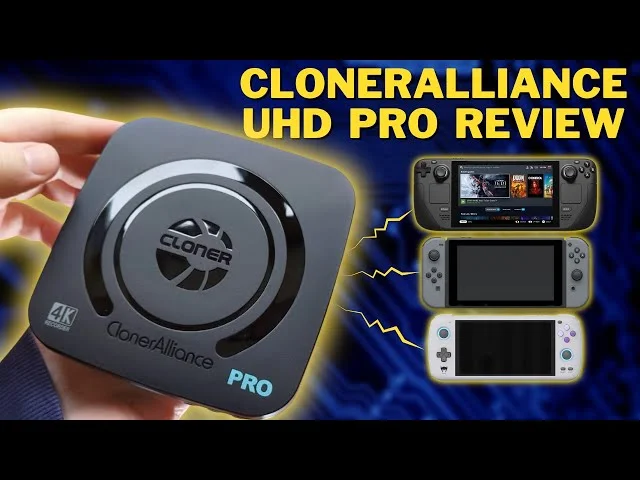
Record gameplay from your Steam Deck or Switch EASILY | ClonerAlliance UHD Pro Capture Card Review
ClonerAlliance UHD Pro Capture Card Review | ALMOST a PERFECT Capture Card...
VIDEO RECORDER BOX | CLONERALLIANCE UHD PRO
Cloner Alliance UHD Pro Review: A Great Standalone 1080P Recording Solution

Standalone Video Recorder: ClonerAlliance UHD Pro [Review]
Service

Responsive Technical Support

2-Year Warranty